Settings
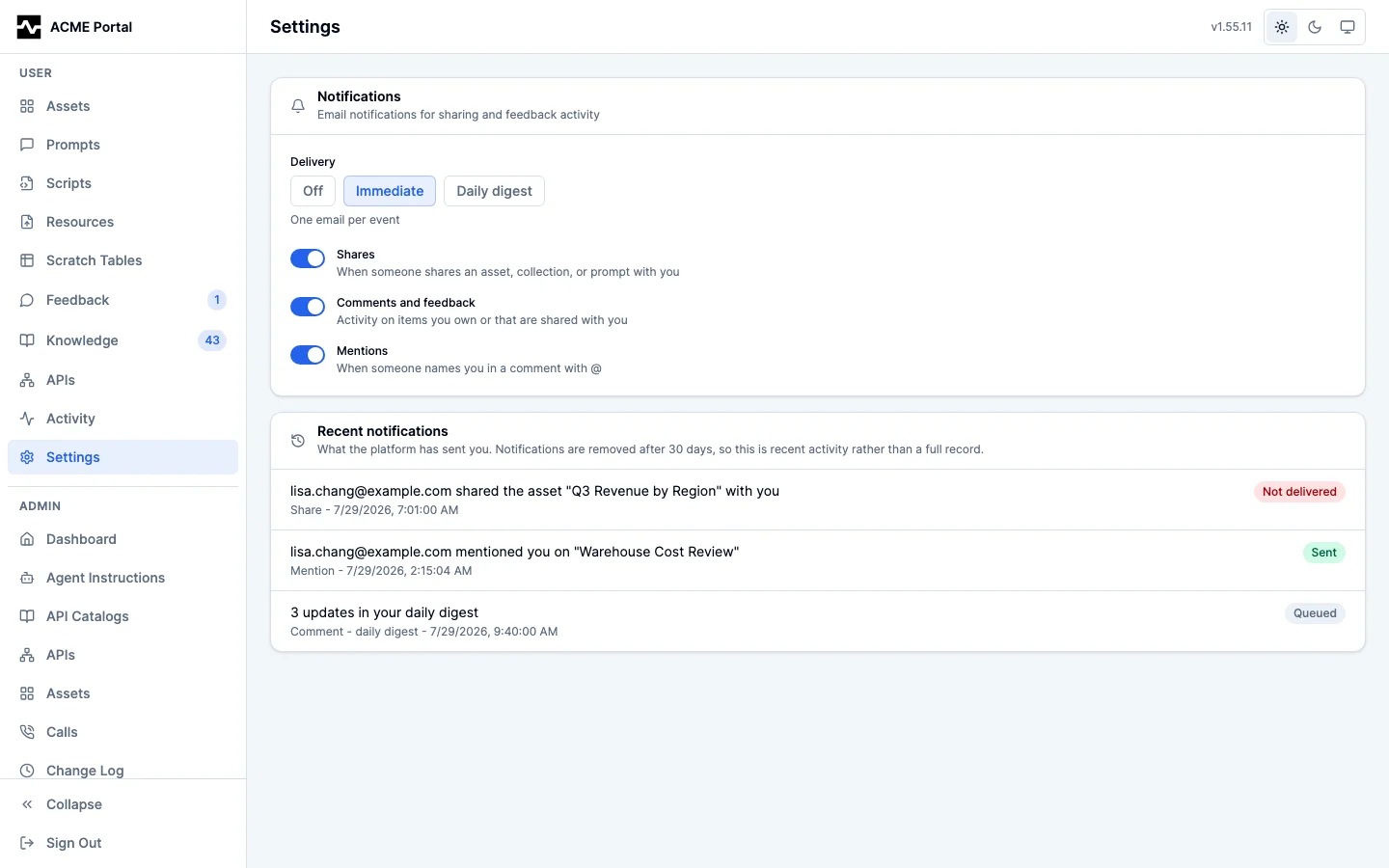
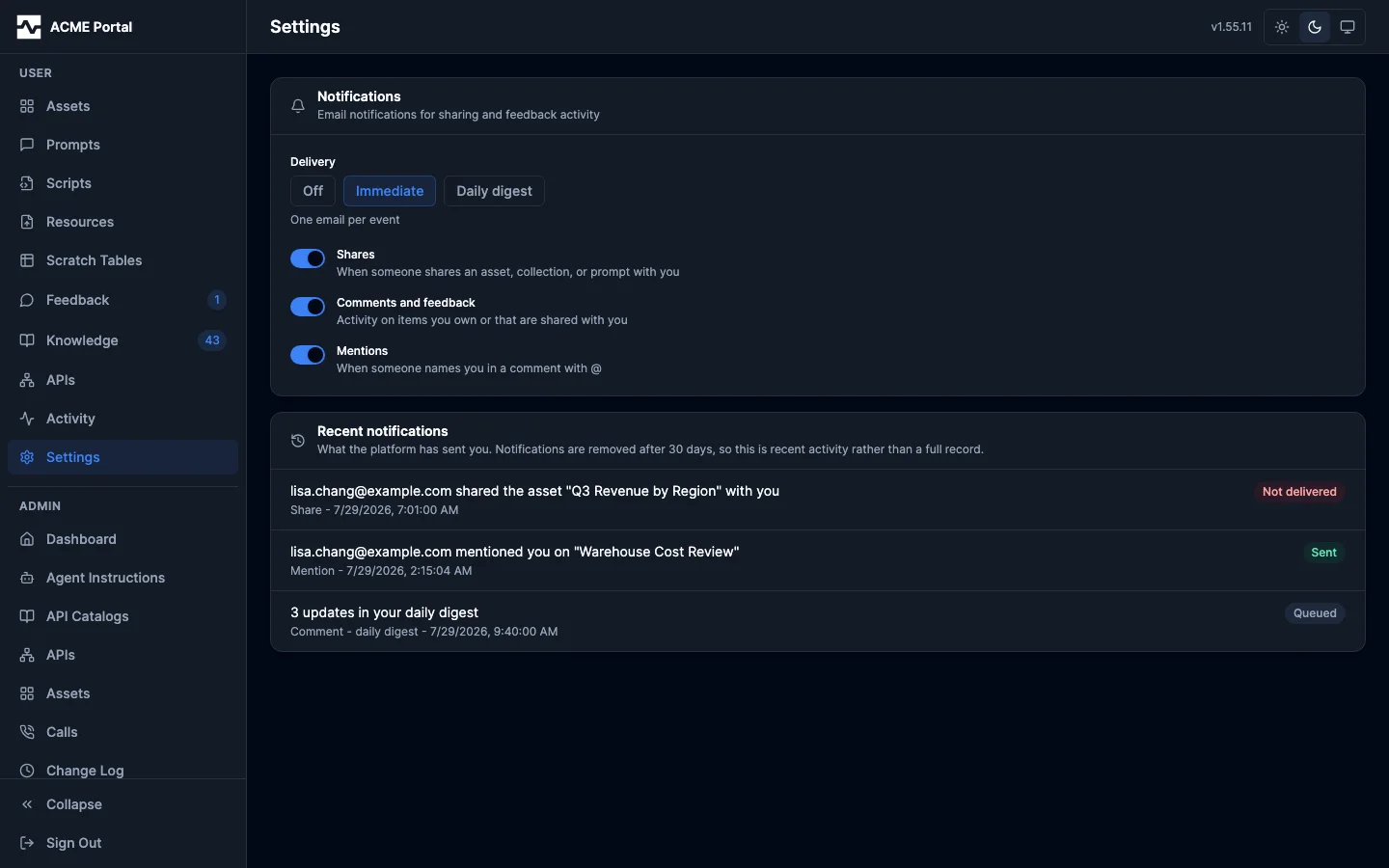
The Settings page (user section of the sidebar) holds per-user preferences. The Notifications section controls email notifications: a delivery mode (Off, Immediate, or Daily digest) and per-category toggles for shares, comments/feedback, and mentions. Defaults are immediate delivery with all categories enabled; changes save as they are made.
API Keys
The API Keys section holds the keys you have issued for your own account. Some clients cannot sign in through your identity provider and can only send a bearer token; a key issued here authenticates as you, with the roles you hold, so what you do through such a client is yours and is here when you come back to the portal.
Issuing one takes a name and an expiration, and nothing else: the key is yours and carries what you carry, so there is no access to choose. It never expires unless you pick a lifetime. The key value is shown once, in a copy-now banner, and is never readable again — the platform stores only its hash.
The list holds every key issued against your account, including any an administrator issued for you: these are the credentials that can act as you, so they are all here and any of them can be revoked. Revoke a key and it stops authenticating at once, on every replica. Administrators can see the keys you hold on Admin > API Keys and revoke them too; they never see a key's value.
A request that authenticated with an API key cannot issue, list or revoke keys here: this page acts on the strength of your being signed in, so a key you hold cannot quietly make itself another one through it. Administrators manage keys on Admin > API Keys, which is a different surface with its own rules -- a credential carrying an admin role reaches it, an API key included.
Recent notifications sits directly below and shows what the platform has actually sent you: the subject, category, and delivery status of each notification addressed to your account, newest first. It pairs with the preferences above because the two answer one question together — what should I be told, and what was I told. It shows recent activity rather than a full record: notifications are removed on a retention schedule, and the effective window is stated on the panel. A notification that never went out reads "Not delivered"; the reason belongs to the platform's mail configuration and is shown to admins, not here.