Tools
The Tools page is a master-detail view. The list on the left groups every registered tool by connection (Trino, DataHub, S3, platform, and gateway-proxied MCP) with search filtering; selecting a tool opens its detail across five tabs.
Overview
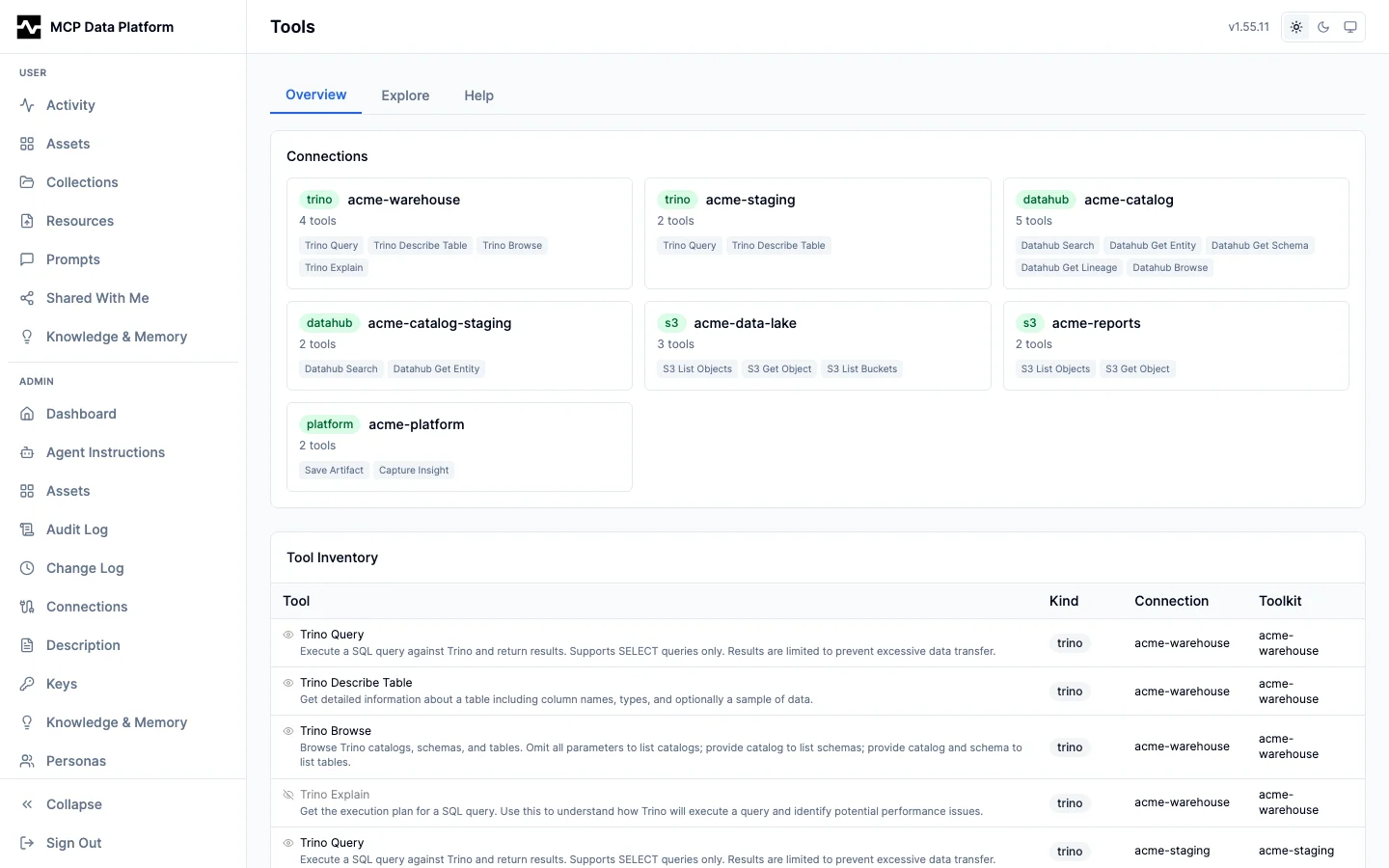
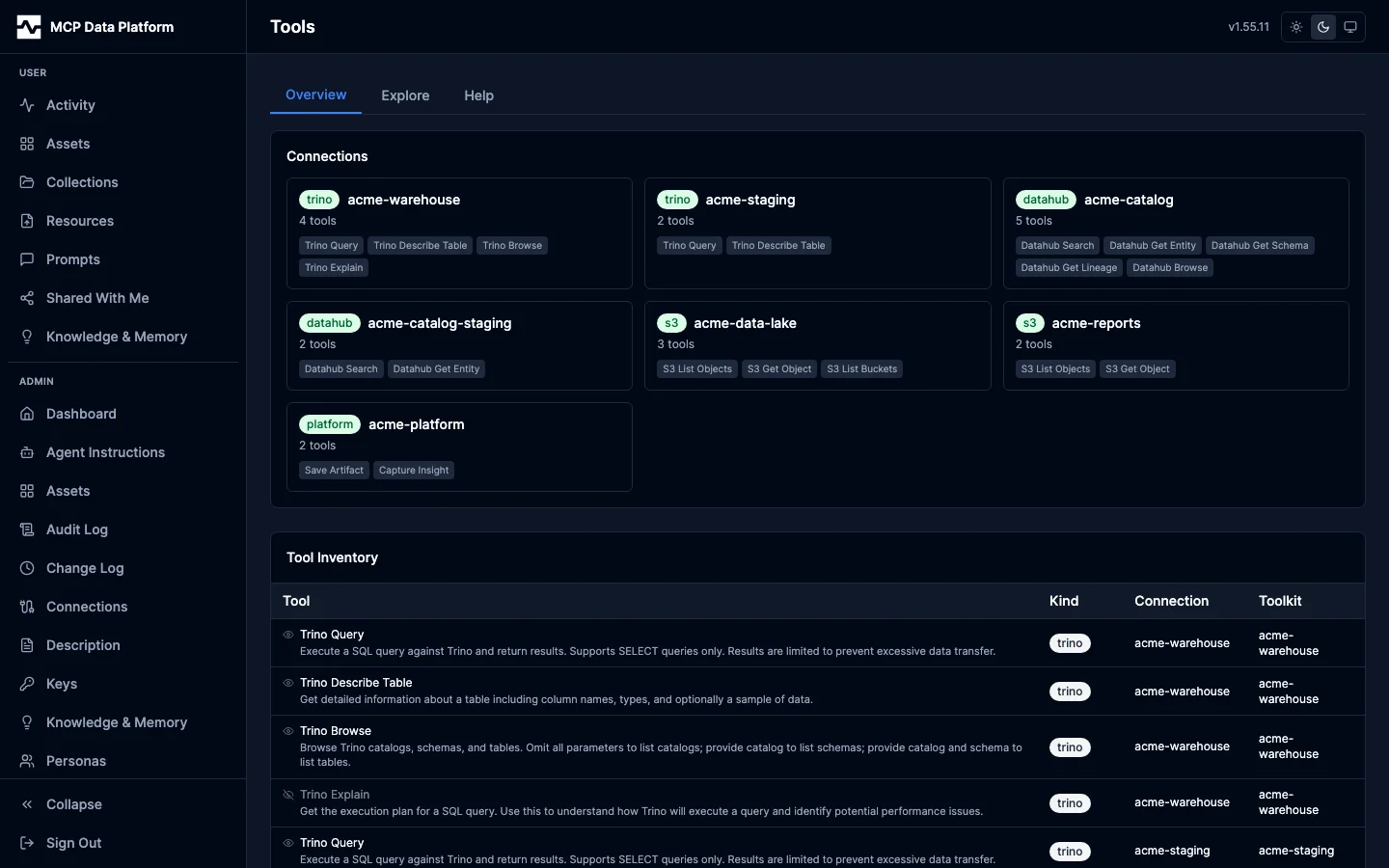
The Overview tab shows the selected tool's description (with an inline override editor), toolkit kind, connection, title, the JSON input schema, and per-persona access — which personas can call the tool and the rule that decided it.
Try It
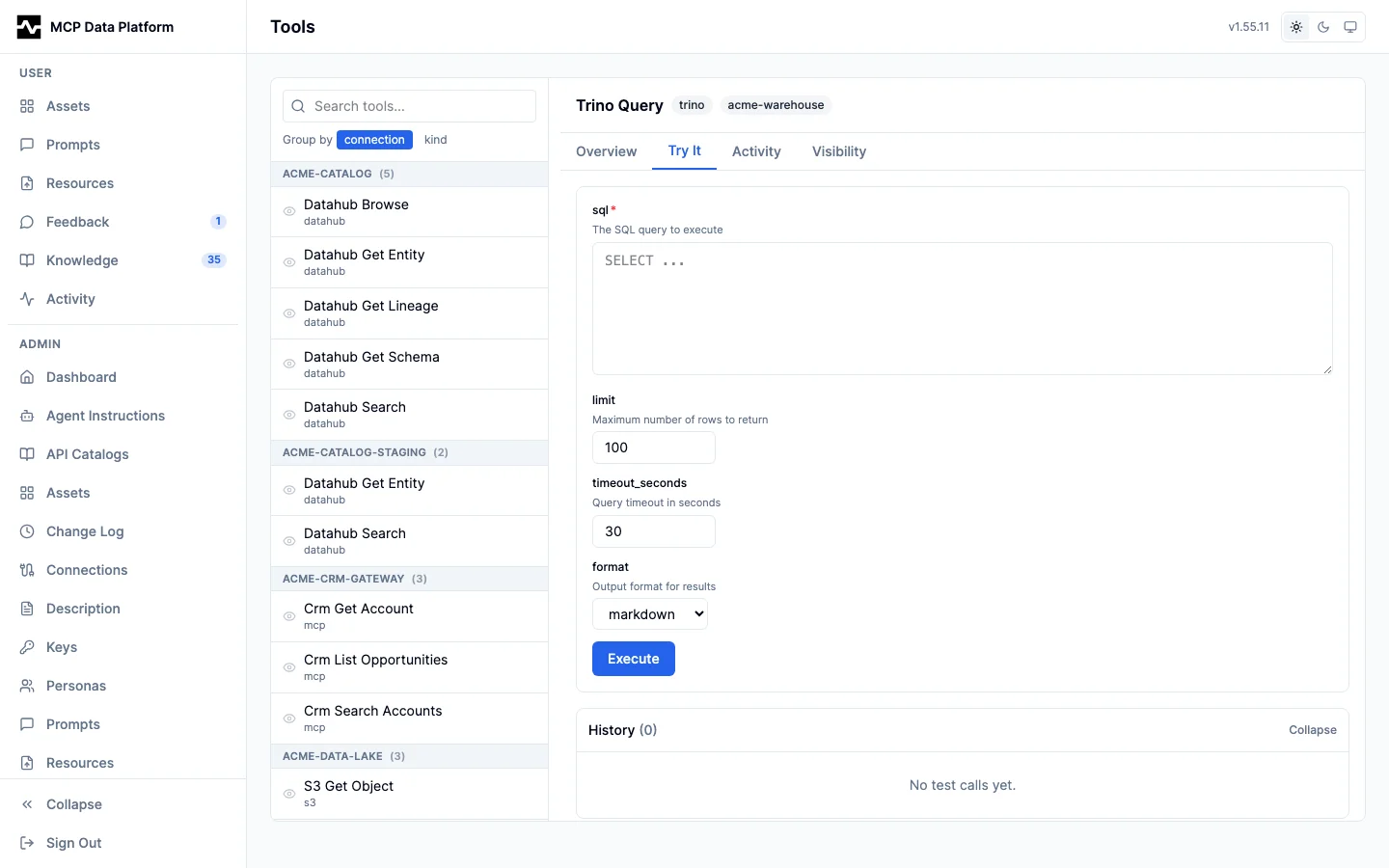
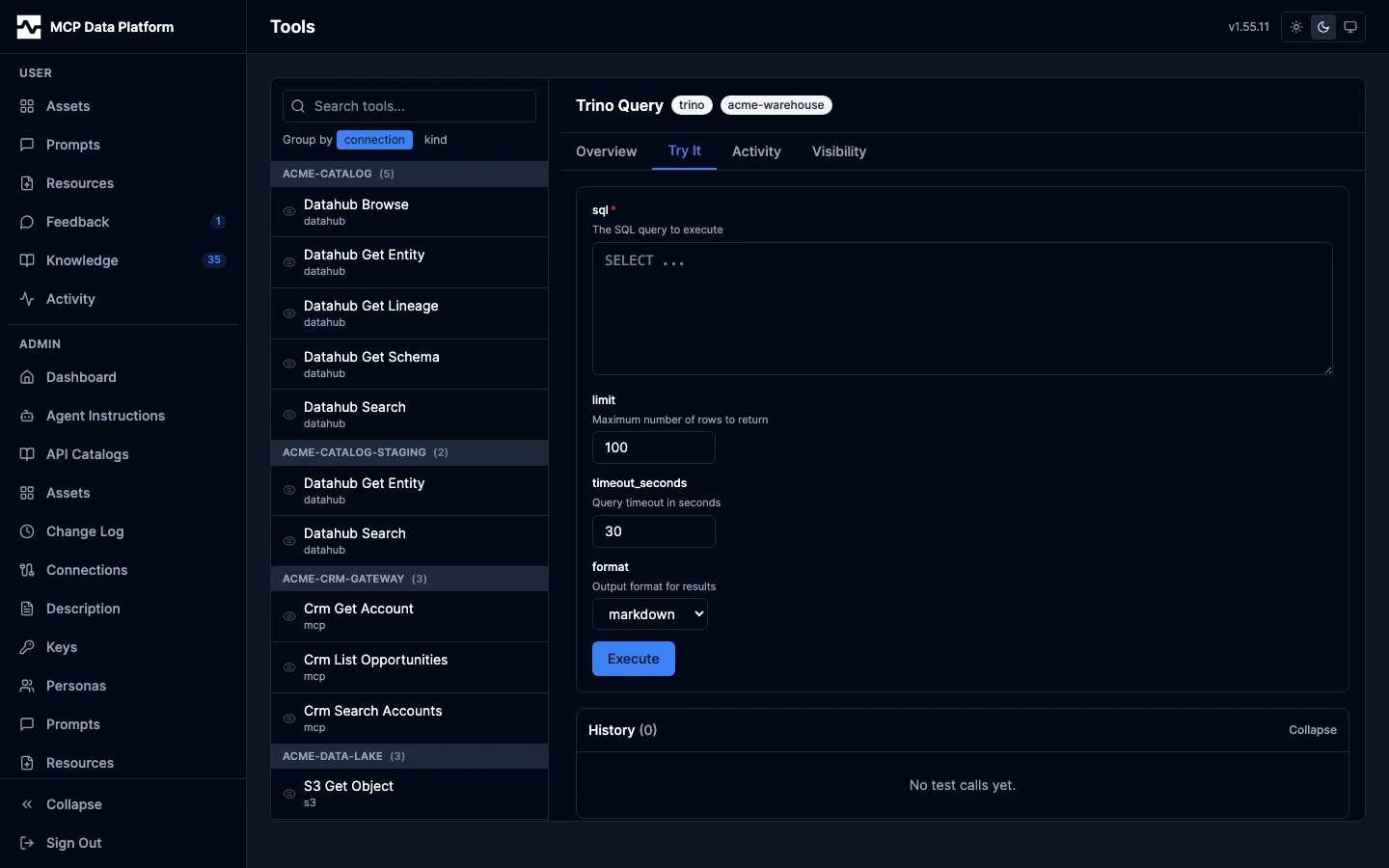
An interactive execution environment for the selected tool:
- Dynamic parameter form — Auto-generated from the tool's JSON schema with type-appropriate inputs (text areas for SQL, number fields for limits, dropdowns for enums)
- Result display — Rendered markdown tables for structured data, with a Raw toggle for JSON output
- Execution history — Timestamped log of tool calls with duration, status, and replay capability
Activity
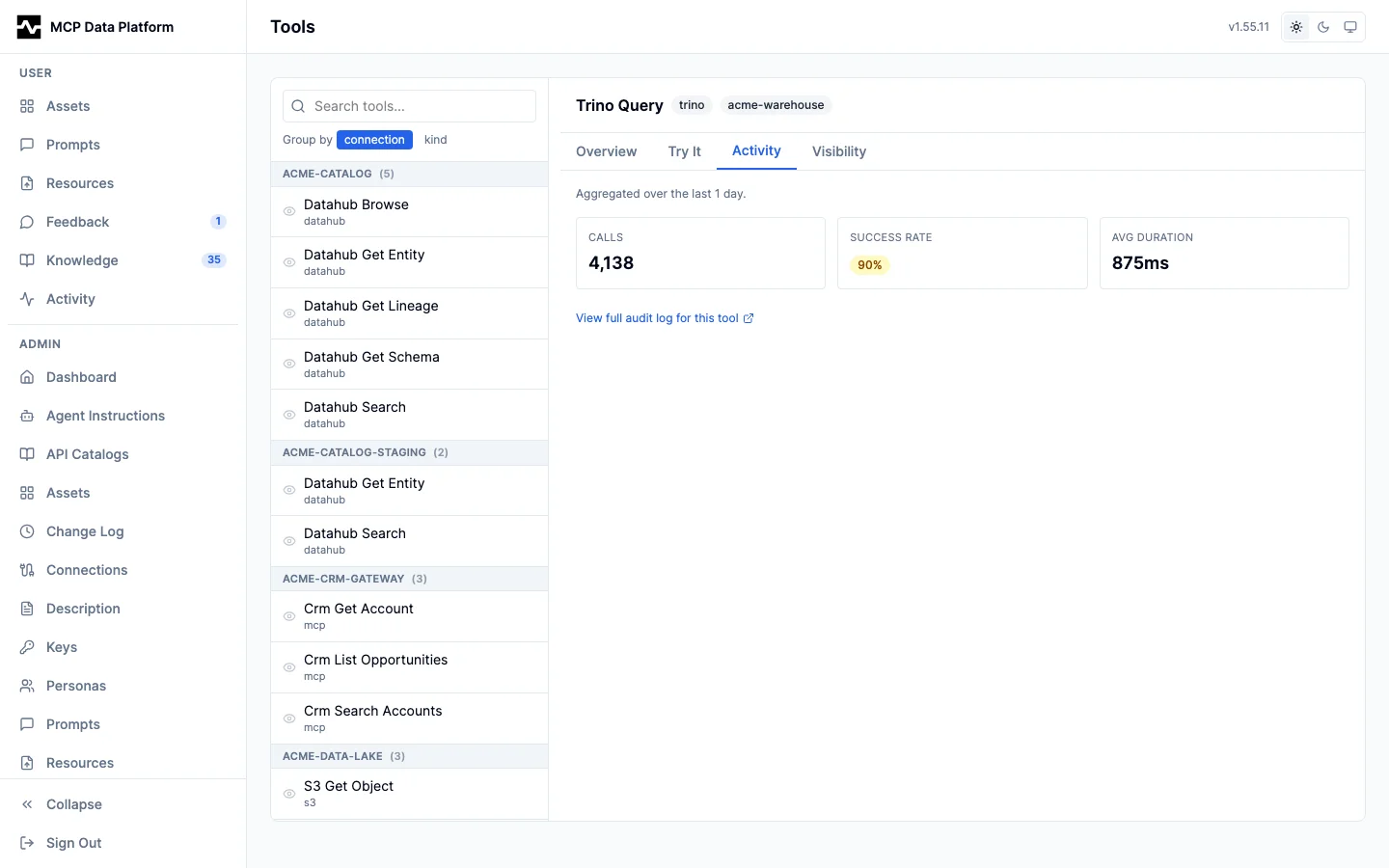
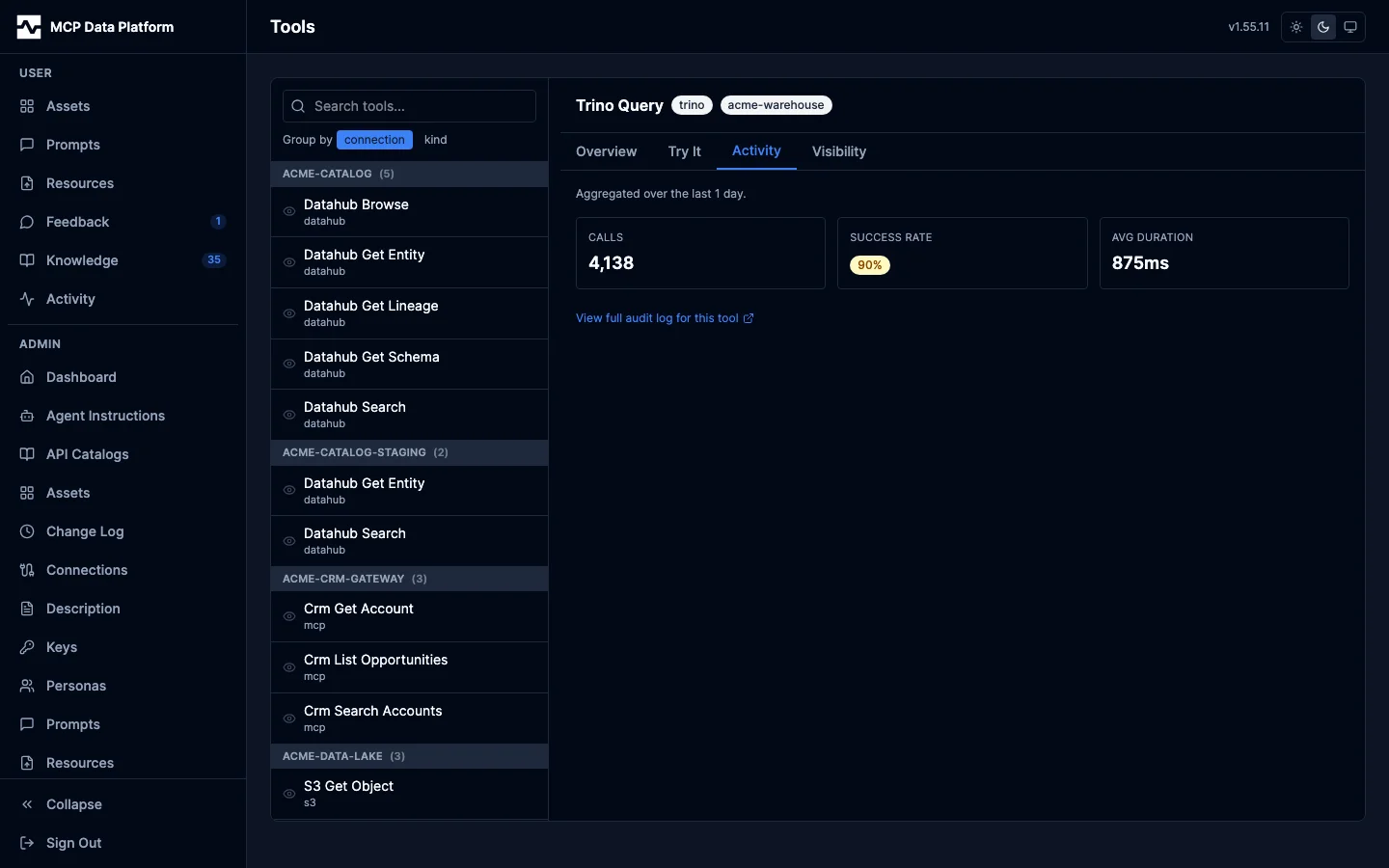
Aggregated call volume, success rate, and average duration for the selected tool over the recent window, with a deep link to the audit log filtered to this tool.
Enrichment
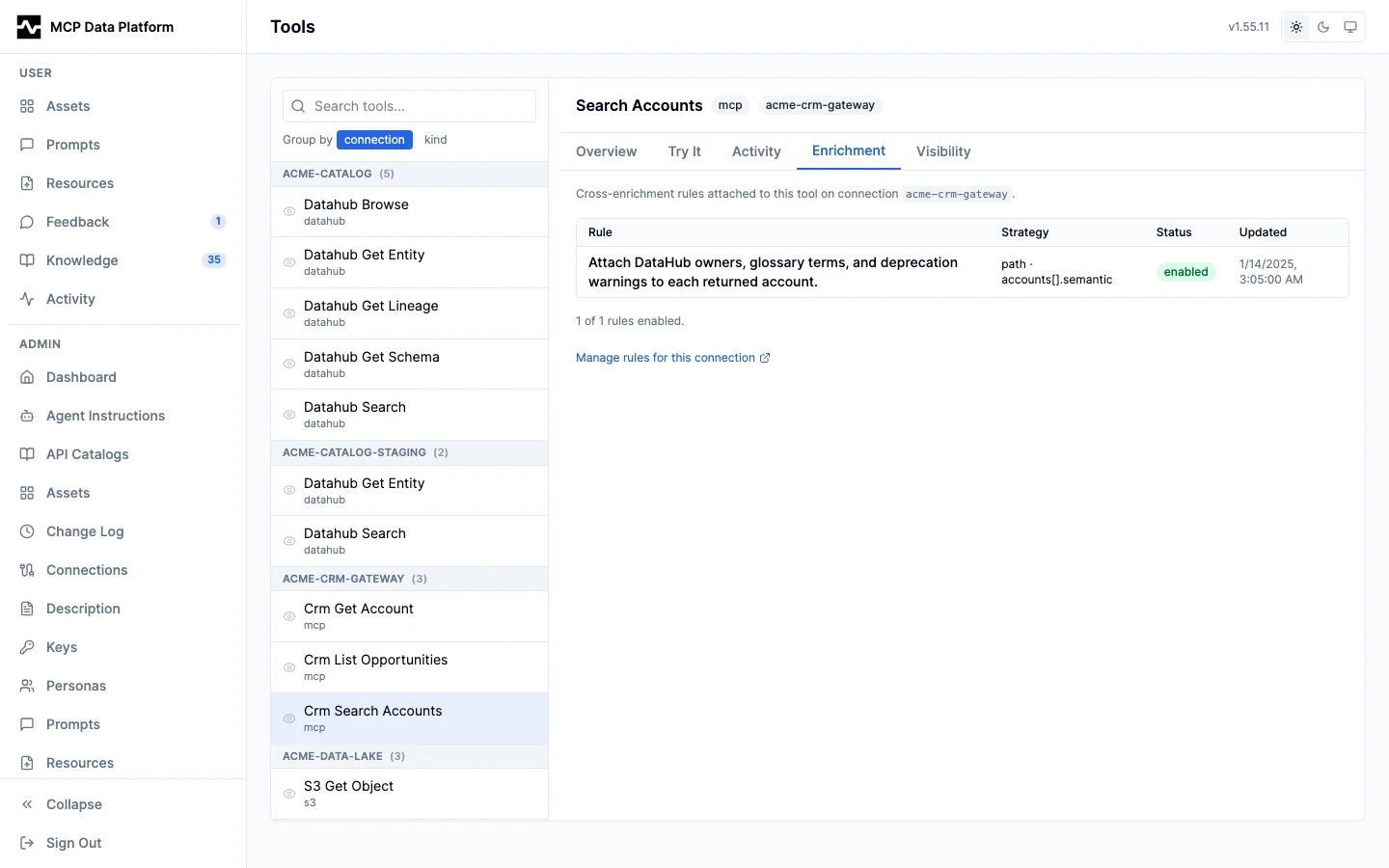
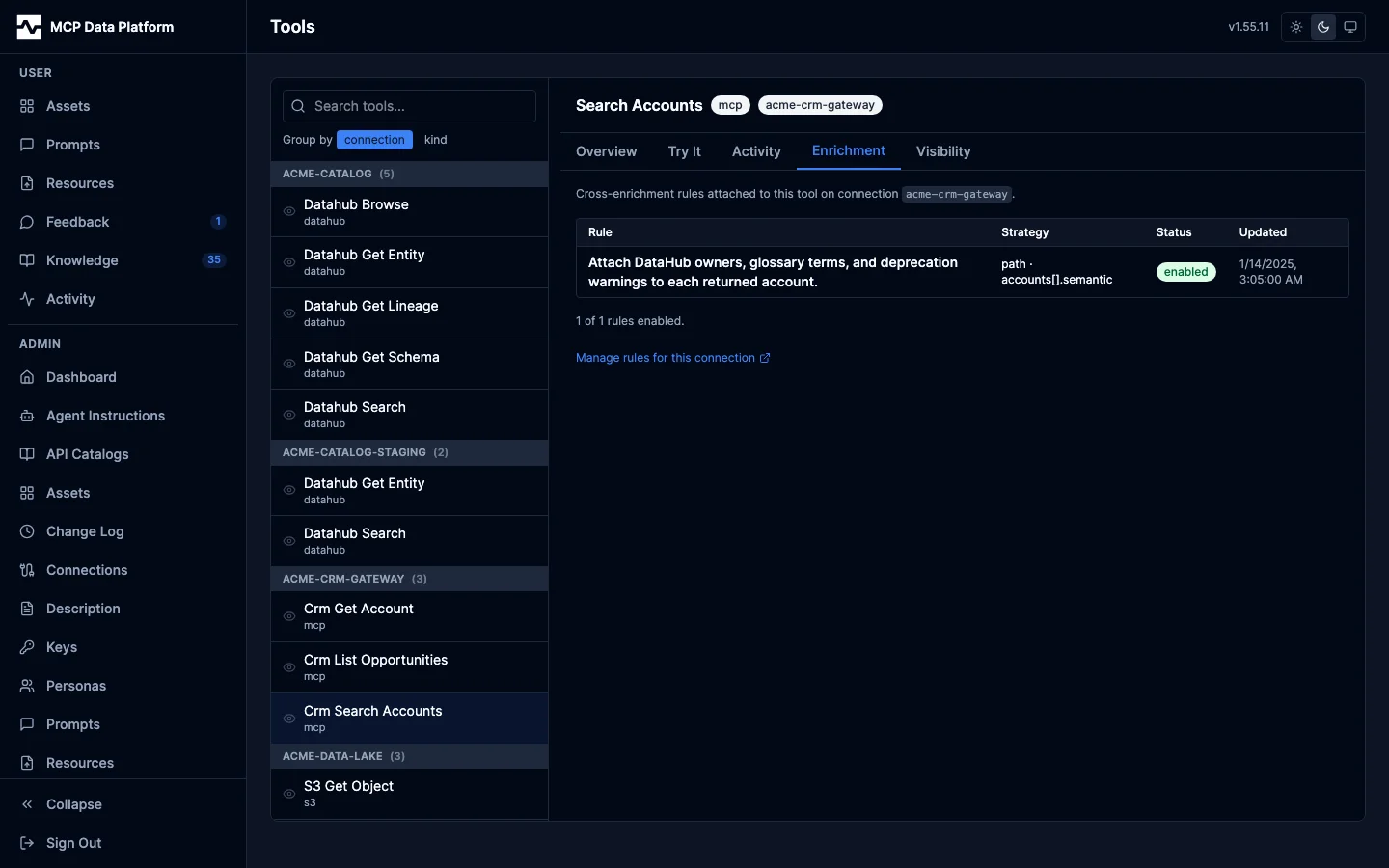
Shown for gateway-proxied (MCP) tools with a connection. Lists the enrichment rules attached to the tool — each rule's predicate, action source and operation, merge strategy, and enabled state. This is where the platform's bidirectional cross-enrichment is configured per tool.
Visibility
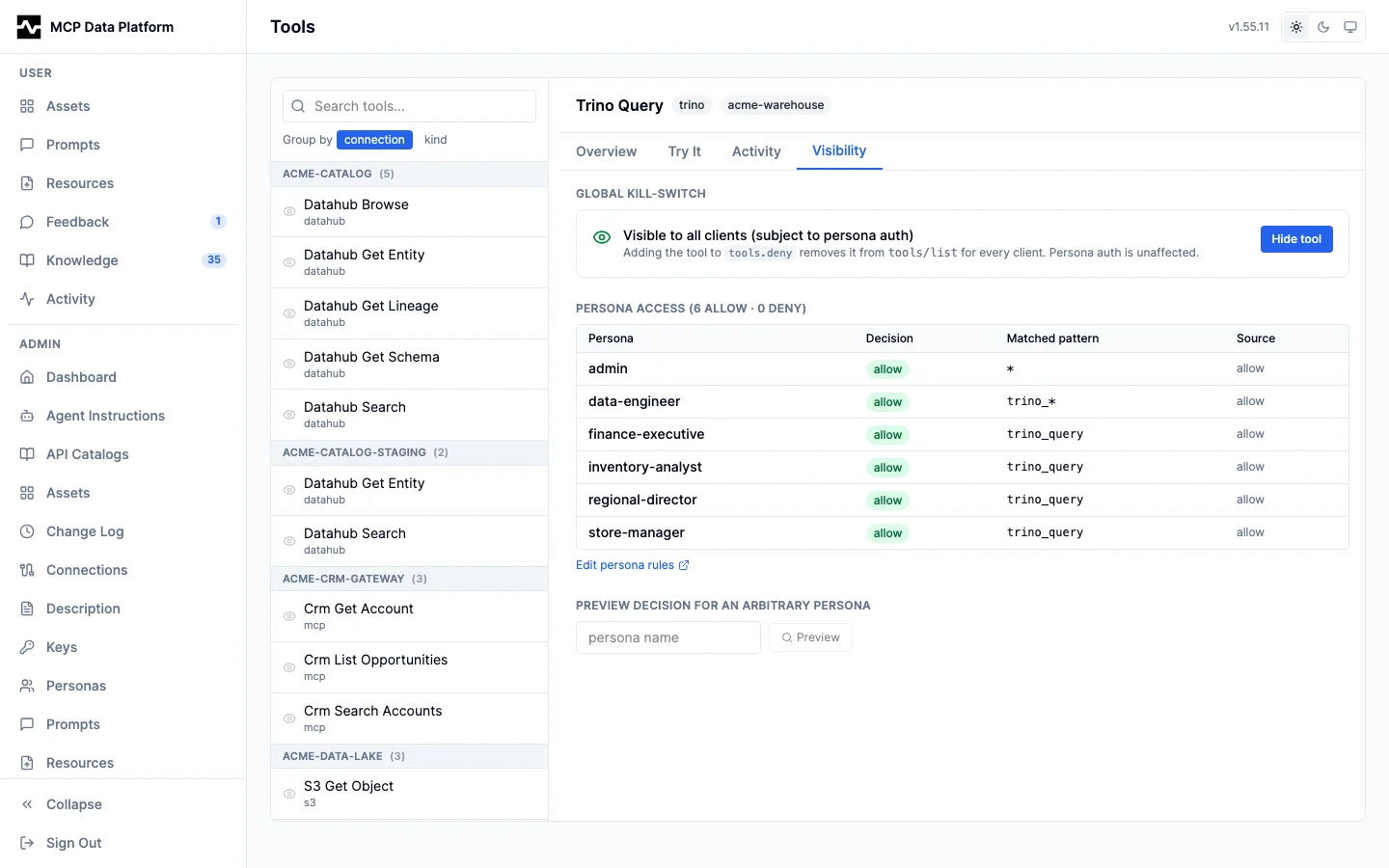
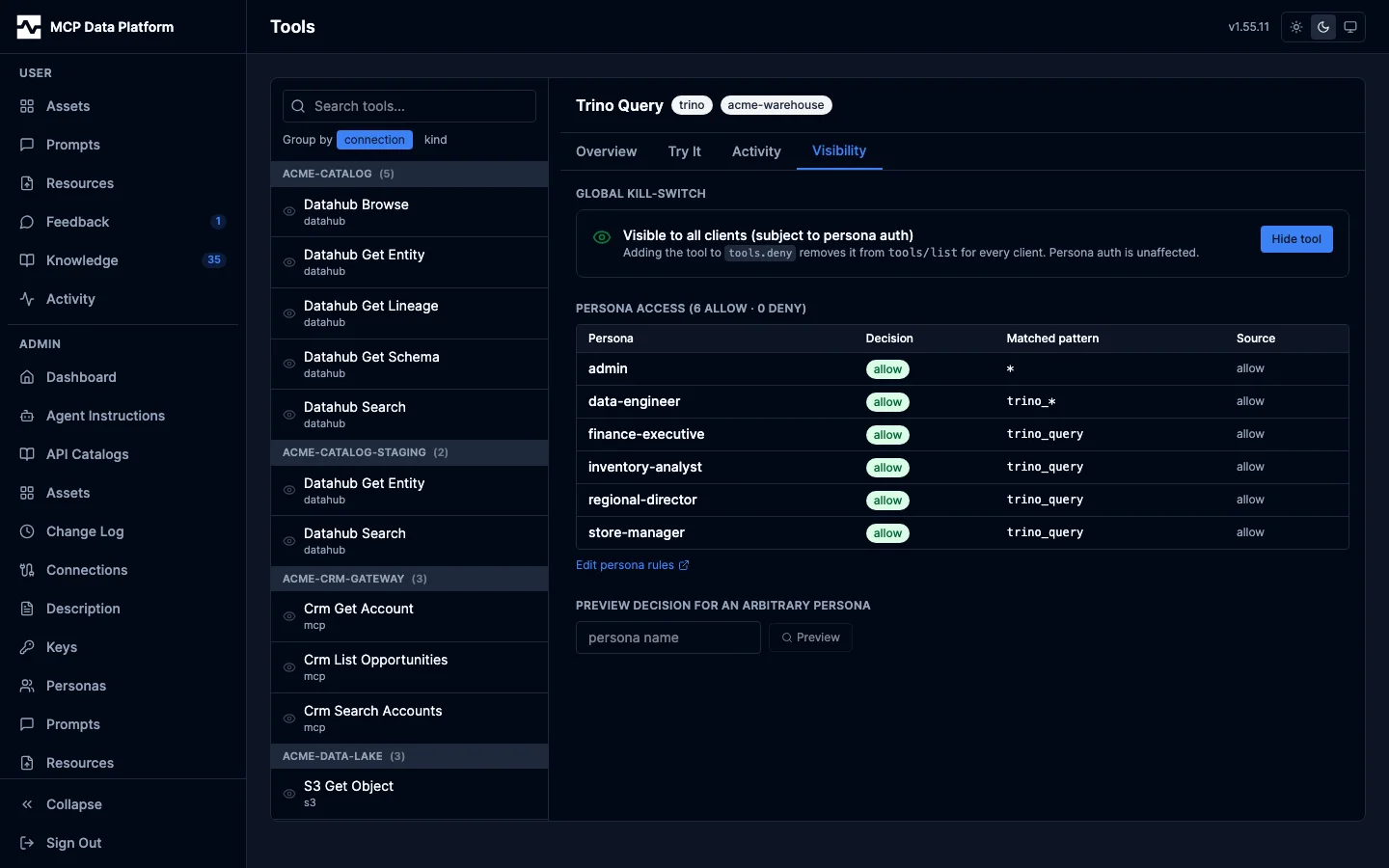
Toggle the tool's membership in the platform-wide deny list, and preview whether a given persona can access it before committing the change.