OAuth to Upstream MCPs (Gateway)
This document covers OAuth outbound from the platform to a remote MCP server it proxies. For OAuth inbound from clients (Claude Desktop) to the platform, see OAuth Server.
The two flows are separate, serve different purposes, and use independent storage:
| Concern | OAuth inbound (this platform as provider) | OAuth outbound (this platform as client) |
|---|---|---|
| Doc | oauth-server.md | this doc |
| Who is the OAuth provider? | this platform | the upstream MCP (Salesforce, vendor, etc.) |
| Who is the OAuth client? | Claude Desktop or another MCP client | this platform's gateway toolkit |
| Tokens stored at | oauth_clients (DCR) / session |
gateway_oauth_tokens (encrypted) |
| Use case | "let Claude Desktop call this platform" | "let this platform call a third-party MCP" |
Why outbound OAuth?
The gateway toolkit lets the platform proxy
upstream MCP servers and re-expose their tools as
<connection>__<remote_tool>. Many useful upstreams (Salesforce
Hosted MCP, vendor-specific MCPs, partner integrations) require
OAuth 2.1 to authenticate. The platform handles that flow for the
operator: one-time browser sign-in, then unattended token refresh —
including for cron jobs and scheduled prompts.
Supported grants
Two OAuth 2.1 grants are supported, configured per gateway connection in the admin portal:
client_credentials (machine-to-machine)
Use when the upstream issues a service token without human
interaction. Requires oauth_token_url, oauth_client_id,
oauth_client_secret, and (optionally) oauth_scope. The platform
fetches a token on first use and refreshes automatically as it
expires. No browser involved.
authorization_code + PKCE (browser sign-in)
Use when the upstream requires a human sign-in (Salesforce, most
vendor MCPs). The platform implements PKCE per RFC 7636 with the
S256 challenge method. Adds oauth_authorization_url to the
configuration.
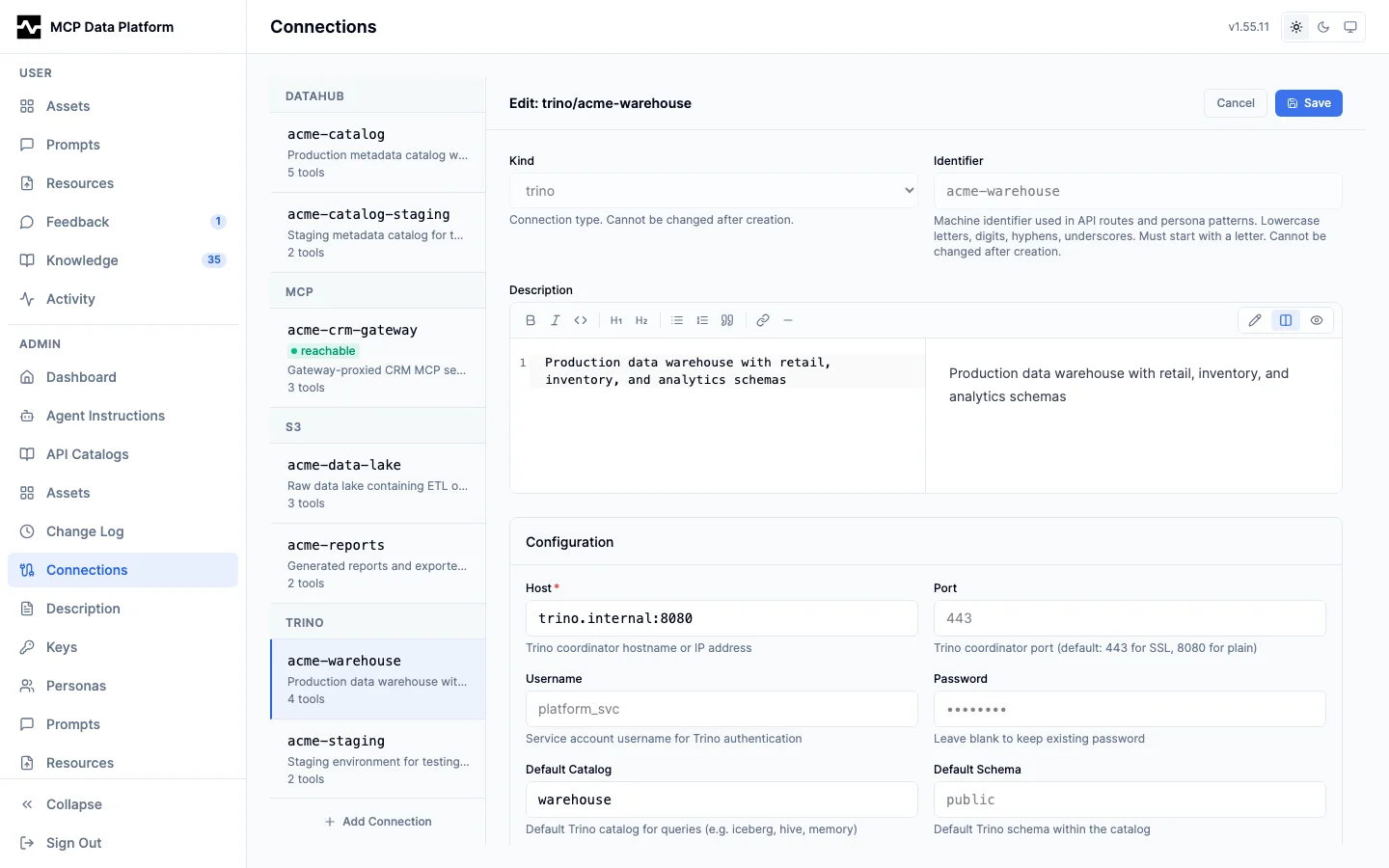
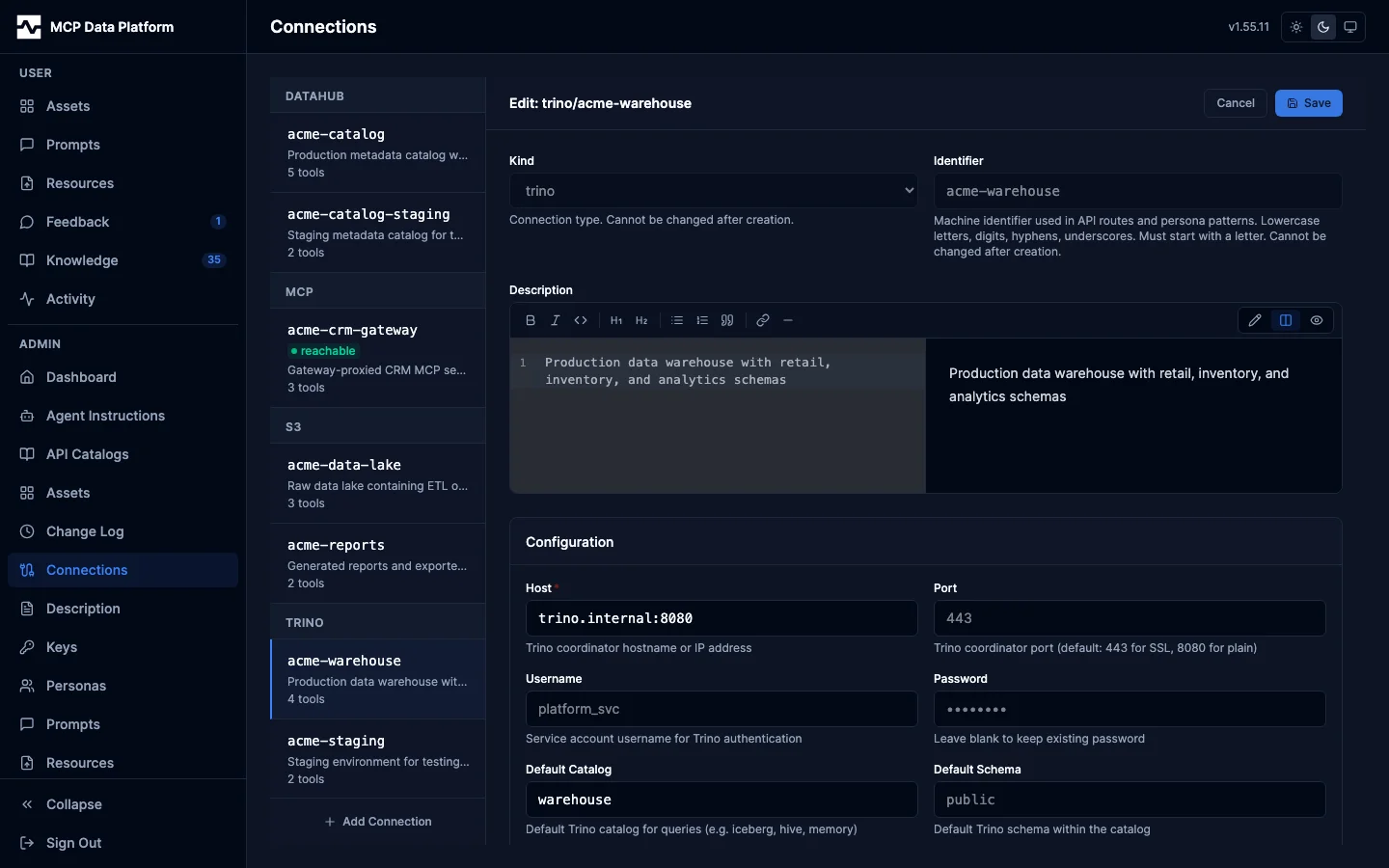
After saving the connection, the operator clicks Connect in the admin portal:
1. Portal POST /api/v1/admin/gateway/connections/{name}/oauth-start
   → returns authorization URL with code_challenge, state, redirect_uri
2. Portal opens that URL in a new tab
3. Operator authenticates with the upstream
4. Upstream redirects browser to /api/v1/admin/oauth/callback?code=…&state=…
5. Platform exchanges the code for tokens at oauth_token_url
6. Tokens persisted to gateway_oauth_tokens (encrypted with ENCRYPTION_KEY)
7. Browser redirects back to /portal/admin/connections
Once connected, the access token is refreshed automatically using the stored refresh token. Cron jobs and scheduled prompts run untouched until the upstream invalidates the refresh token (operator clicks Reconnect to re-authorize).
Refresh token longevity (operator-controlled oauth_scope)
The platform sends oauth_scope to the IdP verbatim — there is
no automatic augmentation. The operator's input is the source of
truth.
By default (no oauth_scope set), most IdPs tie the refresh token's
lifetime to the user's interactive SSO Session Idle (default
~30 min on Keycloak), so any platform restart longer than that idle
window forces the operator to reauthorize through the browser. To
get a refresh token that survives platform restarts, add the
IdP-specific offline-token scope to your connection's oauth_scope:
- Keycloak / Auth0 / Okta: add
offline_accessto the scope. The IdP must also be configured to grant that scope to your client (see the Keycloak setup below for the prerequisite). Example:oauth_scope: "openid profile email offline_access". - Salesforce: add
refresh_tokento the scope. Salesforce does not recognizeoffline_access. Example:oauth_scope: "openid api refresh_token". - Custom OAuth servers: consult your IdP's documentation for the scope name that grants long-lived refresh tokens.
When the IdP rejects a stored refresh token with invalid_grant, the
admin status surface surfaces a generic actionable hint pointing
operators at their IdP's offline-token configuration. Without it, the
only visible cause is the cryptic upstream message
("Token is not active") with no clue what to do.
client_credentials grants are unaffected — there is no SSO session
for them to outlive.
Background refresh + auth event history (#395)
The platform runs a background refresher loop (default every 5 minutes) that proactively refreshes any connection whose access token will expire within 5 minutes OR whose IdP-disclosed refresh token will expire within 1 hour. This is the keepalive that survives the specialist-admin scenario: an operator connects once, no one touches the connection for hours or days, and tools continue to work because the platform kept the chain alive in the background.
For IdPs that don't disclose a refresh_expires_in field (Google,
Salesforce default, many vendor IdPs), set the per-connection
oauth2_refresh_max_lifetime field to give the refresher a synthetic
deadline. Examples:
- Microsoft Graph (sliding 90d):
oauth2_refresh_max_lifetime: "90d" - Salesforce (when configured for inactivity-based refresh expiry): set
to the connected app's
Refresh Token Policywindow - Vendor IdPs that enforce a wall-clock max without disclosing it: set
the value to whatever the vendor documents (e.g.
30d,60d)
Every connect, refresh, rotation, revocation, and admin deletion is
recorded in the connection_auth_events table (90-day retention). The
portal renders the most recent events under each connection's OAuth
status card via a collapsible History section so operators can
answer "when was this token last refreshed, and what triggered the
deletion?" without reading pod logs.
When the IdP revokes a refresh token, the OAuth status card now distinguishes three states:
- Never connected: no token row has ever existed.
- Revoked: a token row existed and was deleted because the IdP
rejected the refresh. The card surfaces the timestamp and the
RFC 6749 machine-readable reason (
invalid_grant,no_refresh_token,refresh_expired). - Connected: a valid token row exists; status grid renders as normal.
Keycloak setup
For offline_access to be granted, two things must be true:
- The
offline_accessclient scope must be assignable (Optional or Default) to the gateway's client. In Keycloak admin: Realm → Clients →→ Client Scopes → Setup , ensureoffline_accessis listed under Optional or Default. - The user completing the Connect flow must have the
offline_accessrealm role (granted by default to all users in most realms).
Without (1), the IdP rejects the authorization request with
invalid_scope: Invalid scopes: ... offline_access. Drop
offline_access from your oauth_scope until you've added it to the
client's assignable scope set.
Endpoint URL validation
oauth_token_url and oauth_authorization_url are checked before a
connection is accepted. Both must be:
- absolute, with an explicit
httporhttpsscheme - addressed to a host (
https://alone is rejected) - free of embedded credentials — use
oauth_client_idandoauth_client_secret, nothttps://user:pass@idp/token - free of a URL fragment
A rejected value comes back as a 400 from the admin API naming the
offending config key, and the connection is not stored. The same check
runs when an existing connection is loaded, so a row written before the
check cannot drive a token request either.
The host is deliberately unconstrained. A self-hosted IdP on
loopback or an RFC1918 address (Keycloak in-cluster, a dev realm on
localhost) is a supported deployment, so no private-address block or
allowlist is applied.
A cleartext http endpoint is allowed for exactly that reason, but the
client secret and the authorization code cross the wire unencrypted, so
the platform logs one warning per connection endpoint:
WARN connoauth: oauth endpoint uses cleartext http; the client secret
and authorization code are sent unencrypted kind=mcp name=internal
config_key=oauth_token_url endpoint_host=keycloak.identity.svc:8080
Prefer https for any endpoint that leaves the cluster.
Token storage
| Table | Holds | Encryption |
|---|---|---|
gateway_oauth_tokens |
access_token, refresh_token, expires_at, authenticated_by | AES-256-GCM via ENCRYPTION_KEY |
oauth_pkce_states |
code_verifier (paired secret), state, redirect_uri | AES-256-GCM via ENCRYPTION_KEY; rows expire after 10 min |
ENCRYPTION_KEY is required for any production gateway deployment
using OAuth. Without it, tokens and verifiers are stored in plaintext
and the platform logs a warning.
Multi-replica considerations
PKCE state must be visible across replicas: oauth-start may land on
replica A while the upstream's redirect lands the callback on replica
B. The platform automatically uses the Postgres-backed PKCE store when
a database is configured. Single-replica deployments can fall back to
the in-memory store.
Salesforce Hosted MCP setup walkthrough
Salesforce's Hosted MCP requires an OAuth client registration with the
Web Server Flow (the OAuth term Salesforce uses for
authorization_code). The high-level shape:
- Register an OAuth client in Salesforce that allows the Web
Server Flow. The exact path through Salesforce Setup depends on
your org's edition and Salesforce-Hosted-MCP rollout — refer to
Salesforce's current Hosted MCP / External Client App docs for the
step-by-step. What you need to capture from this step:
- Consumer key (becomes
oauth_client_id) - Consumer secret (becomes
oauth_client_secret) - Callback URL must be set to
https://<your-platform-host>/api/v1/admin/oauth/callback - Scopes that include OAuth basics (
api,refresh_token) plus the scope(s) Salesforce requires for Hosted MCP access — check the current Salesforce docs for the exact scope name(s).
- Consumer key (becomes
- Pick the right Salesforce OAuth endpoint base URL for your org:
- Production / Developer Edition orgs:
https://login.salesforce.com/services/oauth2/... - Sandbox orgs:
https://test.salesforce.com/services/oauth2/... - Orgs using My Domain:
https://<mydomain>.my.salesforce.com/services/oauth2/...
- Production / Developer Edition orgs:
- In the platform admin portal (
/portal/admin/connections), click + Add Connection and select kind mcp:- Endpoint: the Salesforce Hosted MCP URL
- Auth mode: OAuth 2.1
- Grant type: authorization_code + PKCE
- Authorization URL:
<base>/services/oauth2/authorize(from step 2) - Token URL:
<base>/services/oauth2/token - Client ID / Secret: the consumer key / secret from step 1
- Scope: the scopes you registered above (typically
api refresh_token+ the MCP-access scope)
- Save, click Connect, sign in to Salesforce, approve the scopes.
- The connection card shows "Authorized by
<email><time ago>", and Salesforce-MCP tools surface as<connection_name>__<remote_tool>intools/list. Personas with allow-globs matching that prefix can call them.
The platform refreshes the access token automatically using the stored refresh token. Scheduled prompts (cron jobs at 1 AM, etc.) run untouched until Salesforce invalidates the refresh token.
The Salesforce Setup UI navigation path and the exact MCP scope name change between editions and over time. Treat this walkthrough as the shape of the integration; verify the specifics against current Salesforce documentation before configuring a real org.
Related
- Gateway Toolkit — full connection-config reference
- Admin API: Gateway Endpoints —
oauth-start, callback, connection CRUD - Admin Portal: MCP Gateway Connections — UI walkthrough
- Operating Modes — DB / encryption requirements