Available Tools
mcp-data-platform provides tools from five integrated toolkits. Each tool can be invoked by name through any MCP client.
Reducing token usage with tool visibility
The full tool list is 30-35 tools depending on configuration. Deployments that only use a subset can configure tools.allow and tools.deny at the top level of platform.yaml to hide unused tools from tools/list responses. This saves LLM context tokens without affecting authorization. See Configuration for details.
Tools Summary
| Toolkit | Tool | Description |
|---|---|---|
| Trino | trino_query |
Execute read-only SQL queries (SELECT, SHOW, DESCRIBE, EXPLAIN) |
| Trino | trino_execute |
Execute any SQL including write operations (INSERT, UPDATE, DELETE, CREATE, DROP) |
| Trino | trino_explain |
Get query execution plans |
| Trino | trino_browse |
Browse the catalog hierarchy: list catalogs, schemas, or tables |
| Trino | trino_describe_table |
Get table schema and metadata |
| Trino | trino_export |
Export query results directly to a portal asset (CSV, JSON, JSON lines, Parquet, Markdown, text) |
| Trino | trino_list_connections |
List configured Trino connections |
| DataHub | datahub_get_lineage |
Get dataset or column-level lineage |
| DataHub | datahub_browse |
Browse tags, domains, or data products |
| DataHub | datahub_create |
Create entities — tags, domains, glossary terms, etc. (if not read-only) |
| DataHub | datahub_update |
Update metadata — descriptions, tags, owners, domains, etc. (if not read-only) |
| DataHub | datahub_delete |
Delete entities — tags, domains, queries, etc. (if not read-only) |
| DataHub | datahub_list_connections |
List configured DataHub connections |
| S3 | s3_list |
List buckets, or the objects in one bucket |
| S3 | s3_object |
Get, describe, upload, copy, delete, or presign one object |
| Knowledge | search |
The one way to discover: balanced, grouped-by-source results across the catalog, context documents, knowledge pages, memory, insights, feedback, assets, prompts, managed scripts, API endpoints, and connections |
| Knowledge | fetch |
Read a search result in full: dereferences any reference search emits (knowledge page, context document, dataset, asset, prompt, managed script, connection) to its complete content, under the same per-user scope |
| Memory | memory_capture |
The one way to record knowledge: sink-class routed, recall-first |
| Knowledge | apply_knowledge |
Review and promote reviewed captures to the catalog (admin-only) |
| Memory | memory_manage |
Manage existing memories: update, forget, list, review_stale, review_duplicates, consolidate (opt-in per persona) |
| Portal | save_asset |
Save AI-generated content as an asset (JSX, HTML, SVG, etc.) |
| Portal | manage_asset |
List, get, update, delete, or relevance-search saved assets and collections, edit asset content in place (patch, locate, get_content, outline, stats, diff), and share an asset with a person or as a link (share, list_shares, revoke_share) |
| Portal | manage_table |
Make a stored CSV or JSON-lines file queryable as a table and manage what is registered over it (register, list, unregister). Takes the reference a search hit carries, so it serves an uploaded resource and a saved asset through one action |
| Portal | manage_resource |
Manage a file in the managed resource library (create, replace_content, get, list, delete, extract): the files a saved asset references, and the members of a stored archive written out as files of their own. A replacement keeps the resource's id, URI and filename, so every asset referencing it serves the new bytes without being re-saved; create with if_exists=replace makes landing one rolling file idempotent, and a delete is refused while anything still points at the file |
| Portal | manage_feedback |
Review and respond to human feedback (list pending across everything, get, reply, resolve, request/respond validation) |
| Platform | platform_find_tools |
Find the most relevant tools for a natural-language task, ranked by semantic similarity (persona-scoped) |
| Platform | manage_prompt |
Resolve and run prompts by any handle (use), plus create, update, delete, list, get, the script-reference commands (attach_script, detach_script), and the content verbs (patch, locate, get_content, outline, stats, diff) |
| Platform | show_prompts |
Render the prompt library as an interactive browser for the human (presentation-only; call only when the user wants to see their prompts) |
| Platform | manage_script |
Build and change automations. Author, validate, and dry-run managed scripts: small governed Starlark programs for a process whose logic is settled and will repeat, and the tool for a request to automate work or run it on a schedule |
| Platform | show_scripts |
Open the user's automations (scripts), their schedules, and their run history on the portal's Automations page (presentation-only; call only when the user wants to see them) |
The purpose argument
Data-access tools carry one argument the platform adds rather than the toolkit: purpose, a single sentence naming the wider task the agent is working on and why this call serves it. It appears on the tool's input schema like any other argument, the platform takes it off the request before the tool handler runs, and it is written to the call's audit row (docs/server/audit.md). No toolkit ever sees it, and it never changes what the tool does.
{
  "sql": "SELECT region, sum(amount) FROM orders WHERE quarter = 'Q3' GROUP BY region",
  "purpose": "Checking whether order volume fell in the western region for the board deck."
}
Write the question behind the call, not a restatement of the arguments: "Running a SQL query" is worthless to the person who later reads the row. Do not repeat argument values in it, and never put personal data, credentials, or secrets in it.
By default the argument appears on search, fetch, trino_query, trino_execute, trino_export, trino_describe_table, api_invoke_endpoint, api_export, the datahub_get_* tools, s3_object, s3_list, and every tool proxied from an upstream MCP server through the gateway toolkit. Orientation and platform-management tools (platform_info, list_connections, platform_find_tools, memory_*, manage_*, save_asset) do not carry it.
A call on one of these tools that states no purpose is refused with PURPOSE_REQUIRED (error category purpose_required); retry the same call with a purpose rather than looking for another tool. The refusal reaches only callers that thread a session_id handle, so an MCP App, a managed script, and the gateway REST shim are never refused for it. Both the gated set and the refusal are configurable — see Purpose Configuration.
The name is purpose, not intent, because search already takes an intent argument that is the query text.
Tool annotations
Every tool the platform registers advertises MCP tool annotations on tools/list, so a client can tell a read from a write before it calls anything.
| Annotation | What it says |
|---|---|
readOnlyHint |
true when no call to the tool modifies state. |
destructiveHint |
On a write, true when some action removes or overwrites state that is already there, false when every action only adds. |
idempotentHint |
true on a read, where calling again changes nothing. |
Clients are told by the specification to assume a tool is not read-only when readOnlyHint is absent, and some act on that by asking the user to confirm every unannotated call. The platform therefore states the hint on every tool rather than leaving any to the default: a session that opens with platform_info, then search, then fetch is three pure reads, and on a strict client each one used to arrive as a write confirmation.
The hint describes the tool, not the call. manage_asset, manage_table, manage_resource, manage_prompt, manage_script, memory_manage and s3_object all expose reads alongside writes, and each advertises the most it can do, so a list action on one of them is still a tool a client may confirm.
These tools advertise readOnlyHint: true: platform_info, search, fetch, list_connections, platform_find_tools, show_prompts, show_scripts, api_discover, graphql_discover, s3_list, trino_query, trino_explain, trino_browse, trino_describe_table, datahub_browse and the datahub_get_* reads. Everything else advertises readOnlyHint: false.
A tool proxied from an upstream MCP server through the gateway toolkit carries the upstream's own annotations unchanged, including none at all where the upstream publishes none. The three toolkits built on the mcp-trino, mcp-datahub and mcp-s3 libraries take their annotations from those libraries, and an operator can override them per deployment under a toolkit's annotations: key.
The admin API returns the same object. GET /api/v1/admin/tools/schemas carries annotations on each tool and GET /api/v1/admin/tools/{name} carries it on the detail, both read from the server's own tools/list after any override, with the MCP keys unchanged and the key absent for a tool that states none. The portal's Tools page shows them as badges on the tool's header: read-only, additive for a write that states destructiveHint: false, destructive for any other write (an unstated destructiveHint is true by the specification's default), idempotent, and no hints for a tool that advertises none. That is where an operator checks that an annotations: override took effect without opening an MCP client.
Trino Tools
trino_query
Execute a read-only SQL query against Trino. Write operations (INSERT, UPDATE, DELETE, CREATE, DROP, etc.) are rejected with a clear error directing users to trino_execute.
Annotated with ReadOnlyHint: true so MCP clients can auto-approve calls to this tool.
Parameters:
| Parameter | Type | Required | Default | Description |
|---|---|---|---|---|
query |
string | Yes | - | SQL query to execute (read-only) |
limit |
integer | No | 1000 | Maximum rows to return |
connection |
string | No | default | Connection name to use |
Example:
Tool call: trino_query with query SELECT customer_id, SUM(amount) as revenue FROM orders GROUP BY customer_id ORDER BY revenue DESC LIMIT 10
Response includes:
- Query results as formatted table or JSON
- Row count and execution time
- Semantic context (if enabled): table description, owners, tags, quality score, deprecation warnings
trino_execute
Execute any SQL against Trino, including write operations (INSERT, UPDATE, DELETE, CREATE, DROP, ALTER, etc.). Use this tool for data modification.
Annotated with DestructiveHint: true so MCP clients will prompt for user confirmation.
read_only is set per instance, and the block applies to the connection the call names — or to the default connection when it names none. A call routed to an instance with read_only: true is refused; the other instances of the same toolkit still accept writes.
Parameters:
| Parameter | Type | Required | Default | Description |
|---|---|---|---|---|
query |
string | Yes | - | SQL query to execute |
limit |
integer | No | 1000 | Maximum rows to return |
connection |
string | No | default | Connection name to use |
trino_explain
Get the execution plan for a query without running it.
Parameters:
| Parameter | Type | Required | Default | Description |
|---|---|---|---|---|
query |
string | Yes | - | SQL query to explain |
connection |
string | No | default | Connection name to use |
trino_browse
Browse the Trino catalog hierarchy. Omit all parameters to list catalogs. Provide catalog to list schemas. Provide catalog and schema to list tables (with optional pattern filter).
Parameters:
| Parameter | Type | Required | Default | Description |
|---|---|---|---|---|
catalog |
string | No | - | Catalog name. Omit to list all catalogs |
schema |
string | No | - | Schema name. Requires catalog. Omit to list schemas |
pattern |
string | No | - | LIKE pattern to filter tables (only when listing tables) |
connection |
string | No | default | Connection name to use |
trino_describe_table
Get detailed information about a table including columns, types, and statistics.
Parameters:
| Parameter | Type | Required | Default | Description |
|---|---|---|---|---|
table |
string | Yes | - | Table name (can be catalog.schema.table) |
connection |
string | No | default | Connection name to use |
Response includes:
- Column names and data types
- Nullable constraints
- Partition information
- Semantic context (if enabled): description, owners, tags, quality score
trino_export
Export query results directly to a portal asset file, bypassing the LLM token budget. Use this after validating the query shape with trino_query using a small LIMIT. The full result set is formatted and written to S3 as an immutable portal asset. Only metadata (asset ID, URL, row count, size) is returned to the agent — not the data.
Requires portal to be enabled with S3 storage configured. Requires explicit persona authorization (not inherited from trino_query access by default).
Parameters:
| Parameter | Type | Required | Default | Description |
|---|---|---|---|---|
sql |
string | Yes | - | SQL query to execute (read-only enforced) |
format |
string | Yes | - | Output format: csv, json, jsonl, markdown, parquet, or text. parquet writes every column as its own Trino type (DECIMAL, TIMESTAMP to the microsecond, ARRAY, MAP, ROW included), ZSTD-compressed, and registers with manage_table as those types; a timestamp with a time zone is kept as its instant in UTC, a timestamp finer than a microsecond is written to the microsecond, and a type Parquet has no form for (TIME, UUID, JSON, an interval) is written as text keeping what its own type carries, a zoned time's offset included. The result's message names every column any of that applies to, at any depth. A column name a table cannot declare -- one holding a comma, one outside ASCII, one edged with whitespace, two one apart by case, or a ROW field name outside letters, digits, _, ., $ and spaces -- is refused before the file is written, naming it, rather than written into a file no registration accepts. jsonl is one JSON object per row: line breaks, backslashes and nulls survive it, a nested value is written as its JSON text, and a registered table types its columns from the values |
name |
string | Yes | - | Display name for the exported asset (max 255 chars) |
connection |
string | No | default | Trino connection name |
description |
string | No | - | Description of the exported asset (max 2000 chars) |
tags |
array | No | [] | Tags for categorization. Lowercase kebab-case, max 50 chars each, max 20 tags. Tags starting with _sys- are reserved for system use. |
limit |
integer | No | deployment max | Maximum rows to export (subject to deployment cap) |
idempotency_key |
string | No | - | Client-supplied key to prevent duplicate assets on retry |
timeout_seconds |
integer | No | deployment default | Query execution timeout in seconds |
create_public_link |
boolean | No | false | Generate a public share link for the exported asset. Useful for automation pipelines that need a shareable URL. |
resource |
object | No | - | Land the result in a managed resource at {"path": ..., "filename": ...} instead of a new asset, create-or-replace by path. Mutually exclusive with idempotency_key and create_public_link. See Landing a response in a managed resource; api_export and graphql_export take the same block. |
Response includes:
- Asset ID and portal URL, or the landed resource's reference, URI and version
- Public share URL (if
create_public_linkis true) - Format, row count, and file size in bytes
- No query data (data is written to S3, not returned through the LLM)
The response is one JSON object, returned as the tool's structured result and as a single text block. The platform's call_reference is merged into the same object, so a client that reads only the structured result sees asset_id, portal_url, row_count, size_bytes and call_reference together, as it does for api_export.
Security features:
- SQL runs through the same read-only interceptor as
trino_query - CSV cells hold each value exactly as the query returned it. A value starting with
=,+,-or@is not rewritten, because a stored CSV is a data file that tables are registered over and scripts read - Sensitivity tags inherited from source datasets (PII, confidential, etc.) are automatically applied as
_sys-classification:*tags - Hard row and byte caps enforced per deployment
- No asset record created unless the S3 write fully succeeds
trino_list_connections
List all configured Trino connections.
Parameters: None
DataHub Tools
Catalog search and catalog reads live in search and fetch
Relevance search over the catalog is part of the universal
search tool, and reading one catalog entity by URN is
fetch. The DataHub toolkit registers the two reads a reference
read cannot do, datahub_browse (a hierarchy walk) and datahub_get_lineage
(a graph query with direction and depth), plus the write tools.
The five by-URN reads the toolkit used to register are gone, not aliased.
Each is one fetch call on the same URN:
| Retired tool | Replacement |
|---|---|
datahub_get_entity |
fetch urn:li:dataset:<id> |
datahub_get_schema |
fetch urn:li:dataset:<id> (the record's schema) |
datahub_get_queries |
fetch urn:li:dataset:<id> (the record's queries) |
datahub_get_glossary_term |
fetch urn:li:glossaryTerm:<id> |
datahub_get_data_product |
fetch urn:li:dataProduct:<id> |
A fetched dataset carries at least what the three dataset reads returned
together: business context (owners, tags, glossary terms, domain,
deprecation, custom and structured properties, incidents, data contract),
identity (name, type, platform, sub-types, created), the declared schema
(fields with types, nullability, field-level tags and terms, primary and
foreign keys), the catalog's saved queries, related_documents, and
query_availability (whether it is queryable, the table to query, the
connection, the estimated row count) when a query provider is configured.
A part the catalog could not serve is named in unavailable rather than
dropped. A fetched glossary term carries its definition, parent_node,
owners, custom_properties, and the datasets that carry it; a fetched
data product carries its domain, owners, properties, and member datasets.
datahub_get_lineage
Get upstream or downstream lineage for an entity. Set level=column for column-level lineage showing which upstream columns feed each downstream column. Default (dataset) returns dataset-level relationships with direction and depth control.
Parameters:
| Parameter | Type | Required | Default | Description |
|---|---|---|---|---|
urn |
string | Yes | - | Entity URN |
level |
string | No | dataset |
Granularity: dataset or column |
direction |
string | No | DOWNSTREAM |
UPSTREAM or DOWNSTREAM (dataset level only) |
depth |
integer | No | 1 | Maximum traversal depth, max 5 (dataset level only) |
connection |
string | No | default | Connection name to use |
datahub_browse
Browse the DataHub catalog by category. Set what=tags to list tags, what=domains to list data domains, or what=data_products to list data products.
Parameters:
| Parameter | Type | Required | Default | Description |
|---|---|---|---|---|
what |
string | Yes | - | What to browse: tags, domains, or data_products |
filter |
string | No | - | Optional filter string (tags only) |
connection |
string | No | default | Connection name to use |
datahub_create
Create a new entity or resource in DataHub. Uses the what discriminator to select the entity type.
Only available when read_only: false in the DataHub toolkit configuration.
Annotated with DestructiveHint: false, IdempotentHint: false, OpenWorldHint: true.
Parameters:
| Parameter | Type | Required | Default | Description |
|---|---|---|---|---|
what |
string | Yes | - | Entity type to create (see table below) |
name |
string | Varies | - | Entity name (required for most types) |
connection |
string | No | default | Connection name to use |
Additional parameters vary by what value — see the mcp-datahub documentation for full parameter details per entity type.
what |
Creates | Key fields |
|---|---|---|
tag |
Tag | name |
domain |
Domain | name |
glossary_term |
Glossary term | name |
data_product |
Data product | name, domain_urn |
document |
Context document (1.4.x+) | name |
application |
Application | name |
query |
Saved query | value (SQL) |
incident |
Incident | name, incident_type, entity_urns |
structured_property |
Structured property | qualified_name, value_type, entity_types |
data_contract |
Data contract | dataset_urns |
datahub_update
Update metadata on an existing DataHub entity. Uses the what discriminator to select what to update, with an optional action for add/remove operations.
Only available when read_only: false in the DataHub toolkit configuration.
Annotated with DestructiveHint: false, IdempotentHint: true, OpenWorldHint: true.
Parameters:
| Parameter | Type | Required | Default | Description |
|---|---|---|---|---|
what |
string | Yes | - | What to update (see table below) |
urn |
string | Varies | - | Entity URN to update |
action |
string | Varies | - | add or remove (required for tags, glossary terms, links, owners) |
connection |
string | No | default | Connection name to use |
Additional parameters vary by what value — see the mcp-datahub documentation for full parameter details.
what |
action |
Description |
|---|---|---|
description |
— | Set entity description from value |
column_description |
— | Set schema field description from value |
tag |
add/remove | Add or remove a tag |
glossary_term |
add/remove | Add or remove a glossary term |
link |
add/remove | Add or remove a link |
owner |
add/remove | Add or remove an owner |
domain |
set/remove | Set or remove domain assignment |
structured_properties |
set/remove | Set or remove structured property values |
structured_property |
— | Update a structured property definition |
incident_status |
— | Update incident status |
incident |
— | Update incident details |
query |
— | Update query properties |
document_contents |
— | Update document title/text (1.4.x+) |
document_status |
— | Update document status (1.4.x+) |
document_related_entities |
— | Update document related entities (1.4.x+) |
document_sub_type |
— | Update document sub-type (1.4.x+) |
data_contract |
— | Upsert a data contract |
datahub_delete
Delete an entity or resource from DataHub. Uses the what discriminator to select the entity type.
Only available when read_only: false in the DataHub toolkit configuration.
Annotated with DestructiveHint: true, IdempotentHint: true, OpenWorldHint: true.
Parameters:
| Parameter | Type | Required | Default | Description |
|---|---|---|---|---|
what |
string | Yes | - | Entity type to delete (see below) |
urn |
string | Yes | - | Entity URN to delete |
connection |
string | No | default | Connection name to use |
Supported what values: query, tag, domain, glossary_entity, data_product, application, document, structured_property.
datahub_list_connections
List all configured DataHub connections.
Parameters: None
S3 Tools
Two tools cover object storage (#1591): s3_list is a listing, of buckets or of one bucket's objects, and s3_object is one action over a (bucket, key). Both are registered on every S3 connection. Whether a connection accepts writes is its read_only setting: put, copy and delete on a read-only connection are refused with an error that names the connection, while get, metadata and presign still work.
s3_list
List the buckets of a connection, or the objects in one bucket.
Parameters:
| Parameter | Type | Required | Default | Description |
|---|---|---|---|---|
bucket |
string | No | - | Bucket to list objects in. Omit it to list the connection's buckets (filtered by the connection's bucket_prefix when it sets one). |
prefix |
string | No | - | Only objects whose key starts with this prefix |
delimiter |
string | No | - | Groups keys at this character; / lists one folder level, and the groups come back as common_prefixes |
max_keys |
integer | No | 1000 | Objects per page (1-1000) |
continuation_token |
string | No | - | The next_continuation_token of the previous page |
connection |
string | No | default | Connection name to use |
Response includes:
- Without a bucket:
buckets(name, creation date) andcount - With a bucket:
objects(key, size, last modified, ETag, storage class),common_prefixes,count,is_truncated,next_continuation_token - Semantic context (if enabled): matching DataHub datasets for the bucket and prefix
s3_object
Act on one object.
Parameters:
| Parameter | Type | Required | Default | Description |
|---|---|---|---|---|
action |
string | Yes | - | get, metadata, put, copy, delete or presign |
bucket |
string | Yes | - | Bucket holding the object |
key |
string | Yes | - | Object key |
content |
string | put | - | Content to upload, as text or as base64 when is_base64 is true |
content_type |
string | No | application/octet-stream |
MIME type of an uploaded object |
is_base64 |
boolean | No | false | The content is base64-encoded binary |
metadata |
object | No | - | Custom metadata to attach on put; on copy, replaces the source's metadata |
dest_bucket |
string | No | the same bucket | Destination bucket of a copy |
dest_key |
string | copy | - | Destination key of a copy |
method |
string | No | GET |
GET for a download link, PUT for an upload link (presign) |
expires_in |
integer | No | 3600 | Seconds until a presigned URL expires (maximum 604800) |
connection |
string | No | default | Connection name to use |
| Action | What it does | Response |
|---|---|---|
get |
Downloads the object, bounded by the connection's max_get_size |
content (text as-is, binary as base64 with is_base64 true), size, content_type, last_modified, etag, metadata |
metadata |
Reads the record without the content | size, content_length, content_type, last_modified, etag, metadata |
put |
Uploads content, bounded by max_put_size |
size, etag, version_id |
copy |
Copies the object to dest_key in dest_bucket |
source_bucket, source_key, dest_bucket, dest_key, etag |
delete |
Removes the object | deleted: true |
presign |
Signs a URL for method that expires after expires_in seconds, against public_endpoint when the connection sets one |
url, method, expires_in_seconds, expires_at |
get and metadata carry semantic context (if enabled) when the object is cataloged.
Knowledge Tools
Full Documentation
For the complete knowledge capture workflow including governance, lifecycle, and configuration, see Knowledge Capture.
memory_capture
The one way to record knowledge. The type (sink-class) is the single organizing axis and drives routing: personal_preference and episodic_event are live for the capturer immediately; business_knowledge, schema_entity, and operational_rule are recorded as pending and reviewed before promotion to a shared catalog via apply_knowledge. Lives in the memory toolkit so creating memory never requires the knowledge toolkit.
Capture is recall-first: before writing, it runs a similarity check over the caller's own memory (superseded rows excluded; stale rows stay matchable, since a restatement corrects them). Every near-duplicate at or above the supersede threshold (0.9 cosine) is superseded by the new capture (superseded in the response carries the best match id, superseded_ids the complete list); matches in the 0.75-0.9 band are returned as similar_existing candidates (id + score) so the agent can consolidate instead of creating a near-duplicate. schema_entity carries entity_urns and optional suggested_actions (the catalog-change payload apply_knowledge later applies).
Parameters:
| Parameter | Type | Required | Default | Description |
|---|---|---|---|---|
type |
string | Yes | - | Sink-class: personal_preference, episodic_event (both live), business_knowledge, schema_entity, operational_rule (reviewed) |
content |
string | Yes | - | Knowledge to record (10-4000 chars) |
entity_urns |
array | No | [] | Related DataHub entity URNs (schema_entity); max 10 |
suggested_actions |
array | No | [] | Proposed catalog changes for apply_knowledge (schema_entity) |
confidence |
string | No | medium | high, medium, low |
source |
string | No | user | user, agent_discovery, enrichment_gap |
thread_ids |
array | No | [] | Feedback threads this capture resolves |
sources |
array | No | [] | The calls this capture confirms, as the call_id (or mcp:call:<id> reference) each query and API invocation returns; max 20 |
Confirming the query that answered the question. Every query and API call
returns its own call_id. Naming that id in sources is how an agent says the
statement was worth running: the call record becomes
satisfied, with the capture as its route, and enters the review queue for
promotion to the catalog. It is the only route for the common case where the
answer went into the conversation and was never saved as an asset. It
deliberately costs a description rather than a checkbox: a rating that cost
nothing would be applied to everything.
search
The universal, topology-free discovery entry point. Call it FIRST: one query
fans across every searchable source the caller can access and returns results
grouped by source with a coverage summary, so the agent sees the shape of
the answer space instead of tunneling into the first tool that comes to mind.
Structured catalog navigation (platform/domain/tag/entity-type filters) stays in
datahub_browse; the scoped API drill-down stays in api_discover.
knowledge_search was renamed to search
The #632 read-path tool knowledge_search was renamed to search in
#645 and its corpus widened to include API endpoints and connections.
Corpus (everything the persona can access): the technical catalog (DataHub,
when configured), the governance vocabulary (DataHub glossary terms, tags, and
domains), context documents, canonical knowledge pages (the internal-knowledge home for
business/domain ontology, searched over their full markdown content), the caller's
personal memory, captured insights, the caller's feedback threads, saved assets,
the caller's own recorded calls (the queries and API invocations they have already
run, each hit carrying its outcome and how many later sessions re-ran it, so a
proven statement outranks a guess), the caller's own sessions (found by what
their calls said they were for and by the names of what they saved, so "what did
I do about churn last week" reaches the work rather than only the individual
calls inside it),
managed resources (human-uploaded reference material, searched over their metadata
and their extracted file content), prompts, managed scripts, API endpoints (aggregated across
every API gateway connection, reusing
the per-connection semantic ranking of api_discover), and connections. Memory, insights,
assets, recorded calls, sessions, and managed scripts are per-user, scoped
server-side to the caller, so a search never surfaces another user's private
records; the catalog, the governance vocabulary, knowledge
pages, prompts, endpoints
(each gateway applies its own route policy), and connections are shared. Resources
are visibility-scoped: global material reaches every caller, persona
material only its members, and user (personal) material only its owner, exactly as
resources/list computes it. A managed script is its owner's alone. Persona visibility is membership (derived from the caller's roles), not the
persona the request resolved to — resolution falls back to the configured default
persona for a caller whose roles match none, and that fallback must not hand them
the default persona's material.
A caller with no identity still sees shared sources but no per-user data. API
endpoints and connections are in the default corpus, not behind an opt-in.
Connection boundary. The three topology sources (catalog, connections,
endpoints) are additionally narrowed to the connections the caller's persona is
granted by its connections.allow rules — the same predicate that authorizes a
tool call, so what a caller can find and what a caller can call never disagree.
A catalog dataset is attributed to a connection through its DataHub platform
name; a dataset that maps to no configured connection stays visible, and one
reachable through any granted connection stays visible. Removals are reported,
never silent: each coverage entry carries a withheld count and the response
carries a withheld_notice naming the persona and the remedy, so a shortened
result set reads as "present, but not yours to see" rather than "does not
exist". See Persona Connection Access.
Catalog descriptions are semantically searchable. The catalog source ranks
two ways. The platform keeps its own index of every catalog dataset's text (name,
description, tags, domain) and ranks the query against it first; DataHub's own
keyword search follows as the recall tail, covering the fields the index does not
carry (column names, glossary terms, ownership). This is what makes a fact written
into a dataset's description — by apply_knowledge, or by a steward in DataHub —
reachable from a topical query that shares none of its words and names none of its
entities. A dataset both find is shown once. The index is refreshed on a schedule
(knowledge.catalog_index.sync_interval, default 30m) by a background index job
and appears on the admin Indexing dashboard as the catalog-datasets kind; it
holds a discardable copy of catalog text, so every hit is still dereferenced
against DataHub itself. It needs a DataHub semantic provider, a database, and an
embedding provider; without them the catalog is ranked by DataHub's keyword search
alone, exactly as before.
The governance vocabulary is a source, not a dataset attribute. A glossary
term, a tag, and a domain are searchable and fetchable entities in their own
right (#1160). Before this, they existed only as attributes of a dataset:
asking what a business term meant returned the datasets tagged with it, never the
term and its definition, and a urn:li:glossaryTerm: reference a knowledge page
legitimately carries had no fetch owner. The governance source answers "what
does X mean here" and the catalog source answers "which datasets are about X";
they are siblings so a definition is never crowded out of the display budget by a
broad dataset match. A hit carries the definition in its text, so a term match is
useful without a follow-up fetch.
Each vocabulary is ranked by the best read DataHub offers for it, which is not
the same read for all three. Glossary terms and tags have an upstream name
search, which receives the intent and leads because it ranks against DataHub's
own index and is not bounded by an enumeration page. When it returns nothing the
vocabulary is enumerated and ranked locally instead, because search receives a
natural-language intent while those upstream searches match a name: "what does
net revenue mean here" is a question, not a label, and a source that answered it
only when the caller typed the term exactly would not be answering it. Domains
have no upstream search at all, so the whole set is enumerated (DataHub returns
at most 100) and ranked the same way — by the lexical token-overlap rule the
connections source uses for the same reason. The three reads run concurrently,
so the source costs one round trip rather than three, and a vocabulary that fails
costs its own recall rather than the whole source. Results are interleaved across
the three so one vocabulary cannot crowd out the others.
Connection boundary for governance entities. A governance URN carries no
DataHub platform segment, so no connection can be attributed to it. The documented
rule for an unattributable URN applies: it stays visible, because the mapping
failed rather than the permission check, and hiding on a guess would drop entities
no connection claims. The datasets listed under a tag, domain, or term by fetch
are ordinary catalog entities and are filtered by the caller's boundary, with
the removed count and the reason carried on the fetched entity.
Resource links. A hit backed by an uploaded file additionally carries an MCP
resource_link content block with the resource's canonical mcp:// URI, name,
description, and MIME type, so a client with native resource support can attach the
file itself rather than only the pointer the model dereferences.
Balanced result set. Rather than one flat relevance list (which lets one
strong source dominate), the display set is built from a total budget with a
per-source floor (so every matching source stays visible), a per-source ceiling
(so none runs away), and redistribution of unused budget to the sources with more
relevant hits. Every response also carries a coverage summary of per-source
matched vs shown counts, so the agent learns where the answer space lives even
when only the top few of each source are displayed. Hits are navigational
snippets (title, ref, reference, short context line, source); the agent reads
the full content with fetch (any source) or drills in with a scoped tool
(trino_query, api_invoke_endpoint).
A query may be text (intent), entity-keyed (entity_urns, returning every
source linked to those datasets and their lineage neighbors: the catalog entity,
URN-linked insights, and your URN-linked memory), or both. Ranking is
hybrid (semantic vector + lexical) when an embedding provider is configured and
lexical-only otherwise; an entity-only query reports ranking entity. The
response carries a ranking field, a count (total hits shown), a groups
array (each {source, hits[]} where every hit pairs the matched text with its
source, a ref, a relevance score, and where present status, entity_urns,
and dimension), and a coverage array ({source, matched, shown, matched_capped,
withheld}, where withheld is present only when the persona connection boundary
removed matches, alongside a top-level withheld_notice).
What bounds one source (matched_capped). Each source ranks up to limit
candidates, or 25 when limit is smaller, and matched counts within that bound.
A source with more matching records than the bound carries matched_capped: true,
which makes its matched a floor rather than a total ("at least 25", not "25").
Without the flag the two states were one number: a source that matched exactly the
bound and a source that matched thousands both read as matched: 25, shown: 25,
which tells the agent it has seen everything at precisely the moment it has not
(#1585). Raise limit to rank further into one source, or browse
it for a true total. A count the persona connection boundary shortened is exact
for what it says -- matched is what the caller may see and withheld carries the
rest -- so a withheld-shortened source is not flagged.
Parameters:
| Parameter | Type | Required | Default | Description |
|---|---|---|---|---|
intent |
string | Conditional | - | Natural-language description of what you are looking for. Provide intent, entity_urns, or both |
context |
string | No | - | Optional surrounding context, folded into the intent to sharpen relevance |
entity_urns |
array | Conditional | - | Exact entity-keyed lookup: everything linked to these DataHub URNs (the catalog entity, insights about it, and your memory linked to it), expanded along lineage |
status |
string | No | - | Optional filter by insight review status (pending, approved, rejected, applied, superseded) |
sources |
array | No | - | Narrow the search to named sources (catalog, governance, context_documents, knowledge_pages, memory, insights, feedback, assets, resources, prompts, scripts, calls, sessions, endpoints, connections). Only narrows; never opts into a source the persona could not otherwise access. An unrecognized name is echoed back in the response unknown_sources rather than silently ignored |
limit |
integer | No | 10 | Total results to display across all sources (max 50). Also the per-source ranking depth when it exceeds 25, so a search narrowed to one source returns up to limit from it |
search browse mode (enumeration)
search is relevance-ranked and floors/caps each source, so it cannot list a
source in full. Browse mode (#695) is the exhaustive counterpart: it pages the
complete set of one source with a total count and no relevance threshold, so an
agent can audit, dedup, govern, or migrate a corpus it must first obtain in full.
It is the same search tool, not a new one.
A call enters browse mode when it carries exactly one sources entry, no
intent, and no entity_urns; pass offset to page. Browsable sources:
knowledge_pages and context_documents (the two tiers that had no enumeration on
the MCP surface). Browsing more than one source at once, a non-browsable source, or
an unknown source is a tool error that names what can be browsed.
| Parameter | Type | Required | Default | Description |
|---|---|---|---|---|
sources |
array | Yes | - | Exactly one source to enumerate (knowledge_pages or context_documents) |
offset |
integer | No | 0 | 0-based start of the page |
limit |
integer | No | 50 | Page size (max 100) |
The response is a flat, unranked page: {source, total, offset, limit, count,
items[]}, where total is the source's full member count -- exact, never capped,
which is why browse is the way to enumerate a source (so the agent knows how
many pages remain) and each item carries the same reference that fetch reads in
full. Context-document enumeration includes every document (drafts and hidden ones),
so the page and total describe the same complete set. Scope mirrors search: the
two browsable sources are org-global, so any caller may enumerate them; a per-user
source is never browsable for an anonymous caller.
fetch
The companion read verb to search. search returns navigational
pointers with truncated snippets; fetch dereferences one pointer's reference
back to its complete content, so the agent reads in full what it found. It is
the single consumer of the reference every search hit already carries, and it
collapses the previously fragmented scoped readers (the five datahub_get_*
by-URN reads, manage_asset get, manage_prompt get) into one verb.
Registered alongside search.
A reference comes in one of two namespaces: urn:li:... is the external DataHub
catalog scheme, mcp:... is the internal-platform scheme. fetch accepts both,
routing each well-formed reference by its form to the owning source:
| Reference form | Source | Returns |
|---|---|---|
mcp:knowledge_page:<id> |
knowledge pages | the full markdown body. The page's slug works in place of its id, which is what makes a page referenceable from text the platform ships: a built-in page's id is generated on each deployment at reconcile time, so only the slug is the same everywhere. An id is resolved first, so a slug can never shadow a page asked for by id |
urn:li:document:<id> |
context documents | the full document body (the only MCP path to it) |
urn:li:dataset:<id> |
catalog | the dataset's catalog context |
urn:li:glossaryTerm:<id> |
governance | the term's name and definition, plus the datasets that carry it |
urn:li:tag:<id> |
governance | the tag's name and description, plus the datasets that carry it |
urn:li:domain:<id> |
governance | the domain's name and description, plus the datasets in it |
mcp:asset:<id> |
assets | the asset's metadata record (blob bytes stay in S3, reached with s3_object get or presign) |
mcp:resource:<id> |
resources | the resource's metadata record, plus its contents in whichever form the file admits (see below). Only a file over 1 MB returns metadata alone, with its canonical mcp:// URI, MIME type, and size |
mcp:prompt:<id> |
prompts | the full prompt |
mcp:script:<id> |
scripts | the managed script's contract: name, description, owner, typed parameters, whether a run would be admitted, schedule, and the last successful run with what it produced. Never the source code. Citable on a knowledge page, where it resolves for the script's owner and administrators only |
mcp:connection:(kind,name) |
connections | the connection descriptor |
mcp:insight:<id> |
insights | the full captured insight (scoped to the caller; fetch-only, not citable on a page) |
mcp:memory:<id> |
memory | the full personal memory record (scoped to the caller; fetch-only, not citable on a page) |
mcp:call:<id> |
calls | the recorded call: the statement or request that ran, the purpose stated for it, what came of it, and how many later sessions re-ran it. Reading one is also what makes your own re-run of it count as reuse (scoped to the caller; fetch-only, not citable on a page) |
mcp:session:<id> |
sessions | the session the caller ran: its summary, the assets and insights it produced as references to follow, and its call timeline in order — each call with the purpose stated for it, and, where the catalog recorded one, its kind, its outcome, and the mcp:call: reference that reads it in full (scoped to the caller; fetch-only, not citable on a page) |
The usual source of a reference is a search result's reference field, but
fetch is not limited to references search produced: a well-formed reference
held from another tool works too (for example a urn:li:dataset:... from
datahub_get_lineage or an entity_urns lookup). Feedback threads and API
endpoints emit no reference and are not fetch targets.
A fetched asset or resource that has been registered as a query-engine table
also carries tables: one entry per registration over the file, newest first,
each with registration_id, connection, query_table, columns,
sample_sql, stale, follow, repair and follow_error -- the same facts,
in the same order, manage_table action=list reports under
table_registrations. The columns are carried so the query can be written
without a second call. A file registered twice
is two entries and the document names both. A search hit carries one table
instead and without the columns -- a hit is a pointer chosen from a ranked page
of them -- and it is the newest registration whose follow_error is empty, so
a hit points at a table a follow has not disowned; when every registration
carries one, the hit has no table and the document is where the reasons are.
A fetched governance entity fills content with {urn, kind, name, description,
datasets[], more_datasets?, datasets_withheld?, notice?}. The carrier list is
bounded (25); more_datasets reports that the list is not known to hold every
carrier -- the catalog counted more, or it could not count at all -- so a bounded
list never reads as the whole membership — page the full set with datahub_browse or a
tag/domain-filtered catalog search. datasets_withheld and notice report what
the caller's connection boundary removed from the list, so a short list is never
mistaken for an unused term. A tag or a domain has no by-URN read upstream, so it
is resolved by listing its vocabulary and matching; an entry past the page DataHub
returns is reported as a clean not-found, the same bound the portal's reference
labels carry.
Scope mirrors search exactly: the per-user sources (assets, your memory, your
insights, your recorded calls, your sessions) are read only for the identity that
owns the record, a
persona/personal-scoped prompt only for the matching caller, a managed resource
only for a caller whose visible scopes include it, and a managed script only for
its owner, so fetch never
returns content the same caller could not have
found with search. The connection boundary applies here too: a dataset URN or
connection reference belonging to a connection the caller's persona is not granted
is reported as not-found, so a citation cannot read around what search omitted.
A reference outside the caller's scope is reported as
not-found, indistinguishable from a missing one, so existence does not leak.
Parameters:
| Parameter | Type | Required | Default | Description |
|---|---|---|---|---|
reference |
string | Yes | - | A search result's reference, passed exactly as search returned it |
The response is {found, reference, document?, message?}. A resolved reference
returns found: true with a document ({reference, source, title, body?,
content?, entity_urns?}, where text-bodied sources fill body and structured
sources fill content with the source-native payload). A stale, unknown, or
out-of-scope reference returns found: false with an explanatory message, a
structured not-found, not a tool error, so a dangling citation is a normal
answer. A malformed call (empty reference) and a real backend failure are tool
errors.
A catalog or governance reference the catalog has never ingested is one of
those not-founds. The catalog reports it: a dataset and a glossary term by
DataHub's exists field, a data product by the absence of the properties aspect
a product cannot be created without. Whether the record is documented has no
bearing on it, so a dataset with no description, owner or schema, and a glossary
term at the root with no definition, resolve like any other. The same read backs
search by entity_urns, so a URN that names nothing reports no match rather
than a hit whose reference then fails to fetch. This needs mcp-datahub v1.15.1
or later against a DataHub that reports exists; on a DataHub that omits the
field, a URN with no entity resolves to a stub built from that URN and is
reported as found (#1605, #1610).
What a fetched file comes back as
A managed resource is a file someone uploaded, so fetch returns it in
whichever form the file admits rather than describing it. One file, one form:
| The file | What fetch returns |
|---|---|
| Text (markdown, CSV, JSON, SQL, source, SVG) | its contents in document.body |
its extracted text in document.body |
|
An Office document (.docx, .xlsx, .pptx, .odt, .ods, .odp) or any zip |
its text parts in document.body, each under a banner naming the part and its size, followed by an inventory of the members that were not rendered. An Office document is a zip of XML parts, and the parts are what an agent reproducing it as a template needs |
| An image | an MCP image content block, which a model looks at directly |
| Anything else | an MCP resource content block carrying the bytes, for the client's own tools to open |
A file above the 1 MB inline limit is the one case that returns metadata alone.
Its record carries the canonical mcp:// URI, which resources/read reads the
whole file by with no limit.
The same reader feeds the content index, so a PDF and a presentation are found
by search on words that appear only inside them, not on their filename alone.
A picture is indexed on its metadata: there is no text in it to find.
PDF text is read by PDFium compiled to WebAssembly and run under wazero. It is cgo-free, and its module is compiled on the first PDF a deployment is asked to read rather than at startup, so a deployment that never meets one pays nothing for it.
Knowledge pages (canonical business/domain knowledge)
Knowledge pages are the platform's canonical store for business and domain
knowledge (the internal-knowledge sibling of DataHub), authored as markdown in the
portal. The provisional "draft" of knowledge is the memory/insight inbox; a page,
once it exists, is canonical. They are a distinct, org-shared entity (not
owner-scoped portal assets): the markdown body is stored inline in Postgres so
page content is semantically searchable, and pages surface in the unified
search tool under the knowledge_pages source. Threads/feedback attach to a
page (target_type=asset reuse is planned; native attach lands with the threads
phase).
Governance: every authenticated user can read pages; create/edit/remove is
gated to personas with apply_knowledge access (the same authorization that lets
a persona apply everyone's captured insights), so no separate curator role is
introduced.
REST API (/api/v1/portal/knowledge-pages), mounted with the portal handler:
| Method | Path | Access | Description |
|---|---|---|---|
| GET | /knowledge-pages |
any user | List pages (filter by tag, q, paginated) |
| GET | /knowledge-pages/search?q= |
any user | Relevance search over page content (hybrid when an embedding provider is configured) |
| GET | /knowledge-pages/{id} |
any user | Get a page |
| GET | /knowledge-pages/{id}/versions |
any user | List version history |
| GET | /knowledge-pages/graph |
any user | The corpus as typed nodes and edges for the portal's graph view (filter by tag, limit) |
| POST | /knowledge-pages |
apply_knowledge | Create a page |
| PUT | /knowledge-pages/{id} |
apply_knowledge | Edit a page (snapshots a new version) |
| DELETE | /knowledge-pages/{id} |
apply_knowledge | Soft-delete a page |
Embeddings are produced off the request path by the shared indexjobs queue
(source_kind=portal-knowledge-pages). Creating a page, and editing one in a way
that moves its indexed text, enqueues that page's own index job at write time
(trigger write), so it enters ranked search in roughly the time one embed
takes rather than on the next reconciler sweep; the edit also clears the page's
vector in the same transaction, so it never ranks semantically on its old
content. The reconciler remains the backstop for what a write could not produce:
a page saved or edited while the embedding provider was unavailable, a provider
model swap, and chunk rows lost outside the write path (a database restore, or a
manual prune).
The graph read returns the pages plus every entity their references point at, as
one access-filtered response, so a client draws the whole corpus without an N+1
sweep of the per-page refs endpoint. An entity the viewer cannot access is absent
from it entirely — neither node nor edge — the same visibility rule the per-page
refs and backlinks reads apply. Both the page window and the total node count are
capped, and either cap is reported in the response (truncated plus a
human-readable notice) rather than applied silently.
apply_knowledge
Review, synthesize, and apply captured insights to their canonical home. Admin-only. Requires knowledge.apply.enabled: true.
apply_knowledge is the sink router (#633): the apply action's sink decides where a capture is promoted.
sink: datahub(default) applies thechangesto a catalog entity (entity_urn).sink: knowledge_pagepromotes a capture to a canonical portal knowledge page, found-or-created bypage.slug(so repeated promotions on the same slug consolidate into one living page). The capture-time sink-class is a non-binding hint: any insight can be promoted to either sink, with the destination chosen at apply (prefer DataHub for entity-anchored facts, a page for broader business or domain knowledge).
Both sinks record a changeset (page promotions use target_urn = "kp:<slug>") listed by list_changesets and reversible by rollback. Rolling back a page promotion soft-deletes a newly created page or restores a prior version, and is refused if the page was edited after the promotion.
Without a DataHub connection, sink: datahub is refused rather than silently accepted: the apply returns an error naming the blocked change types, knowledge.apply.datahub_connection, and sink: knowledge_page as the catalog-free destination, and records no changeset. rollback of a DataHub changeset is refused the same way. The one exception is the add_prompt change type, which creates a platform prompt rather than writing to the catalog and therefore still applies. The knowledge-page sink is unaffected throughout.
Citing entities on a page. To attach an entity reference (a dataset urn:li:..., or an mcp:asset/mcp:prompt/mcp:collection/mcp:connection/mcp:knowledge_page/mcp:script) to a page, pass it in page.references or write it in the body as plain text or a markdown link. A reference wrapped in backticks or a fenced code block is treated as a documentation example and intentionally ignored, so a backticked URN produces no reference and no link. Each entry in page.references is existence-checked before the page is written: a missing internal (mcp:) entity rejects the apply (a DataHub urn:li: reference is free text and is stored as given). References in page.references and those carried from the source insights attach with the promotion (so a rollback undoes them); a stale insight-carried reference is skipped rather than blocking. A target cited both in page.references and inline in the body is stored once. Inline body references are also filtered to those that exist, so a stale mcp: token in prose is skipped rather than blocking the page or leaving it partially written. A dropped insight-carried or inline-body reference is not silent: the apply response reports the dropped targets in references_dropped (a reference whose target was deleted, or an insight-carried reference that is not citable on a shared page such as mcp:memory:/mcp:insight:) and always reports the count of references that landed in references_attached, so an agent can reconcile what it cited against what was attached and fix the payload or the prose. A managed script (mcp:script:<id>, #1855) is citable too, so a page that says which script maintains a dataset can cite the script itself: the citation is existence-checked like any other internal reference (a script that does not exist, or an id that is not a UUID, rejects the apply), and it is resolved per reader. A script is personal, so its owner and administrators see the reference, and any other reader reads the page without it, exactly as for an asset or prompt that reader cannot open; fetch on the reference answers such a reader found=false. Deleting the script removes the citation.
operational_rule is stored as a knowledge page like business_knowledge (it is non-DataHub canonical knowledge); active enforcement of operational rules via the rules engine is tracked separately.
Parameters:
| Parameter | Type | Required | Description |
|---|---|---|---|
action |
string | Yes | bulk_review, review, synthesize, apply, approve, reject, rollback, list_changesets, bulk_untag |
sink |
string | No | apply target: datahub (default) or knowledge_page |
entity_urn |
string | Conditional | Required for review, synthesize, list_changesets, and apply with sink=datahub |
tag_urn |
string | Conditional | Required for bulk_untag; the tag (name or urn:li:tag:...) to remove from every entity that carries it |
page |
object | Conditional | {slug, title, body, summary?, tags?, references?} for apply with sink=knowledge_page. references is a list of serialized reference strings (mcp:<type>:<id> / urn:li:...) attached to the page independent of the body |
insight_ids |
array | Conditional | Source insights; required for approve, reject. On apply, pass the promoted insights so they are marked applied and the changeset is linked to them (closes the review loop; the queue then reflects what is live). Sink-class is a non-binding hint; any insight can be applied to either sink (destination chosen at apply) |
changes |
array | Conditional | Required for apply with sink=datahub |
changeset_id |
string | Conditional | Required for rollback |
confirm |
bool | No | Required when require_confirmation is true (apply and rollback) |
review_notes |
string | No | Notes for approve/reject actions |
itemize |
bool | No | With bulk_review, also return the pending insights themselves (full insight_text body, captured_by, sink_class, created_at, suggested_actions_count, etc.; full suggested_actions omitted, fetch for it), paginated by offset/limit. The response is bounded (page_size_capped/by_entity_truncated flag any cut) so it stays under the output limit |
limit |
int | No | Page size for itemized bulk_review (default 20, max 100) |
offset |
int | No | Page start for itemized bulk_review; pass the previous next_offset to continue |
Actions:
- bulk_review: Counts of all pending insights (
total_pending,by_entity,by_category,by_confidence) plus a review-queue staleness rollup (oldest_pending_at,oldest_pending_age_days,pending_over_30d, omitted when the queue is empty) so aging review debt is visible. Passitemize: trueto enumerate the queue itself, paginated, with each insight's fullinsight_textbody,id,captured_by,sink_class, andsuggested_actions_count(fullsuggested_actionsomitted,fetchfor it; the relevance-rankedsearchtool cannot list the queue completely). The response is bounded so it stays under the output limit:page_size_capped: trueflags a short insights page (continue withnext_offset) andby_entity_truncated: trueflags a cappedby_entity - review: Insights for a specific entity with current DataHub metadata
- approve/reject: Transition insight status with optional notes
- synthesize: Structured change proposals from approved insights
- apply: Write changes to DataHub with changeset tracking
- list_changesets: List an entity's changesets (id, timestamp, actor, change type, rollback status)
- rollback: Revert a changeset's changes to their before-image and return its source insights to the review queue as
pending(requireschangeset_idandconfirm) - bulk_untag: Remove a tag (
tag_urn) from every entity a catalog search finds carrying it, recording one changeset for audit (whenrequire_confirmationis enabled it first returns the affected count and needsconfirm; not auto-revertible, re-applyadd_tagto restore)
Supported change types for apply action:
| Change Type | Target | Detail | Entity Types |
|---|---|---|---|
update_description |
column:<fieldPath> for column-level, empty for entity-level |
Description text | datasets (column+entity), dashboards, charts, dataFlows, dataJobs, containers, dataProducts, domains, glossaryTerms, glossaryNodes, tags (set entity_urn to the tag URN to fix a tag's own definition) |
add_tag / remove_tag |
Ignored | Tag name or URN (e.g., pii or urn:li:tag:pii) |
All |
add_glossary_term |
Ignored | Term name or URN | All |
flag_quality_issue |
Ignored | Quality issue description | All |
add_documentation |
URL | Link description | All |
add_curated_query |
Ignored | Query name | Datasets only |
set_structured_property |
Property qualified name or URN | Value or JSON array | All (DataHub 1.4.x) |
remove_structured_property |
Property qualified name or URN | Removal reason | All (DataHub 1.4.x) |
raise_incident |
Incident title | Description | All (DataHub 1.4.x) |
resolve_incident |
Incident URN | Resolution message | All (DataHub 1.4.x) |
add_context_document |
Document title | Document content | Datasets, glossaryTerms, glossaryNodes, containers (DataHub 1.4.x) |
update_context_document |
Document ID | New content (query_sql = new title) |
Datasets, glossaryTerms, glossaryNodes, containers (DataHub 1.4.x) |
remove_context_document |
Document ID | Ignored | All (DataHub 1.4.x) |
delete_tag |
Ignored | Ignored | Tags (entity_urn is the tag URN); deletes the tag definition entirely, irreversible |
set_custom_property |
customProperties key | Value | datasets, dashboards, charts, dataFlows, dataJobs, containers, dataProducts, domains, glossaryTerms, glossaryNodes |
remove_custom_property |
customProperties key | Ignored | datasets, dashboards, charts, dataFlows, dataJobs, containers, dataProducts, domains, glossaryTerms, glossaryNodes |
delete_tag, set_custom_property, and remove_custom_property are recorded for audit but are not auto-revertible. Custom-property changes are batched, so a single apply may not both set and remove custom properties on the same entity (the shared aspect is written non-atomically); use separate apply calls. For add_curated_query, query_sql (required) and query_description (optional) provide the SQL statement. For add_context_document and update_context_document, query_description is the document category.
Memory Tools
Full documentation
For the complete memory layer documentation including architecture, staleness detection, and cross-enrichment, see Memory Layer.
memory_manage
Manages the lifecycle of existing persistent memory. Create new memory with memory_capture. Opt-in per persona (requires memory_* in tools.allow). Requires memory.enabled: true.
| Parameter | Type | Required | Description |
|---|---|---|---|
command |
string | No | Operation: update, forget, list, review_stale, review_duplicates, consolidate. Omit for help. (Create with memory_capture.) |
id |
string | For update, forget, consolidate |
Memory record ID (for consolidate: the record to keep) |
duplicate_id |
string | For consolidate |
The duplicate record the kept record supersedes |
dimension |
string | No | LOCOMO dimension: knowledge, event, entity, relationship, preference |
category |
string | No | Category: correction, business_context, data_quality, usage_guidance, relationship, enhancement, general |
confidence |
string | No | high, medium, low (default: medium) |
source |
string | No | user, agent_discovery, enrichment_gap, automation, lineage_event |
entity_urns |
string[] | No | DataHub entity URNs this memory relates to (max 10) |
metadata |
object | No | Arbitrary metadata (e.g., suggested_actions, superseded_by) |
filter_* |
string | No | Filters for list: filter_dimension, filter_category, filter_status, filter_entity_urn |
limit |
int | No | Page size for list (default 20, max 100); also caps review_duplicates pairs (may hold fewer when the byte budget hits, more_pairs=true) |
offset |
int | No | Pagination offset for list (not used by review_duplicates) |
Memory recall moved to search
Reading memory back (relevance, entity lookup, and lineage/graph traversal)
is now part of the universal search tool. The
memory toolkit retains memory_manage for the write path.
Portal Tools
The portal toolkit persists AI-generated assets (JSX dashboards, HTML reports, SVG charts) to S3 with PostgreSQL metadata, enabling viewing and sharing. Every write captures provenance — the calls the asset was built from — from the audit log. See Provenance.
Prerequisites
Portal tools require portal.enabled: true, a configured S3 connection (portal.s3_connection), and database.dsn. See Configuration.
save_asset
Save AI-generated content to the asset portal as a versioned asset. Captures the calls the asset was built from: by default every data call the session made since its last save or export, or exactly the calls you name in sources.
Parameters:
| Parameter | Type | Required | Default | Description |
|---|---|---|---|---|
name |
string | Yes | - | Display name for the asset (max 255 chars) |
content |
string | Yes | - | The asset content (JSX, HTML, SVG, Markdown, etc.) |
content_type |
string | Yes | - | MIME type the asset is stored under. One of application/json, application/octet-stream, application/sql, application/x-ndjson, application/xml, application/yaml, image/svg+xml, text/css, text/csv, text/html, text/javascript, text/jsx, text/markdown, text/plain, text/tab-separated-values, text/x-python; anything else is refused (see Accepted types) |
description |
string | No | - | Description of the asset (max 2000 chars) |
tags |
array | No | [] | Tags for categorization (max 20 tags, each max 100 chars) |
sources |
array | No | session window | The calls this asset was built from, as the call_id (or mcp:call:<id> reference) each query and API invocation returns. Replaces the default window; only your own calls resolve (max 100) |
Response includes:
- Asset ID for future reference
- Portal URL for viewing (if
public_base_urlis configured) - Whether provenance was captured, and how many calls it recorded
Writing one that fits the reader's screen. A saved document is opened on a phone as readily as on a laptop, usually through a share link, and the reader with the narrow screen cannot widen it. The rules an html, jsx or svg document has to follow to reflow into it — which content type is framed by what, the viewport declaration an HTML document owes, rows that wrap, the three things allowed their own horizontal scroll box, and an SVG sized by its viewBox rather than its attributes — ship as the built-in knowledge page mcp:knowledge_page:platform-documents-that-fit-any-screen, which the instruction baseline names for every caller that can write an asset.
Writing a presentation. A deck is an HTML asset on the reveal.js runtime the platform serves at /portal/vendor/reveal/ (#1767): the paths a deck names and why they are same-origin rather than a CDN, the document skeleton with one <section> per slide, Markdown slides, brand by reference, what the Present, Overview and Export PDF controls and the thumbnail do with it, and what the sandboxed frame does not allow (the speaker view's second window) ship as mcp:knowledge_page:platform-presentations, named by the same baseline.
manage_asset
List, retrieve, update, delete, or share saved assets, and edit an asset's content in place. All mutations enforce ownership (users can only modify their own assets); the read-only content verbs additionally accept a share grant, so an asset shared with you can be read but not patched.
Parameters:
| Parameter | Type | Required | Default | Description |
|---|---|---|---|---|
action |
string | Yes | - | Action to perform: list, get, update, delete, search, patch, locate, get_content, outline, stats, diff, share, list_shares, revoke_share |
asset_id |
string | Conditional | - | Required for get, update, delete, share, list_shares, and every content action |
content |
string | No | - | New content (for update; replaces the whole body) |
name |
string | No | - | New name (for update) |
description |
string | No | - | New description (for update) |
tags |
array | No | - | New tags (for update) |
max_versions |
integer | null | No | - | How many versions this asset keeps (update). Omit to leave the setting alone, null to go back to the deployment default, 0 to keep every version, N to keep the newest N. A negative value is refused. Sent with content in one call, the new cap applies to the version that call writes |
content_type |
string | No | - | New content type (for update, only when replacing content). Same accepted set as save_asset; omit it to keep the type the asset already carries |
change_summary |
string | No | - | Summary recorded on the new version (update and patch) |
sources |
array | No | session window | The calls behind a content edit (update and patch), as call_id values or mcp:call:<id> references. Recorded as a new capture beside the ones earlier versions carry |
query |
string | Conditional | - | Free-text relevance query (required for search) |
limit |
integer | No | 50 | Max results for list (max 200); ranked search defaults to 20 (max 100) |
recipient |
string | No | - | Who to share with (share): an email address, or a name resolved against the user directory. Omit for a link share |
permission |
string | No | viewer | viewer or editor (share). A link is always viewer |
access_mode |
string | No | authenticated | Who a link admits (share, no recipient): authenticated or public |
expires_in |
string | Conditional | - | Duration bounding a public link (24h). Required for access_mode: public, refused otherwise |
share_id |
string | Conditional | - | Share to end (required for revoke_share) |
The patch and navigation arguments (edits, base_version, dry_run, find, pattern, section, selector, occurrence, line_start, line_end, context_bytes, from_version, to_version) are the shared content-editing grammar documented in Editing content in place. Inside edits, occurrence is a per-edit field; at the top level it disambiguates a selector used to scope locate or get_content.
Actions:
- list: Show the current user's assets with metadata
- get: Retrieve full asset metadata by ID (the metadata row, not the body)
- update: Change name, description, tags, version retention, or replace the whole content. A version pushed past
max_versionsis deleted along with its stored content, which is what makes the setting worth reaching for on an asset a schedule rewrites; see Version retention - delete: Soft-delete an asset
- search: Rank the caller's own assets by relevance to
query. Uses the same hybrid (vector + lexical) ranking as the prompt and Knowledge & Memory search: weighted hybrid when an embedding provider is configured, automatic lexical-only fallback otherwise. Returns each match with ascoreand reportsranking(hybridorlexical). Scoped server-side to the caller's own assets byowner_id, the same ownership key the asset library and update/delete checks use, so search returns exactly what you see in the library, and fails closed when the caller has no identity, so a user can never find an asset they cannot view. - patch / locate / get_content / outline / stats / diff: read and edit the body without moving the whole document. See below.
- share / list_shares / revoke_share: give someone access to an asset, see who has it, and take it back. See Sharing an asset from the session.
Registering an asset as a queryable table is the separate manage_table tool, which serves an uploaded resource on the same action.
A patch writes an ordinary new version, so list_versions and revert keep working, and the version's change summary is the caller's change_summary (or a generated "3 edits via patch") instead of a fixed constant.
manage_table
Make a stored CSV, JSON-lines or Parquet file readable as a query-engine table, so trino_query can join it to warehouse tables. A JSON-lines or Parquet table returns every value exactly and declares each column's type (inferred from a JSON-lines file's values, read from a Parquet file's footer); a CSV table's columns are all VARCHAR, it cannot carry a line break inside a value, and it reads a null as an empty string (see Registered Tables). Nothing is copied or ingested: the table is an external table over the directory the file already sits in.
The file is named by its reference — the string a search hit and a fetch document carry — so one action serves every kind of stored file and there is no argument saying which kind it is. That is what closes the gap a person otherwise walks around: they upload a vendor CSV, and the agent that found it can register it in the same turn instead of sending them to the portal.
Parameters:
| Parameter | Type | Required | Default | Description |
|---|---|---|---|---|
action |
string | Yes | - | register, list, or unregister |
reference |
string | Conditional | - | The file to act on: mcp:resource:<id> for uploaded reference material, mcp:asset:<id> for a saved asset. Pass it verbatim. Required for register and list |
connection |
string | Conditional | - | Trino connection whose scratch schema holds the table (required for register). Call list_connections to see the ones you can reach |
table_name |
string | No | filename slug | Name for the registered table; prefixed with your persona either way |
follow |
boolean | No | true |
Whether the table follows the file: each revision or version written over it moves the table onto the new contents. false pins the table to the version it is registered over |
repair |
boolean | No | false |
Save a corrected version of a file that cannot be read as a table the way it is stored, and register that. The choice is kept on the registration: a following table corrects each later version carrying the same kind of defect and moves onto the corrected version |
registration_id |
string | Conditional | - | Registration to drop (required for unregister). action=list reports them on the rows of table_registrations |
Actions:
- register: create the table and report its qualified name, its columns and their
column_types, a sample statement, and whether it follows the file. A CSV's columns are allVARCHAR, the storage format's rule rather than a platform choice, and its sample join shows theCASTa typed column needs; a JSON-lines or Parquet table's sample is the plain join - list: what is registered over this file, under
table_registrations. Each row carries theregistration_idan unregister takes, thequery_table, itscolumns, their declaredcolumn_typesandsample_sql, who registered it, whether itfollows the file, whether it has gonestale— the file has a newer revision or version than the table points at — and, for a following table that is stale, thefollow_errorthat kept it there. Check here for an existing registration before registering: registering the same name again replaces the row and changes its id. The same registrations appear astableson asearchhit and afetchdocument, projected for the caller who only wants to write the query - unregister: drop one table. The file itself is unchanged
A write over the file — manage_resource replace_content, a manage_asset content edit, a script's platform.export — moves every following table onto the version it wrote and reports each table in its result (table_changes, one sentence per table), so the write that leaves a pinned table behind says so. See Following the file.
Registering is the authority to change the file, not the authority to read it: an asset by its owner or an administrator, a resource by its uploader or an administrator of its scope. A reference naming a file you may not register is answered as absent, whether it is missing, deleted, or somebody else's. See Registered Tables.
manage_resource
Manage a file in the managed resource library. A managed resource is the only kind of file a saved asset can reference, and until this tool existed the only way to put one there was a person at an upload form. That left the data half of a referencing asset unrefreshable by the platform itself: an agent could rewrite a report on a schedule and could not rewrite the CSV the report reads.
The loop it closes is one call each way. create files the data and reports the mcp:// URI to hand to save_asset's references argument; replace_content writes new bytes over that file later. Because a replacement keeps the resource's id, its canonical URI and its filename, every asset referencing it serves the new content without being re-saved, and every citation and prompt attachment pointing at it keeps resolving.
The other three actions close the lifecycle around those two (#1665). get answers what is filed at an address, list reports a folder, and delete removes a file. Without them a caller had to remember the id of everything it ever wrote: create refuses an address that is already taken, replace_content needs an mcp:resource: reference, and search is relevance-ranked, so a file it does not return is not a file that is not there.
Parameters:
| Parameter | Type | Required | Default | Description |
|---|---|---|---|---|
action |
string | Yes | - | create, replace_content, get, list, delete or extract |
reference |
string | Conditional | - | The resource to act on, mcp:resource:<id>. Required for replace_content, and for extract, where it names the archive; for get and delete it is the alternative to naming the address |
if_exists |
string | No | fail |
What a create or an extract does when an address already holds a file: fail refuses it, replace records the next version of what is there |
members |
string | No | every file | For extract: a glob choosing members. *.csv matches a member's file name wherever it is filed; a pattern with a slash, such as exports/*.csv, matches the member's whole path |
force |
boolean | No | false |
Delete a file even though something still points at it |
limit, offset |
integer | No | 100, 0 |
Page a list; 100 is also the largest page |
content |
string | Conditional | - | The file as text: CSV, JSON, Markdown, SVG |
content_base64 |
string | Conditional | - | The file as base64-encoded bytes, for a binary file such as a PNG or a PDF. One of the two, never both |
content_type |
string | Conditional | - | Media type the bytes are (required for create); replace_content keeps the type the resource already carries when it is absent |
filename |
string | Conditional | - | Name of the file. Required for create, and for a get or delete that names the address; replace_content ignores it. For extract it is optional and files the one selected member under this name directly in path |
display_name, description |
string | Conditional | - | Required for create: what the library shows |
path |
string | Conditional | - | The folder path inside the library, for example datasets or datasets/media-manager/shows. Required for create, and for a get or delete that names the address; for list it is the folder the listing is rooted at, and everything beneath it is included. Each folder name is lowercase letters, digits and hyphens starting with a letter or digit; at most 8 folders deep and 200 characters. Two files with the same filename in the same folder collide; in two folders they do not |
tags |
string[] | No | [] |
Tags for filtering in the library |
scope, scope_id |
string | No | your own user scope | user, persona, or global |
change_summary |
string | No | generated | Why the content changed, shown in the version history beside the revision |
Actions:
- create: file new content and report its
resource_id, itsmcp:resource:reference, and itsmcp://URI - replace_content: write new bytes over an existing resource and report the
versionthe content was recorded as, andtable_changes: one sentence per table registered over the file, saying it followed onto the new version or is pinned and now behind it (Following the file) - get: report what is filed at an address (
scope+path+filename), or what a reference names, without the bytes.found: falseand theuriit looked up is the answer for an empty address, not an error - list: report the files under a folder, newest first, with the
totalthe page was cut from - delete: remove a file and its version history
- extract: write the files inside a stored zip, gzip or gzipped tar out as managed resources under
path, and report each one'smembername,reference,uri,version,size_bytesandtable_changes. See Extracting an archive below
Landing one rolling file. A caller that lands the same file on a schedule passes if_exists: replace on create. The first call creates the file, every call after it records the next version of that same file, and the result's version says which happened. The address is the identity, so the caller keeps no id: a managed script whose state is cleared or rewritten lands its next run at the same address instead of colliding. It is the same create-or-replace an export's resource destination performs, reached from the write tool rather than from an export.
Extracting an archive. Many upstreams deliver data as an archive, a monthly .zip holding one large CSV, and a query engine cannot read inside one. extract names a stored archive by its reference and writes its members out as managed resources, streaming: the archive is read from storage by range and each member goes to storage without being held, so a member of several hundred megabytes extracts within a script run's memory budget. It is bounded by its own limits, resources.managed.extract, rather than by max_upload_bytes; see Archive extraction limits.
- Where members land. Under
path, keeping the member's own folders beneath it. A folder name the library cannot hold is converted the way a folder upload converts it: lowercased and other characters turned into hyphens, soReports/Q3 2026/feed.csvlands at<path>/reports/q3-2026/feed.csvandreports/2026/feed.csvat<path>/reports/2026/feed.csv. Withfilename, the one selected member is filed under that name directly inpathwhatever the archive called it, which gives a delivery whose member is renamed every month (export_2026_10.csv) one stable address. - Rolling files. With a fixed
filenameandif_exists: replace, each extraction records the next version of the same file, so a table registered over it withfollowleft on moves to the new month's data with no re-registration. It is the same contract a resource destination on an export has. - What is refused, before anything is written. A member name that is absolute, carries a drive letter, or climbs out of its folder with
.., anywhere in the archive and whether or not it is selected; an encrypted member; a zip member compressed by anything but stored or deflate; a selection matching nothing (the refusal lists what the archive holds); afilenamewith more than one member selected; two members that would land at one address; an address already holding a file withoutif_exists: replace; and an archive past any extraction limit, named by its key. Links and devices inside an archive are skipped and listed asskipped. - A failure part way through. A member whose bytes turn out damaged, a checksum that does not match, or a gzip passing a limit as it streams stops the extraction. The member being written is abandoned, so nothing partial is stored, and the error names every member written before it with its reference and version.
- Formats. A zip (stored and deflate members, zip64 included), a gzip of one file, named after the archive without its
.gz, and a gzipped tar (.tar.gz,.tgz), told apart from a plain gzip by the tar header inside it rather than by the file's name.
Extracting is a write, so a script draft reaches it only with allow_writes, and each member is written under the same authority a create at that address needs. Reading the archive needs the authority to see it.
What a delete refuses. Two kinds of record point at a managed resource and neither is a foreign key: an asset's content references it, and a prompt attaches it as reference material. Deleting the file deliberately leaves both rows behind, so the thing that depended on it reports the material as missing rather than losing the evidence it ever had any. Nothing in the database therefore stops the delete, which is why the tool does: a delete is refused while either of them, or a query-engine table registered over the file, still points at it, and the refusal says how many of each. Pass force: true to delete anyway, which leaves each of those pointing at a file that is not there and drops any table over it.
A knowledge page is not a third: the platform refuses an mcp:resource: citation on a shared page, because a resource is visibility-scoped and the citation would be broken for every reader outside that scope, so no page can point at one.
The counts are counts and not names because each of those records carries an audience of its own and the person deleting the file is not necessarily in any of it; the portal's Used-by panel on the file resolves those audiences and names what its reader may open. The tables are reported as table_registrations, the rows manage_table action=list answers with, because manage_table already names them to the same caller. A deployment that cannot establish what depends on a file refuses the delete and says so rather than reporting that nothing does.
Declaring the type. A create says what the bytes are and a create that does not is refused. The type is not detected on this path because the families an agent writes cannot be named from content: SVG, HTML, JSX and Markdown are all stored text/plain when nothing is declared, and text/plain is served under nosniff, so an <img> naming that file is a broken image on every surface with nothing reporting a problem. A replace_content keeps the type the resource already carries, so refreshing a file cannot reclassify it under every reference to it; declare one there only to change what family the file is. The types to choose between are listed on the built-in knowledge page mcp:knowledge_page:platform-content-types-for-stored-files and in Content Types and Viewers.
Both are capped at portal.max_content_size (10 MB by default), the same cap save_asset applies to an agent's content: one number governs everything an agent writes through a tool call. A file larger than that is uploaded through the portal's resource library instead.
A replacement goes through the same revision path the portal's replace-content button uses, so it lands in the resource's version history with its author and its change summary recorded, the prior version stays restorable, and the resource is re-announced to connected clients so nobody keeps serving the bytes it moved off.
Who may write. Creating is scope authority: your own user scope (the default, and the one place every signed-in caller may write), a persona you administer, or the global scope as a platform administrator. A refusal names the scope rather than the file, because where it was filed is what the caller has to change. Replacing and deleting are the authority to change that file: its uploader, or an administrator of its scope. Deleting is not a stronger authority than overwriting, because a replacement already leaves nothing of the previous content beyond the version trail a delete takes with it. A resource you cannot see is answered as absent, whether it is missing, deleted, or somebody else's. A list shows only the libraries you can see, and naming one you cannot narrows the answer to nothing rather than widening it.
A managed script reaches this tool through platform.call like any other, under its version author's permissions, which is what makes a scheduled refresh of a referenced file possible without a person in the loop. A run authenticates as a principal that owns no file, so the resource rules read the address it acts for: a create with no scope named files into the author's own library rather than the principal's, and a replacement reaches a file the author uploaded through the portal. See Script security and Asset References.
Sharing an asset from the session
"Share this with John" is one call, not a trip to the portal. manage_asset action=share takes the same three decisions the portal's share dialog takes — who, what they may do, how it ends — and mints the same share row, through the same constructor the REST routes use, so a share created here is indistinguishable from one created in the UI.
Naming a person. recipient accepts an email address, or a person's name. A name is resolved against the known-users directory — the same directory the portal's share picker reads — matching case-insensitively against email, first name, and last name; a full name ("John Smith") is resolved by narrowing to the entries every word appears in. The lookup refuses to guess: a name matching nobody, or more than one person, comes back as an error naming the candidates, and no share is created. An email address is taken as written, so a person who has never signed in can still be shared with.
A person share is restricted: it opens only for the named recipient (and its creator), whoever else holds the URL. It is viewer unless permission: editor is asked for, it never expires — it ends when it is revoked — and the recipient gets the same "shared with you" email the portal sends, subject to their own notification preferences. The response reports notified, so an agent only says someone was emailed when one was actually sent.
Minting a link. Omit recipient and the share is a link. access_mode: authenticated (the default) opens for any signed-in platform user and lasts until revoked. access_mode: public opens for anyone holding the URL without signing in; because holding the URL is then the whole of the access check, expires_in is required for it and refused for everything else (#1279). A link is always viewer: it admits an audience the creator never enumerated, so it can never carry write access.
Seeing and ending access. list_shares returns the shares on an asset that currently grant access — a revoked or expired share is not one of them — each with its recipient, permission, access mode, view URL, and access count. revoke_share ends one by share_id; its token stops opening the asset immediately.
All three are owner authority. An editor share on an asset never carries the right to hand that access on, an unauthenticated caller is refused outright, and an admin is unrestricted as everywhere else.
Editing content in place
Regenerating a whole document to change one sentence costs output tokens proportional to the size of the document rather than the size of the change, and every regeneration is a chance to silently drop an unrelated paragraph. manage_asset and manage_prompt therefore share one content-editing grammar, implemented once in pkg/textpatch: the same argument names, the same operations, and the same error codes on both tools.
The intended loop for a large document is outline (or locate) to decide where, then patch that place. The body crosses the wire in neither direction.
The verbs
| Verb | Purpose |
|---|---|
outline |
Heading tree with levels, line numbers, and per-section byte size; on an HTML/JSX/SVG asset also the addressable landmarks (elements with an id or data-* marker) |
get_content |
Read a span: the whole body, one section or selector-addressed element, or a line_range |
stats |
Size, line count, current version, content type, body hash |
locate |
Find literal or regex matches: count, line numbers, enclosing section, context windows |
patch |
Apply an ordered list of anchored edits |
diff |
Compare two versions, or a pending prompt draft against the approved snapshot |
Patch grammar
A patch is an ordered list of edits applied to the current body in memory. Nothing is written until every edit resolves.
{
  "action": "patch",
  "asset_id": "ast_...",
  "base_version": 7,
  "edits": [
    { "find": "revenue grew 12% year over year", "replace": "revenue grew 14% year over year" },
    { "op": "replace_section", "section": "## Methodology", "text": "## Methodology\n\nRestated..." },
    { "op": "insert_after", "find": "## Findings", "text": "\n\nAll figures are quarter-end.\n" },
    { "op": "replace", "pattern": "Q[1-4] FY24", "replace": "$0 (restated)", "occurrence": "all" },
    { "op": "move_section", "section": "## Appendix A", "after": "## Appendix B" },
    { "op": "append", "text": "\n\n## Appendix C\n\n..." }
  ],
  "change_summary": "correct the YoY figure, restate methodology, reorder appendices"
}
Operations:
replace(the default whenopis omitted):findis matched literally and swapped forreplace. An explicitly emptyreplacedeletes the matched text.insert_before/insert_after:textis placed relative to thefindanchor, leaving the anchor in place.replace_section: names a region withsectionorselector(see below) and replaces its whole span withtext.replace_content: names an element withselectorand replaces its interior withtext, leaving the element's own tags exactly as written — the data-island operation. Selector-only; a void or self-closing element is refused because it has no interior.move_section: relocate a whole regionbeforeorafteranother heading, or withpositionset tostartorend.append/prepend:textat the end or start of the body. No anchor needed.
section and selector are also accepted on replace, insert_before, and insert_after to scope the anchor search to one region, which is how a repeated phrase becomes unambiguous without quoting a long anchor.
The payload key is required, and it is the only one
An edit carries the text it writes under replace for op: replace, and under
text for every other writing operation. An edit that omits the key its
operation reads is REFUSED with PATCH_BAD_EDIT naming the edit's index; so is
one carrying a key this grammar does not declare, which is named along with the
accepted set.
Deleting is therefore always something the caller asked for: "replace": ""
written out. Omission used to be read as an empty replacement, so an edit whose
text rode on a misspelled key — text on a replace, replacement, with —
had its payload ignored, replaced the anchor with nothing, saved a new version
and reported success. The damage was a deletion the caller never asked for, in a
source that usually still parsed, so validate passed too and a scheduled run
was the first thing to notice.
Every tool that adopts this grammar splices the same schema fragment, so its edit items declare exactly these keys and are closed to the rest: an unknown key is refused by the argument validator before the handler runs.
Naming a region
How a region is named is derived from the asset's content type, through the platform's single media-type seam (pkg/contenttype); it is never guessed from the bytes.
- Markdown (
text/markdown,text/plain):sectionnames an ATX heading (## Methodology, or aReport > Methodologypath when headings repeat). The span runs from that heading to the next heading of the same or higher level. - HTML, JSX, SVG, XML (
text/html,text/jsx,image/svg+xml,application/xml):sectionnames an<h1>..<h6>heading, resolved exactly as markdown resolves#.selectornames an element by CSS selector, and the region is that element's balanced subtree, running from its start tag through its matching end tag, so areplace_sectionormove_sectioncan never cut a tag in half.selectoris refused on a markdown or structureless document, with a message naming the right alternative. - Everything else textual (JSON, CSV, SQL, ...): has no addressable structure.
sectionandselectorare refused withPATCH_NO_STRUCTURE; use anchored edits.
The supported selector forms are type (section, Card), #id, .class (which also matches a JSX className), [attr] and [attr=value], joined by descendant (space) or child (>) combinators. Element type selectors match HTML and SVG tags case-insensitively; a JSX component name (Card) is matched case-sensitively. A selector that matches several elements is refused with PATCH_AMBIGUOUS naming the count, and occurrence (first, last, or a 1-based index, since a region is a single element and all does not apply) is the explicit opt-in, exactly as for a repeated text anchor.
{
  "action": "patch",
  "asset_id": "ast_...",
  "edits": [
    { "op": "replace_section", "selector": "[data-region=\"revenue\"]", "text": "<Card data-region=\"revenue\">...</Card>" },
    { "op": "replace", "selector": ".metric", "occurrence": 2, "find": "Users", "replace": "Active Users" }
  ]
}
On a headingless dashboard, outline returns the addressable landmarks: every element carrying an id or a data-* marker, each with its tag, a copyable selector, line, and byte size, so an agent can find where to patch without reading the body.
Matching rules
An anchor must resolve to exactly one span. Zero matches and more than one match are both errors, and the error reports the count. occurrence (first, last, all, or a 1-based integer) is the explicit opt-in when the caller means a specific one or all of them; an occurrence: "all" edit reports how many spans it changed.
Matching is exact first. If an exact match fails, one retry normalizes CRLF to LF and ignores trailing whitespace on each line; if that resolves uniquely the edit applies and the response marks it normalized: true. Nothing beyond that: no fuzzy, similarity, or semantic matching, because a plausible-but-wrong edit applied silently is worse than a rejection the agent can correct.
pattern is the regex alternative to find, on both locate and patch, with $1-style capture references available in replace. Go's regexp is RE2, so match time is linear in input length and a pathological pattern cannot hang the server; a pattern-length cap, a match cap, and the same all-or-nothing failure rule still apply.
Edits apply in order against the evolving body, so a later edit can anchor on text an earlier edit introduced.
Atomicity and staleness
All edits resolve against an in-memory copy; the first failure aborts the entire call and writes nothing. The error names the failing edit by index. base_version is optional and checked when supplied; a mismatch is refused with the current version in the error so the agent re-reads and retries. Reads return the version, so a well-behaved agent threads it and gets lost-update protection for free.
Response
The response never echoes the new body. It returns the new version number, the new size, and a per-edit outcome (the operation, whether it normalized, how many spans it touched, the line where it landed) plus a unified diff of the changed hunks only.
Unified diff is rejected as an input format and adopted as the output format. As input it would make correctness depend on line numbers and context lines the model must reproduce exactly; as output it is generated by the server from two known strings, and it is the most compact accurate description of what changed.
dry_run: true resolves every edit and returns exactly that report, diff included, without writing.
Search and navigation
locate takes find (literal) or pattern (regex) and returns, per match: the line number, byte offset, enclosing section heading, and a context window wide enough to copy verbatim into a find anchor, plus the total match count. The count is the point: an agent that checks first never hits PATCH_AMBIGUOUS.
Line numbers are read output only and are never accepted as an edit anchor. A line number is stale the moment a preceding edit lands, whereas an anchor either matches or errors. line_start / line_end exist on get_content for reading a span and nowhere else.
Text only
Every verb here is text-only. A PDF, image, parquet, or other binary asset is refused with PATCH_NOT_TEXT rather than corrupted or dumped as garbage, using the platform's single media-type detection seam (pkg/contenttype).
Errors
Corrective, self-describing envelopes carrying {code, category, message, hint}:
| Code | Meaning |
|---|---|
PATCH_NO_MATCH |
Anchor text not found, with the edit index. Run locate and copy the anchor verbatim. |
PATCH_AMBIGUOUS |
Several matches for an anchor or a selector with no occurrence. Lengthen the anchor, scope it with section or selector, or set occurrence. |
PATCH_STALE_BASE |
base_version does not match the current version. Re-read and retry. |
PATCH_NOT_TEXT |
The target's content type is not textual. |
PATCH_TOO_LARGE |
Too many edits, too many regex matches, or a result exceeding the deployment's max content size. |
PATCH_SECTION_NOT_FOUND |
Named heading absent (with the document's headings in the message), or a selector matched no element. |
PATCH_BAD_PATTERN |
Regex fails to compile or exceeds the pattern cap. |
PATCH_BAD_EDIT |
The edit names no anchor, names both find and pattern, names both section and selector, or uses an unknown operation. |
PATCH_BAD_SELECTOR |
The CSS selector does not parse, with the parse error. |
PATCH_NO_STRUCTURE |
The content type has no sections or elements to address; use anchored edits. |
PATCH_UNRESOLVED_MARKUP |
The markup could not be resolved into a reliable element tree, so no element span was trusted; nothing was written. |
manage_feedback
Review and respond to human feedback on your work. Feedback is its own tool (rather than actions on manage_asset) so an agent discovers it by name. Threads live on an asset, collection, or prompt, or on the shared general channel.
Parameters:
| Parameter | Type | Required | Default | Description |
|---|---|---|---|---|
action |
string | Yes | - | list, get, reply, resolve, request_validation, respond_validation |
asset_id / collection_id / prompt_id |
string | No | - | Scope a list to one target |
target_type |
string | No | - | standalone scopes a list to the general channel |
thread_id |
string | Conditional | - | Required for get, reply, resolve, request_validation, respond_validation |
body |
string | Conditional | - | Reply text (required for reply) |
status / validation_state / requires_resolution |
- | No | - | Filters for a targeted list |
validation_result |
string | Conditional | - | validated or disputed (required for respond_validation) |
validation_reason |
string | No | - | Optional reason recorded on the validation event |
limit / offset |
integer | No | 50 | Pagination |
Actions:
- list (no target): The entry point for "review and act on any pending feedback." Returns the caller's pending feedback across the assets and collections they own or can edit AND the shared general channel — unresolved threads they did not author — plus any threads awaiting their validation. Newest first. (Prompt-thread feedback is reached by targeting the prompt with
prompt_id, admin-only; it is not part of the no-target feed.) - list (with a target): Threads on one asset/collection/prompt or the standalone channel, filterable by status / validation_state / requires_resolution.
- get: One thread plus its full event timeline.
- reply: Append a comment to a thread.
- resolve: Mark a thread resolved.
- request_validation: Route a validation request to the thread author.
- respond_validation: The thread author (or an admin) records
validated/disputed; disputing re-opens the thread.
Access: scoped to the assets and collections the caller owns or can edit (admins see all). General-channel threads are readable and replyable by any authenticated caller, and resolved only by the thread author or an admin. memory_capture thread_ids=[...] folds a thread into the knowledge loop and resolves it, gated by the same owns-or-edit check.
Inspecting and Managing Tools (Admin Portal)
The portal at /admin/tools is a master-detail view: a left rail listing every registered tool grouped by connection or kind, and a right pane with five tabs for the selected tool.
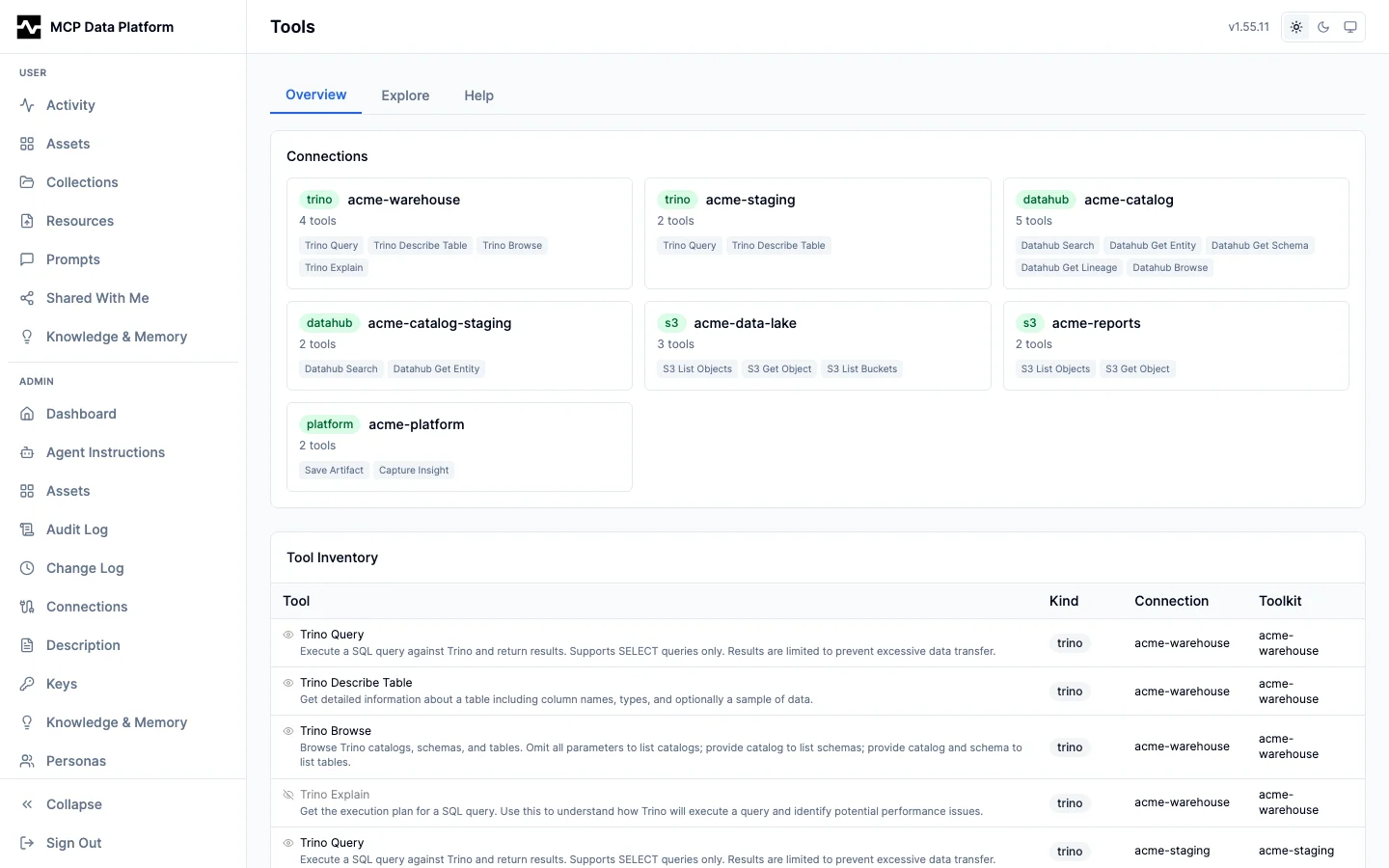
Detail tabs
| Tab | Purpose |
|---|---|
| Overview | Description (editable, see overrides below), routing (toolkit / kind / connection), persona allow/deny matrix with matched pattern, raw input schema. |
| Try It | Dynamic form generated from the tool's input schema. Submits a real tools/call and renders the result with optional enrichment blocks. Per-session history with replay. |
| Activity | 24-hour aggregate from the audit log: call count, success rate, average duration. Links to /admin/audit?tool=<name>. |
| Enrichment | Gateway-proxied tools only. Lists cross-enrichment rules attached to this tool, with merge strategy and enabled state. Links to the connection's enrichment drawer. |
| Visibility | Toggle the global kill-switch (see tools.deny below) and preview a persona's decision for this tool without editing persona rules. |
Try It submits a real tools/call against the running platform, so the result
below the form is the result an agent would get:
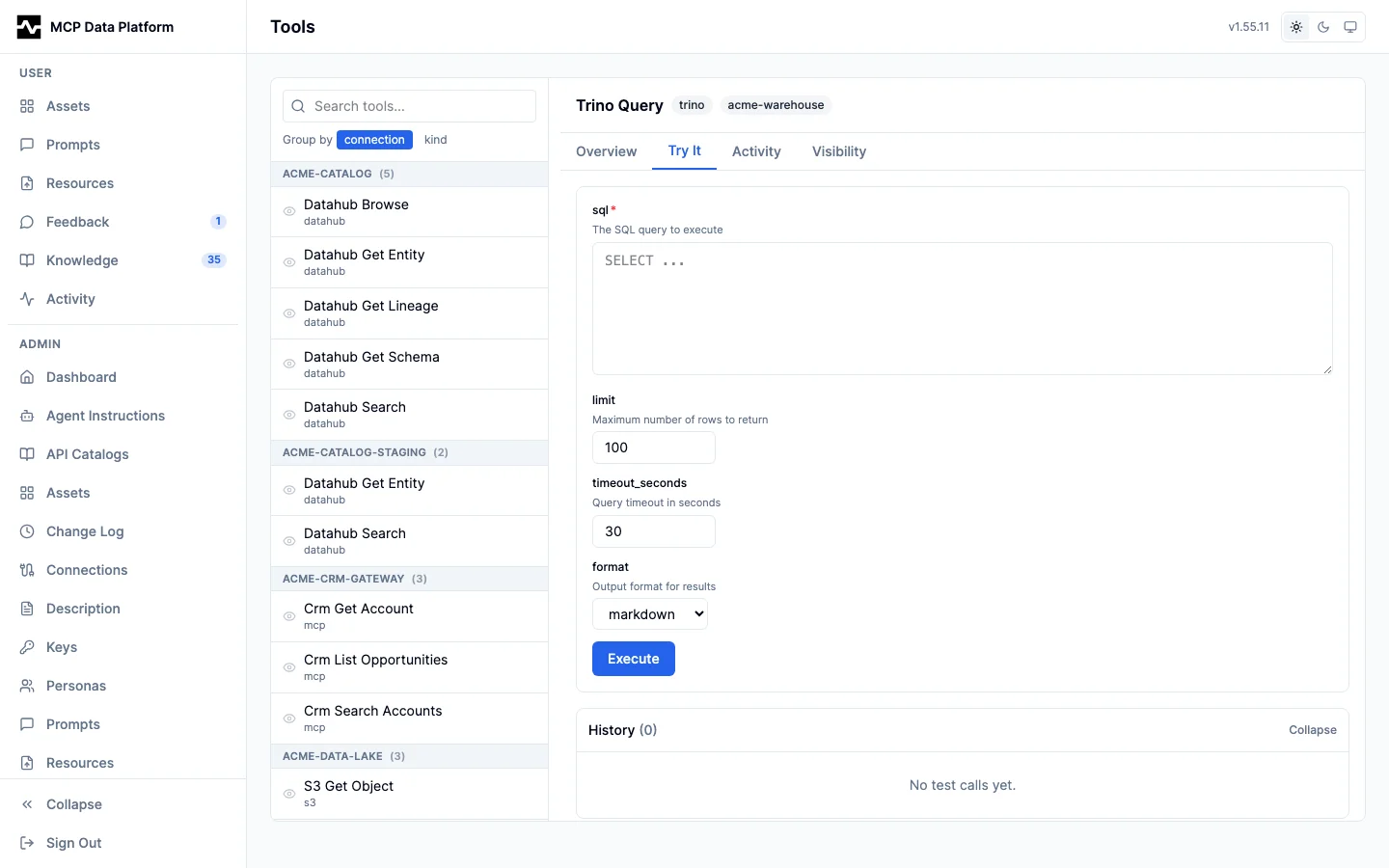
Activity reads the same audit rows the audit log holds, narrowed to this one tool:
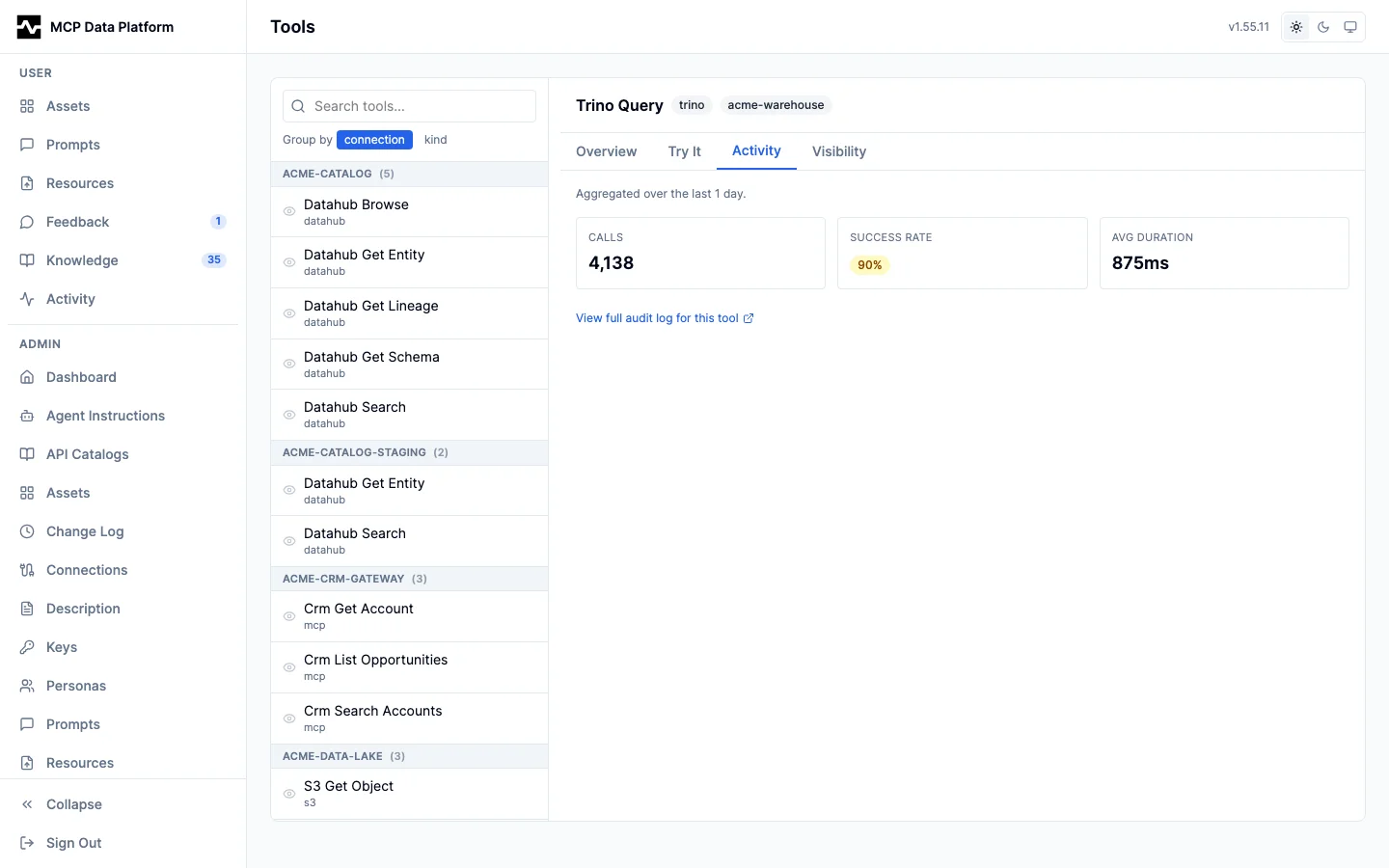
Enrichment appears only for a gateway-proxied tool, and lists the rules attached to it:
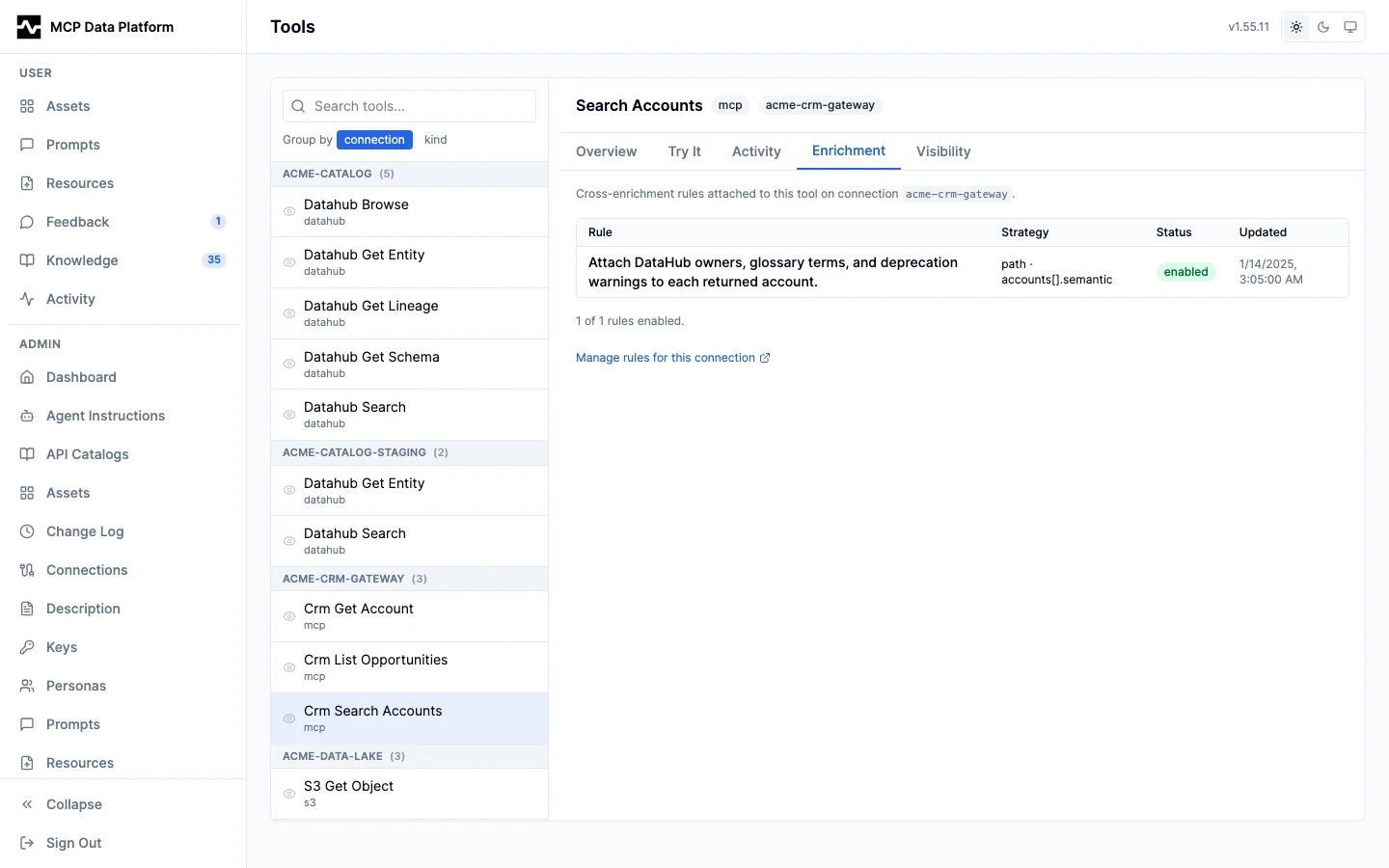
Description overrides
A tool's description is what an LLM agent sees in tools/list. Overriding it is the most reliable way to steer agent behavior — for example, to insist that trino_query calls datahub_search first to discover the table.
Overrides are persisted as config entries with the key tool.<name>.description. Resolution order, last wins:
- Built-in defaults in
pkg/middleware/mcp_descriptions.go— currentlytrino_queryandtrino_executeredirect agents through DataHub discovery. - File-config overrides in
tools.description_overridesofplatform.yaml. - Database overrides authored from the portal Tools page, stored in the
config_entriestable.
The Overview tab shows an overridden badge with the author when a database override is in effect. The "Reset" button removes the database override; the file-config or built-in default takes over. Overrides are picked up at platform startup — saving from the portal updates the live config struct immediately, but the tools/list response continues to serve the previously-cached description until restart.
Global kill-switch (tools.deny)
tools.deny is a glob list that hides matching tools from tools/list responses for all clients. It is a cosmetic / token-budget filter, not a security boundary — persona authorization continues to gate tools/call independently.
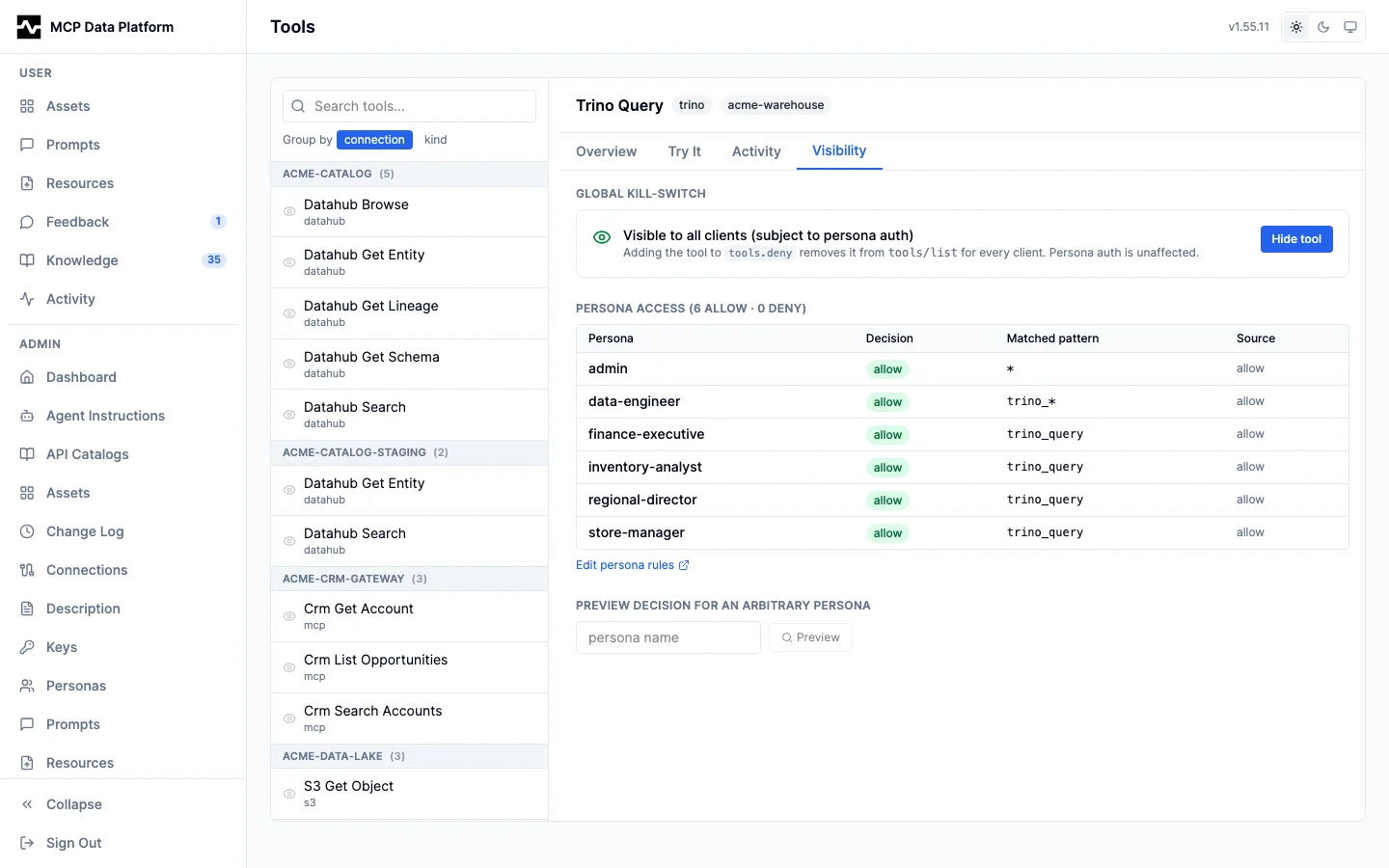
Three equivalent ways to set it:
- Edit
tools.denyinplatform.yaml(file mode). PUT /api/v1/admin/config/entries/tools.denywith a JSON-encoded string array asvalue.- Click "Hide tool" on the Visibility tab. The portal does a read-modify-write of the
tools.denyconfig entry, appending the literal tool name.
When a deny pattern is a glob (e.g. *_admin_*) rather than a literal name, the Visibility tab will surface a warning that toggling here only changes the literal entry — the glob must be edited via Config.
Admin API surface
| Endpoint | Use |
|---|---|
GET /api/v1/admin/tools |
Inventory of every registered tool with kind / connection. |
GET /api/v1/admin/tools/schemas |
Bulk fetch input schemas and the annotations each tool advertises. |
GET /api/v1/admin/tools/{name} |
Aggregating per-tool detail used by the master-detail page, including its annotations. |
POST /api/v1/admin/tools/call |
Invoke a tool with parameters; returns the same content envelope clients see. |
PUT /api/v1/admin/tools/{name}/visibility |
Add/remove the tool from tools.deny (read-modify-write under the hood). |
POST /api/v1/admin/personas/{name}/test-access |
Preview a persona's allow/deny decision for one tool. |
PUT /api/v1/admin/config/entries/tool.<name>.description |
Save a per-tool description override. Only accepted for keys whose <name> matches a registered tool. |
DELETE /api/v1/admin/config/entries/tool.<name>.description |
Remove an override and revert to the file or built-in default. |
See Admin API for full request/response shapes.
Platform Tools
platform_find_tools
platform_find_tools(query, limit) ranks the platform's own registered tools by semantic similarity to a natural-language task description, so an agent can discover the right tools by intent instead of scanning every tool name. It is the tool-catalog analogue of api_discover's semantic ranking.
- Indexing — every globally-visible tool's descriptor (name, description, and a parameter-schema summary) is embedded through the shared index-jobs framework (
source_kind = "tools") and persisted to thetool_embeddingstable. On each reconcile sweep the tools gap check diffs the live registry against the persisted vectors by descriptor text hash, so a tool addition, removal, description-override edit, or visibility flip is picked up within one interval, while a steady-state corpus produces no job and the index settles rather than re-running every sweep. When a job does run, the worker's text-hash dedup re-embeds only the descriptors that actually changed. Embeddings are persona-neutral (indexed once for the whole catalog). - Ranking — the query is embedded and ranked against the stored vectors with pgvector cosine distance. When no embedding provider is configured or the index is empty, it falls back to a lexical name/description match and sets a
noteexplaining why (the same UX asapi_discover). - Persona scoping — results are filtered at read time to the tools the caller's persona is permitted to call, exactly like
tools/list. The model never sees a tool it cannot call. (Row-level filtering, not per-persona embeddings.) - Response —
{ "tools": [ { "name", "description", "score" } ], "note"? }, ranked most-relevant first and capped atlimit(default 10, max 50).
This is discovery, not routing: the agent still chooses which returned tool to call.
manage_prompt
manage_prompt manages database-stored prompts (create, update, delete, list, get) and resolves any prompt to run with the use command. list supports a ranked free-text query over the caller's visible prompts, the same rule browsing applies: approved shared prompts plus every prompt the caller owns at any status, and everything for admins (hybrid semantic + lexical when an embedding provider is configured, lexical otherwise).
Editing without resending. manage_prompt carries the same content verbs as manage_asset (patch, locate, get_content, outline, stats, diff) with the identical grammar documented in Editing content in place. Renaming a step in a long operating procedure is one patch call whose arguments are the size of the change. A patch routes through the same review gate as any other content edit: patching an approved global or persona prompt produces a pending draft version and the approved snapshot keeps being served until an admin approves it. diff with no versions named compares the newest pending draft against the version currently being served, which is the question a reviewer actually has.
use: resolve and run. When a user names a report, procedure, or recurring task ("run the daily sales report"), the agent resolves it against the prompt library instead of enumerating prompts. use accepts any handle in name:
- an exact bare name (
daily-sales-report), - a display name, case-insensitively ("Daily Sales Report"),
- an
mcp:prompt:<id>reference (the same referencesearchresults carry), - or free text, ranked against the library.
A single confident match returns status: "resolved" with the prompt content (argument values passed in args are substituted), its argument specs, any required arguments still missing, and provenance (scope, status, version, approver, owner, reference) so the agent can confirm what it is about to run: "running Daily Sales Report v4, approved by jane@example.com". An ambiguous handle returns status: "ambiguous" with a short ranked candidate list to disambiguate, never an error and never a silent first-match. Operator, workflow, and toolkit prompts resolve through use as well (they remain read-only to the management commands); the auto-generated platform-overview prompt is served only on the native prompts surface.
Non-admins manage only their own personal prompts; admins manage every scope. An admin creating a global or persona prompt is its approver: the prompt lands approved (and therefore searchable) with the approval stamped, rather than sitting in draft. create and update also accept collection_id to place the prompt in a shared collection (an id from the collections array list returns; an empty string clears the placement; collections themselves are created in the portal). On the native MCP prompts surface, database prompts are presented under per-viewer scope-prefixed names (see Configuration: Prompts); use insulates users from those presented names entirely.
Versioning and review. Every mutation of a prompt's content, display name, description, arguments, or tags snapshots an immutable version with its author; approval stamps bind to the specific version approved. Editing the content or arguments of an approved global or persona prompt does not apply immediately: update returns status: "pending_approval" with the draft's pending_version, and every caller keeps being served the approved snapshot until an admin approves the draft (in the admin portal, or POST /api/v1/admin/prompts/{id}/versions/{version}/approve). A gated content edit cannot be combined with scope/status/other non-versioned changes in one call; submit them separately. Personal prompts and never-approved drafts version silently. get and list also report run_count and last_run_at per prompt, aggregated from prompt-serve audit events (each prompts/get and resolved use counts as a serve), and list results include the shared collections list (the portal's organization model) when the store supports collections.
Attached materials. A prompt can carry the reference material its procedure depends on: the report template it fills, the checklist it follows, the brand header it embeds, the sample payload it matches. Attachments are links to managed resources, stored by resource id, so editing the uploaded file updates every prompt that attaches it.
A resolved prompt delivers them after the prompt text. Text material at or below 64 KiB arrives inline as an MCP embedded resource; anything binary or larger arrives as a resource link the client reads on demand. use also lists them in an attachments array carrying each item's URI, media type, size, and availability, so the agent can state what materials it received. The delivered material is framed as authoritative: an attached template is to be filled rather than reinvented, an attached checklist followed.
An attachment must be at least as widely visible as the prompt that carries it, so a shared SOP never arrives with materials most of its audience cannot read:
| resource scope | may be attached to |
|---|---|
| global | any prompt |
persona P |
personal prompts, and persona prompts scoped to exactly P |
| user | the author's own personal prompts only |
The rule is enforced when the attachment is made and again when the prompt changes scope, so requesting promotion of a personal prompt that carries a private template is refused with a message naming the resource. It is checked a third time at serve time against the caller: a reader who cannot read an attachment receives the prompt with a note that some materials were not delivered, never their contents and never their names. Deleting an attached resource does not break the prompt; it still serves, and both the served result and the portal flag the material as missing.
Authors manage attachments from the prompt viewer in the portal, and the resource detail view lists the prompts that attach a resource, so the cost of deleting it is visible first.
Referenced scripts. A prompt can also reference the managed scripts its procedure depends on: the report the analysis reads, the export it compares against. attach_script adds one and detach_script removes it; both take script, either the mcp:script:<id> reference search and fetch return or a bare script id from manage_script. Referencing is an edit to the prompt and takes the same authority every other prompt mutation does.
Serving a prompt delivers each referenced script's contract — what it is, what parameters it takes, whether a run would be admitted, its schedule, and the last successful run with what that run produced — plus the instruction to call run_script for fresh output. use also lists them in a scripts array. Serving never executes a script: a prompt read is a read path, and running code from it would blur audit attribution and turn every read into a potential asset write. The contract never carries the script's source; reading the code is what manage_script get is for.
A script is its owner's, so a reference to one resolves for that owner and for nobody else. Referencing is allowed from any prompt, and the response says who it will resolve for when the prompt serves anybody else, so the author learns it at the moment they make the reference rather than from a reader who received less than the prompt reads. A caller who does not own a referenced script receives the prompt with a note that part of its automation was unavailable, never the script's name or parameters. You may only reference a script you can see: an attempt to reference somebody else's is refused. Deleting a referenced script does not break the prompt; it still serves, and the payload reports the reference as no longer existing.
Prompt browser app. In MCP Apps-capable hosts, the built-in prompt-browser app is bound to the show_prompts tool. show_prompts is presentation-only: its only job is to render the interactive library browser (search, facets, argument forms, a Run action) for the human, so an agent calls it only when the user wants to see their prompts. manage_prompt carries no app and renders nothing, so the agent's own prompt work (resolve, run, create, edit) never puts a UI in front of the user. The rendered app populates itself from its own manage_prompt calls. See MCP Apps: Overview. manage_prompt's JSON results are complete on their own in clients that do not render apps.
manage_script
manage_script authors, validates, and dry-runs managed scripts: small Starlark programs the platform stores, versions, and governs, so a process whose logic is already solved (a KPI report, a recurring export) can be re-run without deriving it again through a conversation. Write a script when the logic is settled and the work will repeat; keep using the query tools directly while you are still exploring.
The loop. create (or update/patch), then validate, then run_draft. validate parses and resolves the source without executing it, and reports the capabilities and connections the code references, plus a finding for any destination this deployment does not declare. run_draft executes it for real, under your own identity and persona, with tighter limits than a saved run has, persisting nothing: platform.export reports the shape of each output instead of writing it, and a platform.call that would persist is refused and named in refused_write, so a landing pipeline is rehearsed without landing. Send allow_writes=true when a later step needs what an earlier one creates; the run then writes for real and lists every write it made under writes. Both act on the source argument when one is sent and on the saved version when it is not, so an edit can be checked and executed before it becomes the version that runs. Commands: create, update, patch, delete, get, list, diff, versions, validate, run_draft, help, the run-history commands runs and get_run, the state command state (state_action get, set or clear, the owner's and an administrator's read and reset of the one object a script carries between runs), the schedule commands schedule_set, schedule_list, schedule_enable, and schedule_disable, plus the shared content verbs (locate, get_content, outline, stats) documented in Editing content in place.
Who owns it and who wrote it. owner_email, on get and on each row of list, is the person the script is filed under now. An administrator can move a script to another owner, and that field moves with it. The author does not: every version records who saved it and the roles they held at that save, and versions reads that history newest first — version, author, author_roles, status, created_at, and the descriptive fields the snapshot carried (display_name, description, category, tags). The oldest entry names whoever created the script, so the question survives a transfer, and the roles on an entry are the authority a run of that version presents. It carries no source; read an earlier version's code with diff. Its visibility is get's, and a deployment whose store keeps no versions refuses it rather than answering with an empty history.
Reading another person's script. A script is how a resource or an asset was produced, so its definition is readable by everyone (#1866): name its owner with owner_email and get, get_content, outline, stats, locate, diff and versions answer as they do for your own. Two things stay with the owner and administrators even there: get leaves out live_runs, and versions leaves out author_roles. Running it, scheduling it, changing it, and reading its runs and its state are the owner's and an administrator's, and any of those naming another person's script is refused in those words.
The dialect, in-context. Call help before writing your first script. Starlark is Python-shaped but deliberately smaller, and help states exactly what is available and what a Python instinct will reach for and not find, with the corrective form for each. help also returns a see_also list naming the platform's built-in authoring pages by slug, each with the reference fetch reads it by, so the reasoning the contract states in outline (output identity, the choice between composing a whole document per run and refreshing one document's data region, provenance) is one call away rather than dependent on a search ranking it. get also retrieves seeded worked examples (example-daily-sales, example-region-rollup) so a first script starts from a script that runs. validate recognizes the predictable Python-isms and answers with a correction rather than a bare parse error: import is not available (json and date are already predeclared), try/except does not exist (an error fails the run by design; stop deliberately with fail("why")), f-strings are not supported (use .format() or %), while and recursion are off, and there is no clock, no randomness, no filesystem, and no network.
What a script can reach. A closed, enumerable set, because an enumerable surface is what makes a review meaningful:
| Binding | What it does |
|---|---|
platform.query(sql, connection, params) |
Read-only SQL. Returns {columns, rows, row_count}, rows as dicts keyed by column name, under hard row and byte caps |
platform.export(name, rows, format) |
Declares an output: rows as a list of dicts serialized in the declared format, or a string body written verbatim for a document. Formats: csv, json, jsonl, parquet, markdown, text, html, jsx — csv, json, jsonl and parquet require rows, and parquet types each column from its values by the rules a JSON-lines table is typed by, html and jsx take only a string body, markdown and text accept either. register={"connection": ...} makes the written file a table in the same call. references=[...] declares the mcp:// URIs and mcp:asset: references a portal document names, through manage_asset update on the asset it wrote, and the record lists any the body names that it did not declare under undeclared_references. In a draft run this reports the shape and size the output would have and writes nothing, unless the draft was run with allow_writes |
platform.publish_data(name, data) |
Refreshes the data region of an existing dashboard without touching its markup: name is the same output identity platform.export uses and must already be an html, jsx, or markdown document of this script's; data (a dict or list) is serialized as JSON and structurally spliced into the one element matching #data. A document without the marked region fails the run. In a draft run this reports the payload size and writes nothing. See Refreshing a dashboard's data region |
print(...) |
The run log, bounded; anything larger belongs in an export |
platform.save_state(state) |
Replaces the one JSON object the script carries from run to run, bounded at 64 KiB. Applied when the run succeeds, in the write that marks it so, with a compare-and-set on the revision the run read: a failed run leaves the state alone, and a second run that read the same revision fails at its write naming the first. A draft reports what it would have saved |
run.run_id, run.fire_time, run.params[...], run.state |
The frozen run record. run.state is the script's state as it stood when the run was created, {} for a script that has never saved any |
json, date |
Encode/decode, and date arithmetic over YYYY-MM-DD strings |
Parameters are bound, never spliced. Write :name placeholders and pass the values in params; the platform renders each as a typed SQL literal, including a list as a parenthesized IN list. Never build SQL by string concatenation. A date binds as a quoted string, so compare it against a DATE column as DATE :day, which renders the standard literal DATE '2026-08-12'.
A truncated result fails. platform.query refuses a result the engine truncated at the row cap rather than handing the script a partial answer, because a script that sums the first N rows of a larger result reports a wrong total with no sign that anything was missing. Aggregate in SQL, or narrow the query.
Determinism, precisely. Same script version + same parameters + same state read + same underlying data produce the same output. That is reproducibility, not "identical forever" — the warehouse changes between runs, and that is the point of re-running. There is deliberately no now() and no today(): the fire time is pinned on run.fire_time when the run is created, so a daily report recomputes "yesterday" identically when it is re-run months later to explain what it said. A script error is deterministic and is never retried; a rate-limit refusal of one of its calls is not a script error, and the host waits the refusal's interval within the run's deadline and issues the call again. An upstream's own 429 (and a 503 to a read) is waited on the same way, at most three times, before the script has the answer as data. A failed run carries cause (script, upstream, memory, worker_lost, platform, state_conflict) and retryable, true only when running it again is expected to succeed; a running run carries liveness and who holds it, and get lists the script's live_runs (#1859, #1860). A run holding more than scripts.worker.max_run_memory fails with cause memory, and run_draft and a run's metrics report peak_memory_bytes; platform.export(..., append=True) pages a large result into one output instead of holding it (#1861).
Scheduling. schedule_set gives a script a cadence: a cron expression (0 7 * * 1-5) or a descriptor (@daily), the IANA timezone it is read in, and the parameter values every fire binds. A script has at most one schedule, and setting one again replaces it. Bound values may contain ${fire_date}, which expands at each fire to that fire's date in the schedule's timezone and is written onto the run — which is what lets a scheduled run be re-read months later and explain itself. The schedule confers no authority: it decides when the latest saved version runs, never what it may reach. A fire arriving while the previous run is still going is skipped and recorded, a gap in service produces one run for the latest fire rather than a burst, and a failed scheduled run emails the script's owner. Full behavior in Running Managed Scripts.
Discoverable, and addressable. A script is reachable the way every other platform entity is: it has an mcp:script:<id> reference, search finds it by what it does, and fetch dereferences that reference to its contract — what it is, what it takes, whether a run would be admitted, its cadence, and the last successful run with what that run produced. The reference resolves by id, so renaming a script never breaks one that is stored. What a script is FOR is answered by that contract; the source is read with get and on the portal script page. Discovery grants nothing: finding a script says it exists and what it takes, while running it is still run_script under the run gate. Search shows a caller exactly the set list would — their own scripts — and skips dead ends (disabled, deprecated, superseded), though a reference to one still resolves and says plainly that it will not run.
Found by what it does. A script's description card — its title, description, parameter names, tags, and the one line stating whether anything will execute it — is embedded through the shared index-jobs framework (source_kind = "scripts", one vector per script stored inline on the row, as prompts and memory store theirs). Ranking is hybrid: the semantic arm reaches a script whose wording nobody typed ("what refreshes the regional sales numbers" reaches daily-sales-report), while an exact-term match still takes a decisive boost over a merely near one. A deployment with no embedding provider ranks lexically and behaves exactly as it did before. A created script and an edited one enqueue their own index job, so a script is rankable in about the time one embed takes. Any write that moves the card drops the stored vector rather than leaving a stale one ranking against a description the script no longer has — including a lifecycle change, which rewrites that last line — and the reconciler re-embeds what a write could not enqueue, along with the whole corpus after a provider model swap.
The Starlark is never embedded, so a question whose answer lives only in the SQL — "which script touches sales.orders" — is not what this ranking answers.
Governance. Every mutation snapshots an immutable version with its author and the roles they held, which are the roles a run of that version presents. A saved script runs: run_script and a schedule execute the latest saved version, the run gate refuses only a disabled or retired script, and the persona filter authorizes every call at run time. A script is one person's: its owner sees it, edits it, runs it, and schedules it, and administrators do all four on every script. An administrator can also move a script to another owner from the portal, which re-captures the run identity from the administrator making the move. The security model is documented in full in Managed Scripts: Security Model.
show_scripts
Opens the user's managed scripts in the portal for the human to look at: what they own, what each one is scheduled to do, and how its recent runs went. Call it only when the human wants to see their scripts, schedules, or automations, or asks what ran and why something did not update ("show me my scripts", "did the daily report run"). It performs no data operation and returns a short confirmation with a link to the pages where the deployment is configured with its public address. For reading a script, its runs, or its log as part of your own work, use manage_script, which returns data and renders no UI. Optional search pre-focuses the pages.
The pages themselves are read-only and described in the portal guide. Approving a version stays on the admin surface. A script's source and version history are readable by everyone signed in (#1866); the capability grants and the run history are the script's owner's and an administrator's to read, and one run is additionally readable by whoever requested it.
show_prompts
Renders the user's prompt library as an interactive browser for the human to look at. Call it only when the human wants to see, browse, or pick from their prompts visually ("show me my prompts", "open my prompt library"). It performs no data operation and returns only a short confirmation; the rendered app populates itself from its own manage_prompt calls. For running, creating, editing, or listing prompts as part of your own work, use manage_prompt, which returns data and renders no UI. Optional search pre-focuses the library.
Next Steps
- Multi-Provider - Use multiple connections
- Cross-Enrichment - Understand semantic enrichment
- Tools API Reference - Complete API specification