Settings and Change Log
What the deployment says about itself, what it tells an agent, and the record of every change either produced.
Agent Instructions
The Agent Instructions page edits the operating guidance every agent session receives. The editor is a split markdown view (source on the left, live preview on the right); a Database override badge appears when the value is stored in the database rather than the config file.
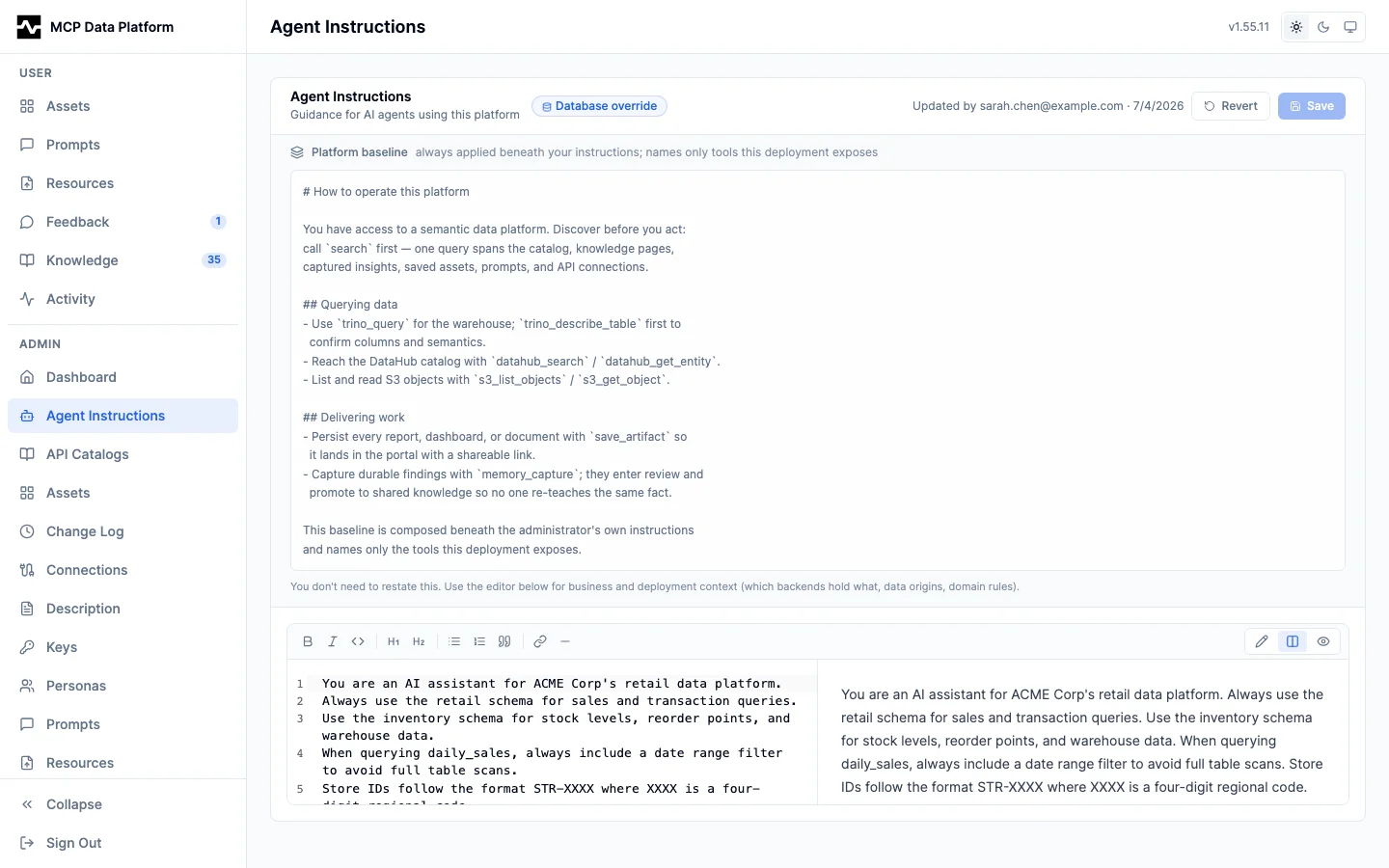
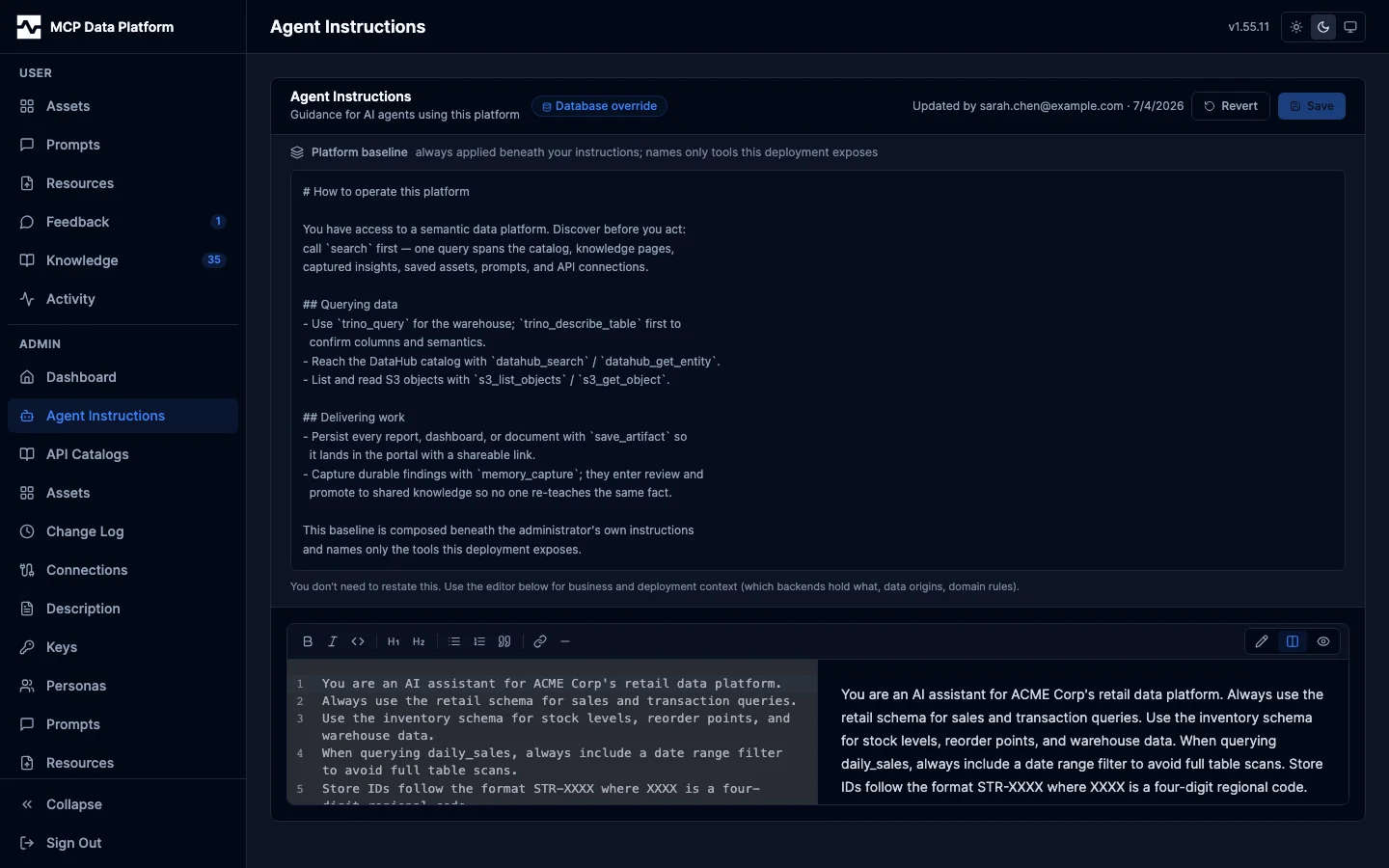
Above the editor sits the read-only Platform baseline: the platform-owned "how to operate" guidance composed beneath your instructions. It names only the tools this deployment exposes (search, query, save, capture), so you can see what is already covered and add only your business and deployment context on top.
Beside the Save button a size meter reports what this value costs, in bytes, against the limit the write path enforces. Every session on the deployment reads this layer in its first response, so it is bounded: past the advisory the page says the layer has grown from a set of rules into a document and names knowledge pages as the home for the overflow, and past the limit the save is refused. Both numbers come from the server, so the meter and the write path cannot disagree. See Configuration for the values, and Knowledge for the apply_knowledge sink that writes this same layer from a reviewed capture.
Description
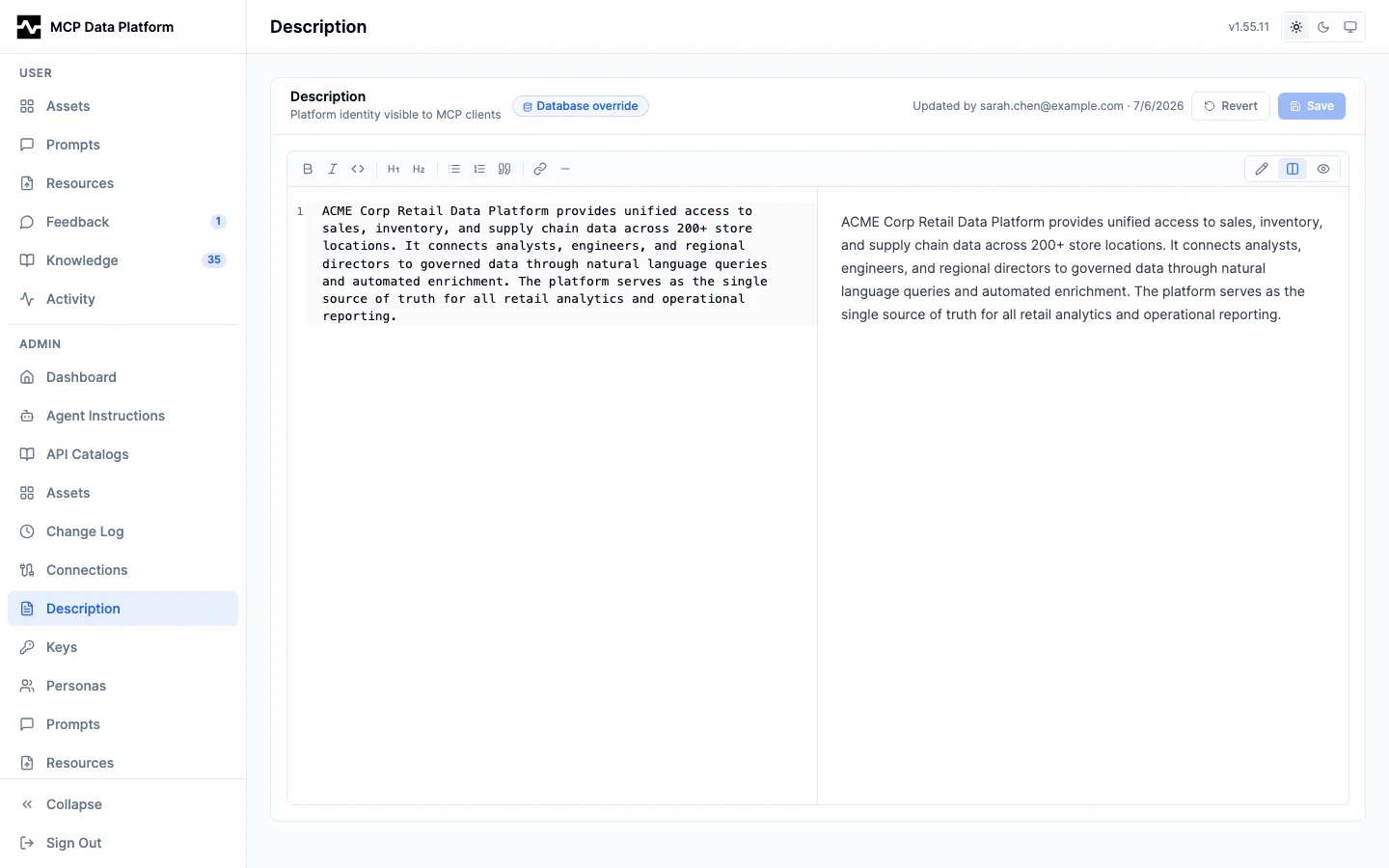
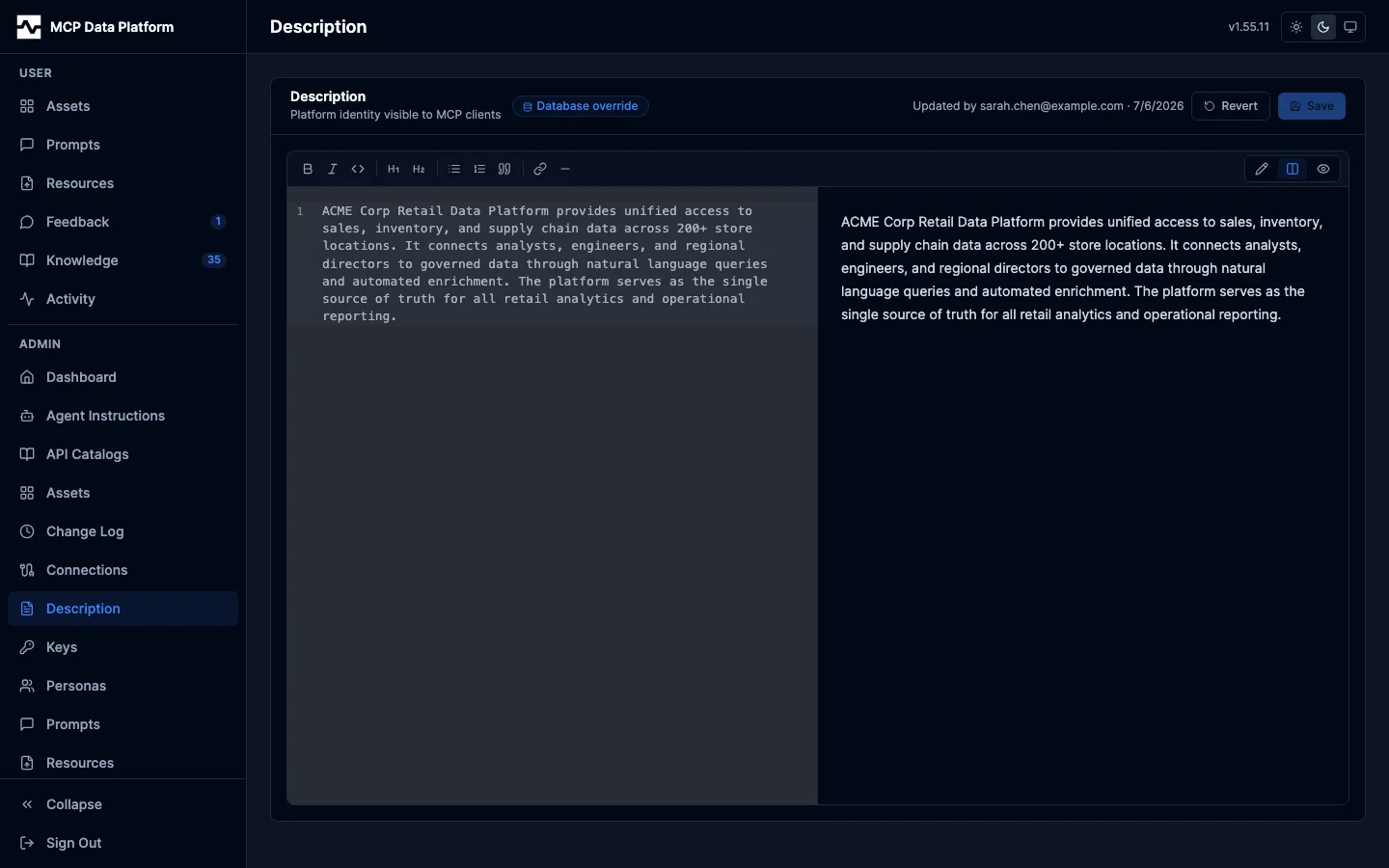
The Description page sets the platform's identity string, surfaced to MCP clients (for example in platform_info). Same split markdown editor and database-override semantics as Agent Instructions.
Settings
The Settings page holds global platform settings, one section at a time. A nav on the left lists the sections by topic, and each section has its own address, so a link can open it directly:
| Group | Section | Address |
|---|---|---|
| Delivery | /portal/admin/settings/email |
|
| Delivery | Channels | /portal/admin/settings/channels |
| Alerts | Knowledge review | /portal/admin/settings/knowledge-review |
| Alerts | Connection revocations | /portal/admin/settings/connection-revocations |
| Alerts | Run failures | /portal/admin/settings/run-failures |
| Content | Maps | /portal/admin/settings/maps |
/portal/admin/settings opens on Email. The nav marks Email when no
mail server is configured and Channels when a channel's last delivery
failed. In file config mode it says the settings are read-only. On a narrow
screen the nav is a picker above the section.
Each section saves on its own. A section with unsaved changes asks before it is left, whether for another section or through the sidebar, and the browser asks before the tab is closed or reloaded. Browser Back is not asked.
Email configures outbound mail for email notifications. Host, port, credentials, sender address, and TLS mode are stored in the database (the password encrypted at rest and write-only), and a Send test action verifies the configuration by delivering a test email; when the target address has opted out of notification emails, an informational notice appears next to the send action (the test still sends). Like other admin configuration, editing requires database config mode. Email branding (footer text, legal links, Reply-To) is implementor-owned YAML, not part of this page; see the portal configuration.
Knowledge review decides when the platform emails an operator about unreviewed insights — the pending-count and oldest-age thresholds, the re-alert cooldown, the recipients, and the Channels the alert is also posted to. A section that would deliver nothing (enabled with no recipients and no channels, or with both thresholds cleared) says so in a banner rather than saving silently. See review queue alerts.
Connection revocations decides who hears that a connection's OAuth credential was discarded and every call through it now fails needing reauthorization. The person who authorized the connection is emailed as soon as it happens and needs no configuration here; what this section sets is the escalation — how long a revoked connection goes unauthorized before the addresses listed here are told as well, and the Channels a revocation is posted to the moment it happens and again when it escalates. Leaving both empty is the default, and the section says so in a banner rather than implying a gap. See connection revocation alerts.
Run failures names the Channels a failing automation is posted to, beside the email its owner already receives: the failed scheduled run that begins the failure, with a link to it, and the run that recovers it. See scheduled run failures.
The Channels field is the same in all three alert sections: a checkbox per configured channel. A channel an alert names that has since been deleted stays listed, marked missing, so it can be unchecked; the server refuses to save a name no channel is stored under.
Channels lists the destinations a report or an alert is sent to that are not one person — a Slack channel, a Mattermost channel, an incoming webhook, or a named list of addresses. Each row opens its editor on click, showing only the fields its kind can use: the chat kinds ask for an api connection and a target channel id, a webhook asks for the connection alone (its URL is where the message lands), and an email list asks for recipients and no connection.
A channel holds no credential. What authorizes a post is the named connection's, held and encrypted there, which also decides who may send: anyone whose persona reaches that connection. A channel naming a connection no live toolkit serves is flagged in the list rather than looking configured and failing when something is sent to it. Under each channel's name is what it has done recently: when it last delivered, its sends this hour against its hourly cap ("Sent this hour 12 of 60"), what is waiting, how many repeats its keys are holding back, and the last error still recorded against it.
Send test delivers a message immediately through the channel's own transport and reports what the upstream answered — a refusal reaches the screen as it was given, since that is what tells you what to fix. A disabled channel can still be tested, so nothing has to be enabled untested. See notification channels.
Maps sets the basemap a map asset draws on. See Maps.
Change Log
The Change Log page provides an audit trail of all configuration changes made via the admin UI.
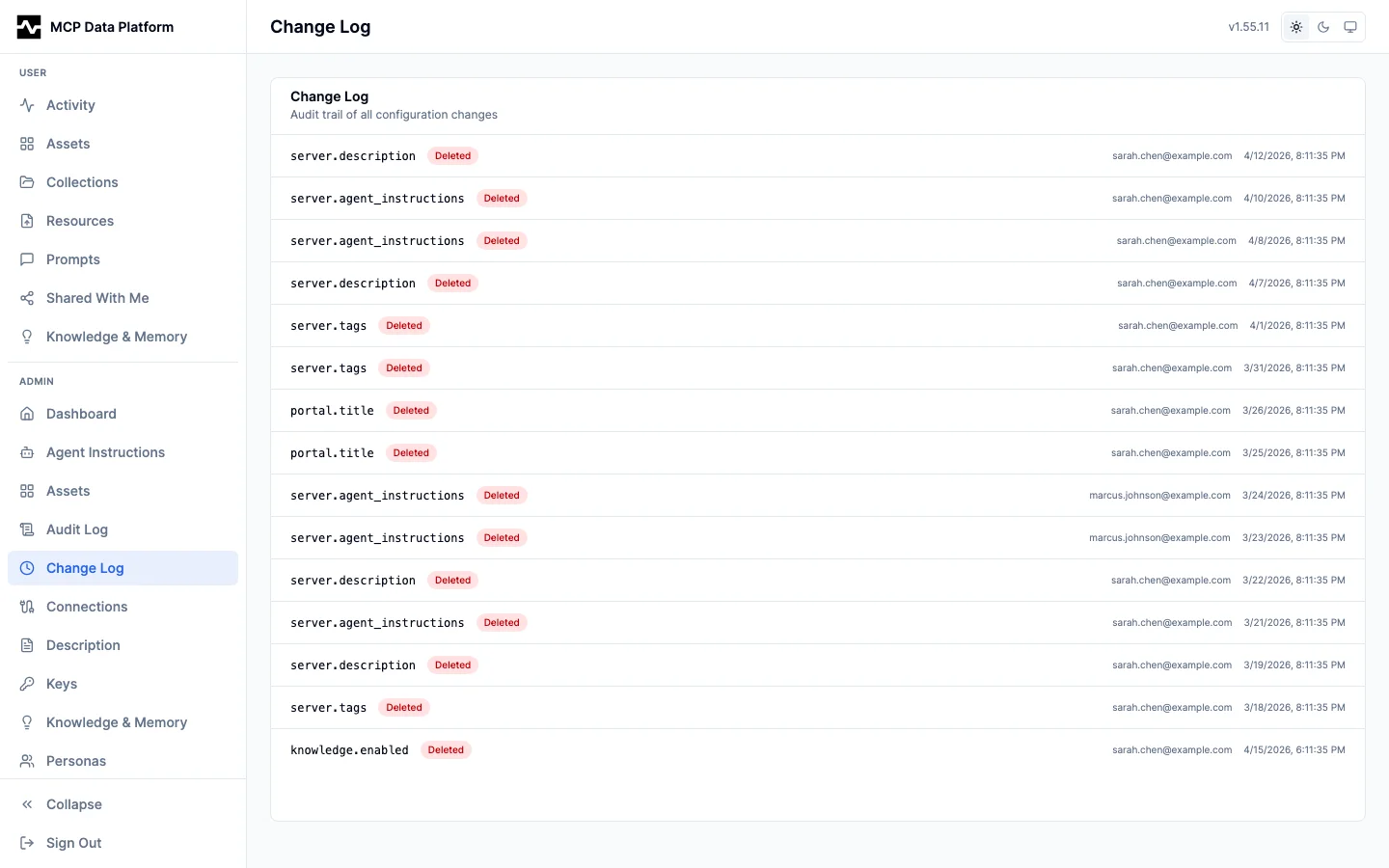
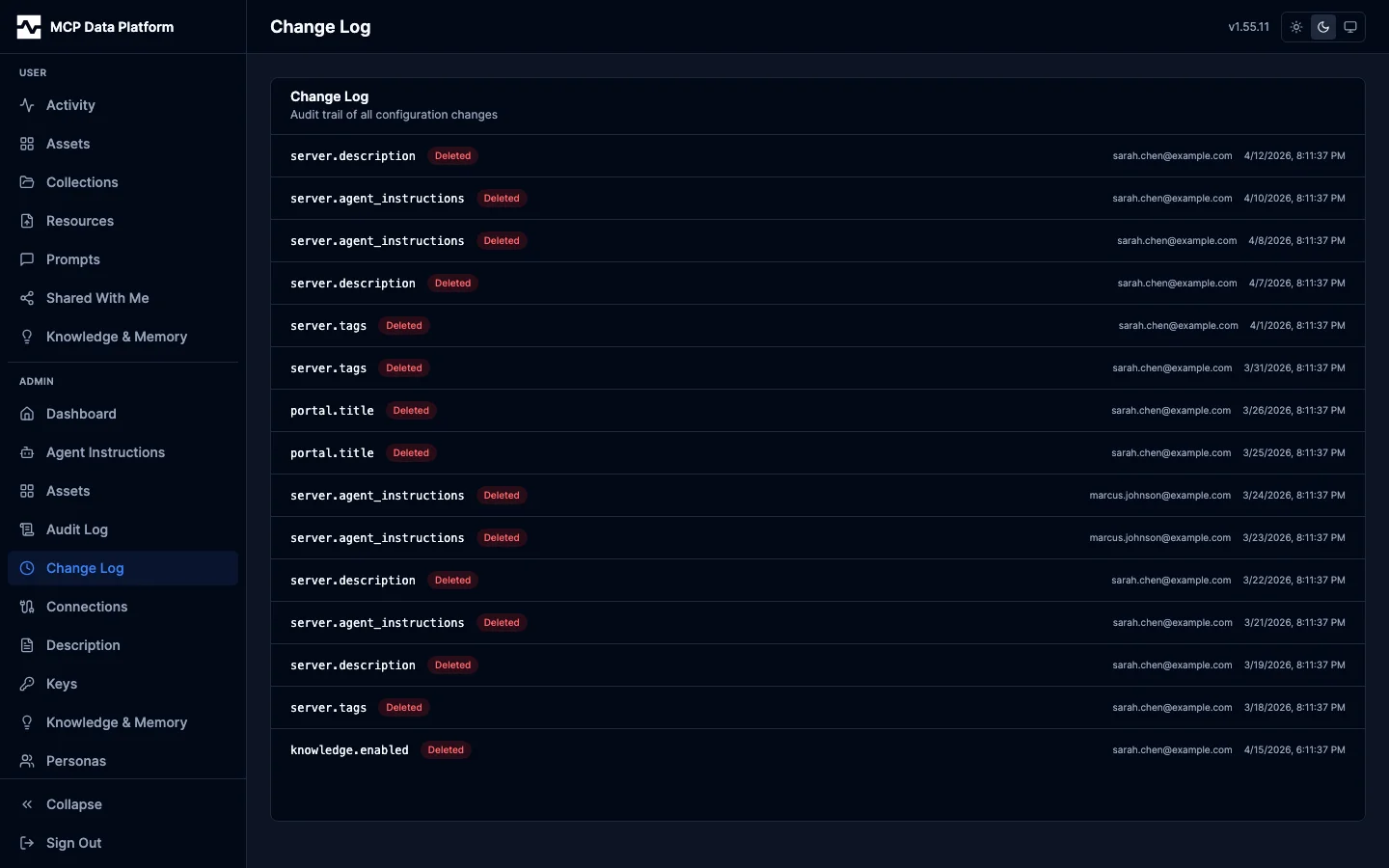
Each entry shows:
- Config key — The configuration path that changed (e.g.,
server.description,server.agent_instructions) - Action — Set (red badge) indicating a value was written
- Timestamp — When the change was made
Local Development
Run the portal locally with demo data using Mock Service Worker:
Open http://localhost:5173/portal/ — no backend required. The mock data includes realistic ACME Corporation demo content with 200+ audit events, 50 knowledge insights, 6 personas, and 12 users.
For full-stack development with a real backend:
make dev-up                                        # Start PostgreSQL
go run ./cmd/mcp-data-platform --config dev/platform.yaml  # Start server
psql -h localhost -U platform -d mcp_platform -f dev/seed.sql  # Seed demo data
cd ui && npm run dev                               # Start React dev server
See dev/README.md for complete local development instructions.
Generating Screenshots
Automated screenshot generation captures every portal page in light and dark modes:
cd ui
npm run screenshots              # Generate portal PNG screenshots
npm run screenshots:apps         # Generate MCP App PNG screenshots
npm run screenshots:convert      # Convert to optimized WebP
Screenshots are saved to docs/images/screenshots/light/ and docs/images/screenshots/dark/. See ui/e2e/screenshots/README.md for configuration options including custom branding.