Keys and Users
Who and what may reach the platform: the keys programmatic callers present, and the people it knows.
API Keys
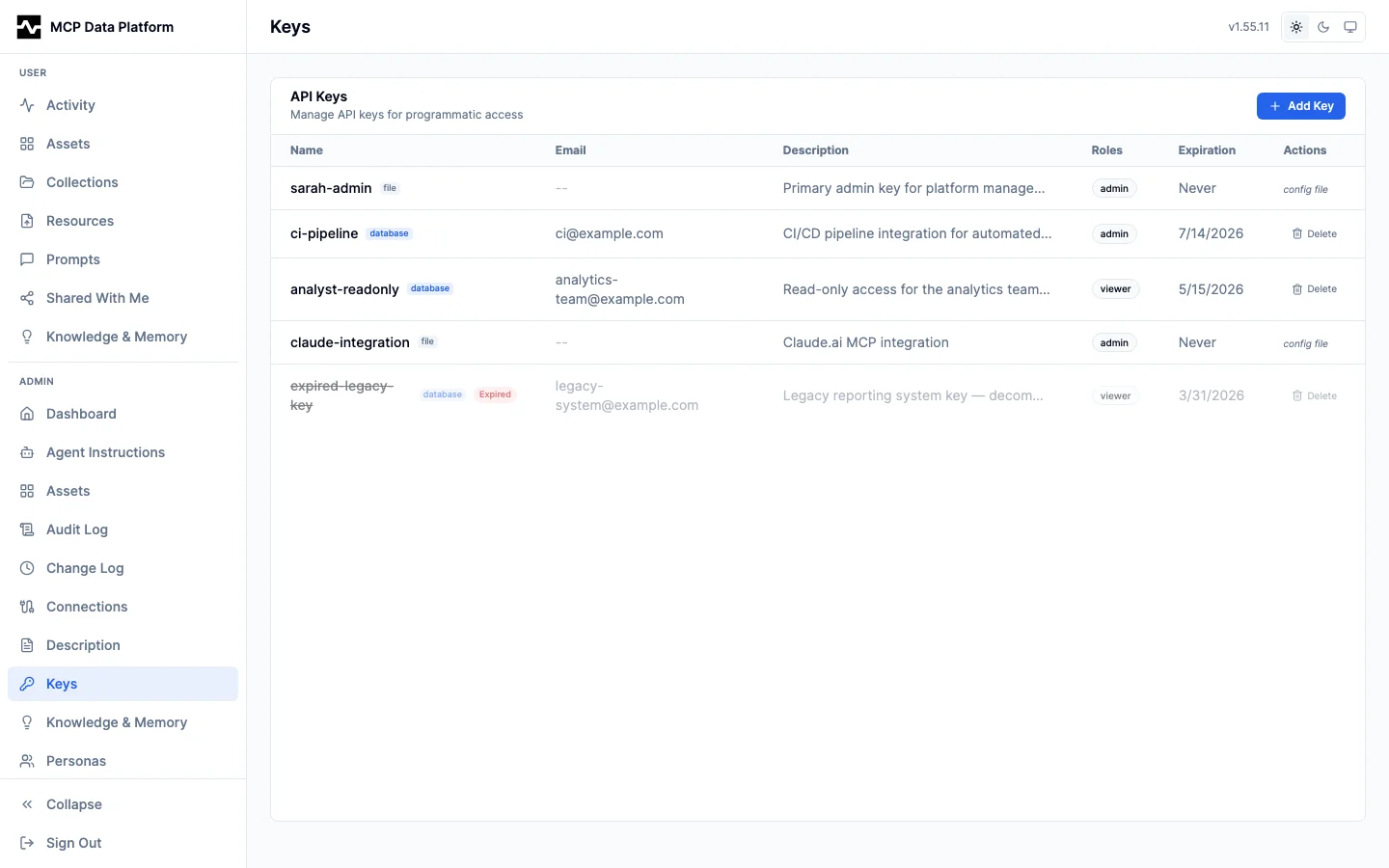
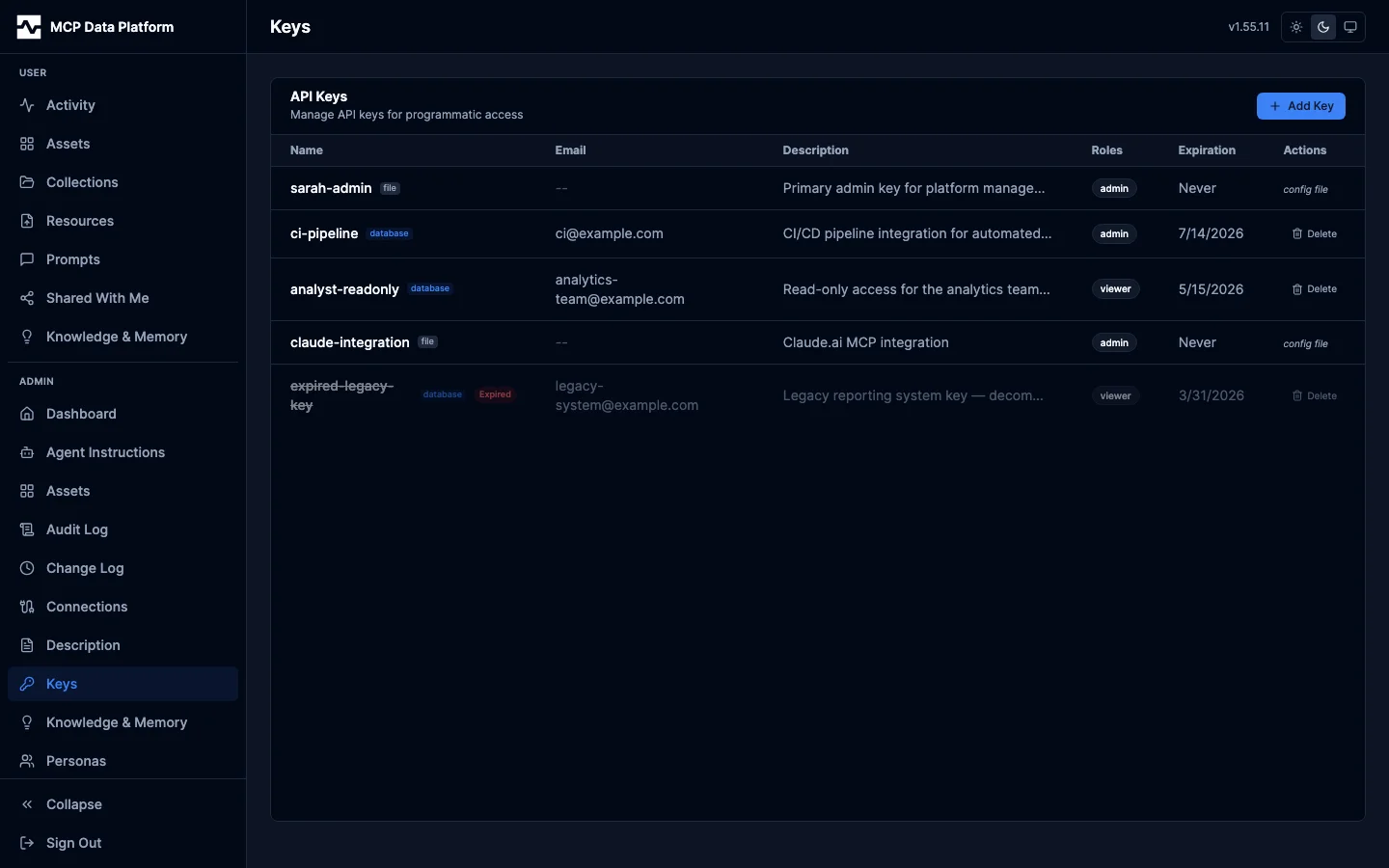
The Keys page manages API keys for programmatic authentication.
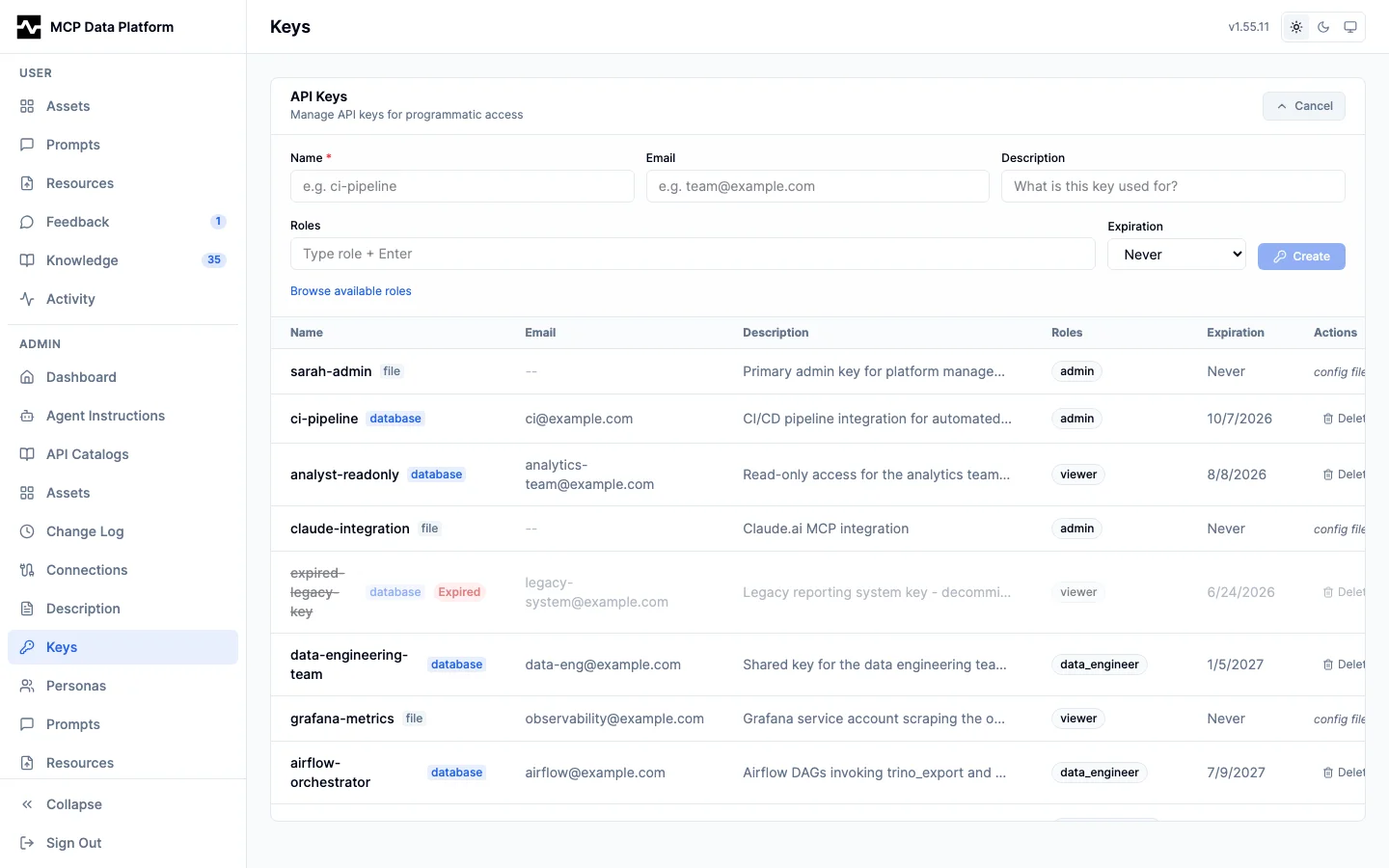
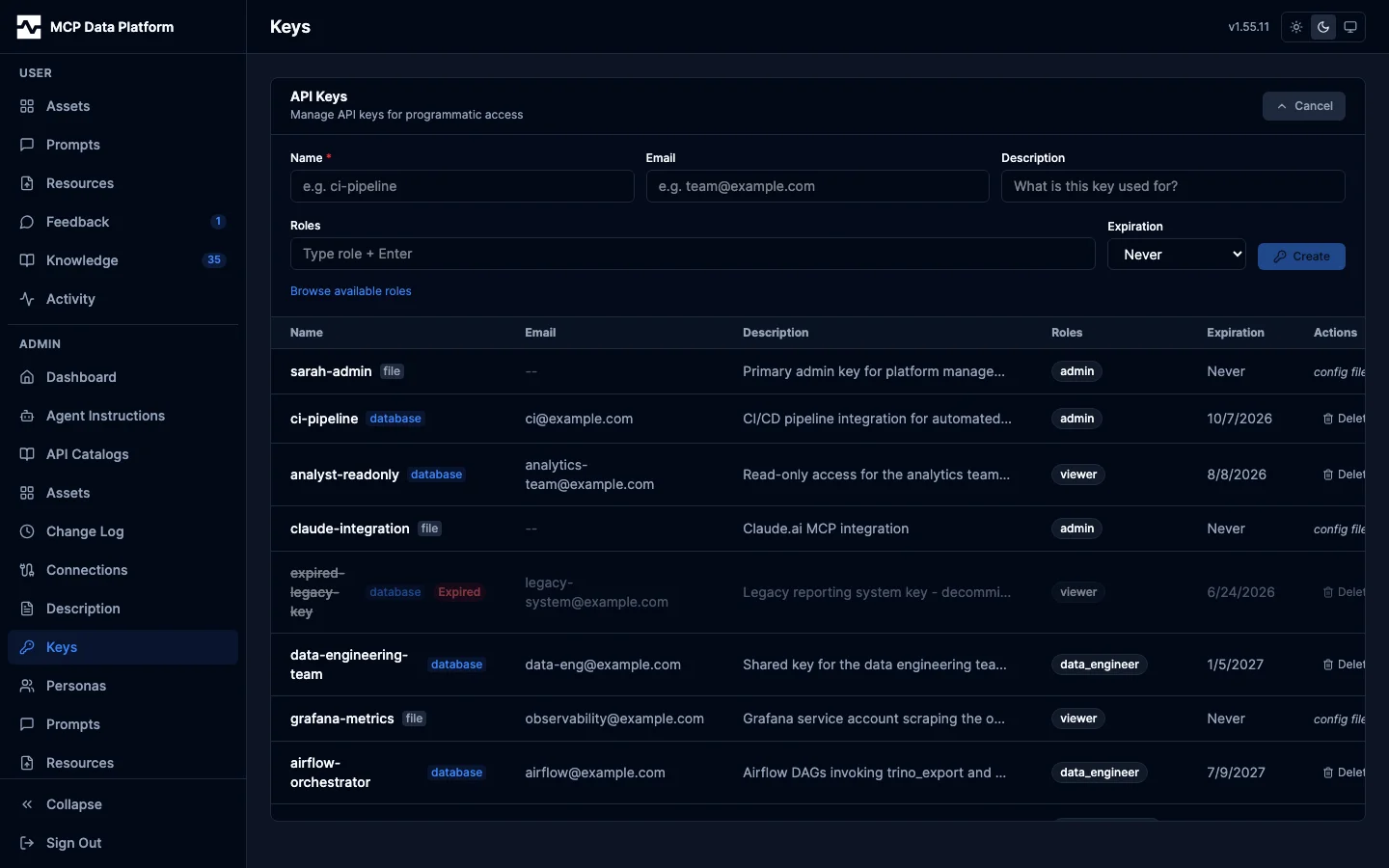
The add-key form collects a name, an Issued against account, a description, roles (with a role browser), and an expiration. The generated key is shown once in a copy-now banner and never again.
Issued against decides what the key is. Left as a service key it is the standalone identity a key has always been, taking a contact email and requiring roles of its own. Pointed at a person, the key authenticates as them — their identity and their roles — and the roles field fills with the roles they hold; left alone the key follows them on every request, and edited it carries exactly the set shown, which replaces theirs on that key rather than narrowing them. Only people the platform has seen sign in can be picked: a directory row nobody has signed in on has no identity for a key to resolve through. See API keys.
Features:
- Key table — Name, source badge (file/database), Issued against (the account, badged user, or the contact email badged service), description, roles badge, expiration date, and actions. A key somebody issued for themselves on their own settings page is listed here like any other, and can be revoked here
- Roles on a bound key — Reads "follows its owner" when the key carries no roles of its own, meaning it reaches whatever its owner currently holds
- Expired keys — Shown with dimmed text and "Expired" badge
- + Add Key — Create keys with name, account or contact email, description, roles, and expiration preset (Never, 24h, 7d, 30d, 90d, 1yr). The plaintext key is shown only once at creation.
- Delete — Available for database-managed keys only; file keys are read-only
- Source badges — Same file/database/both system as Connections
Users
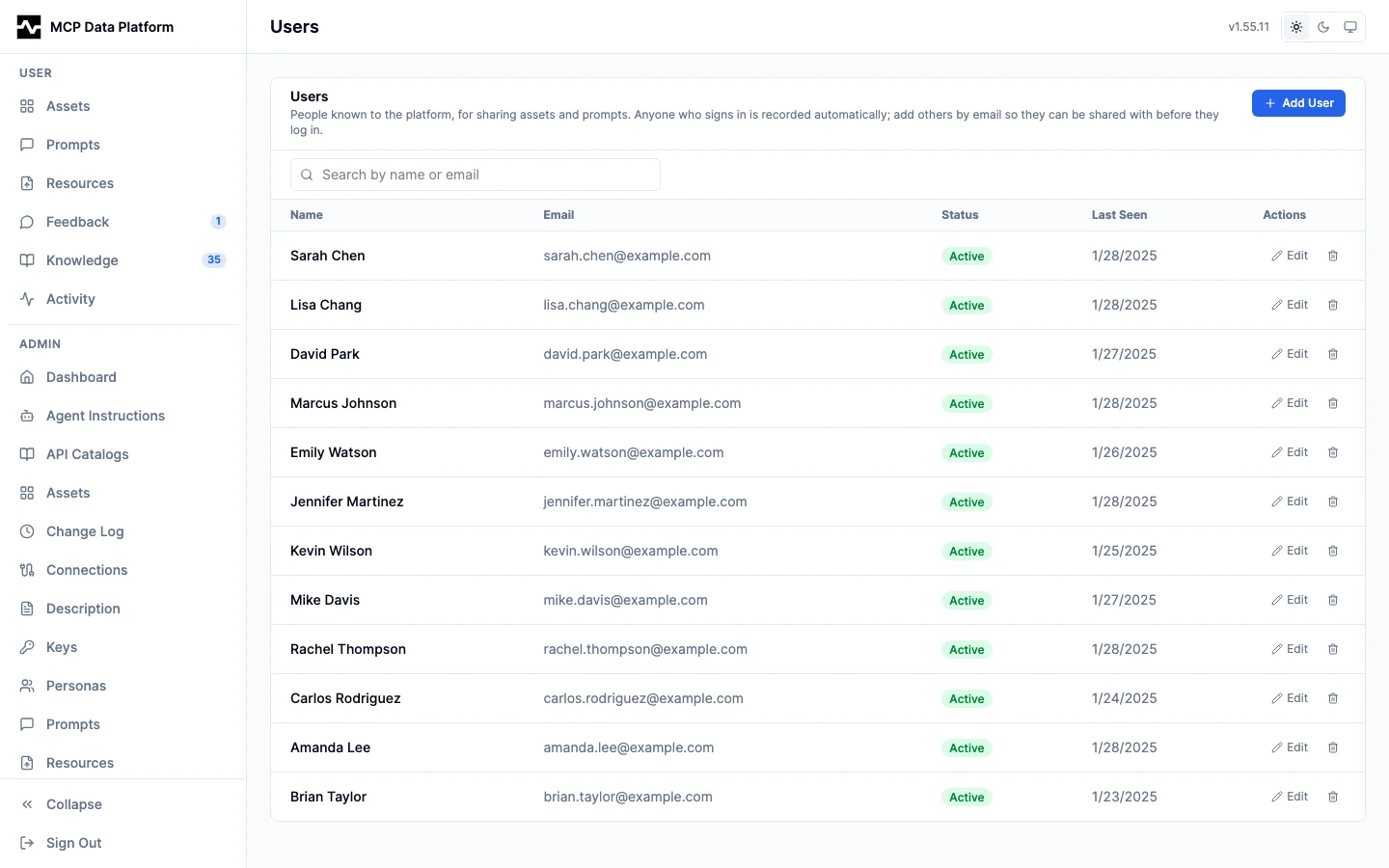
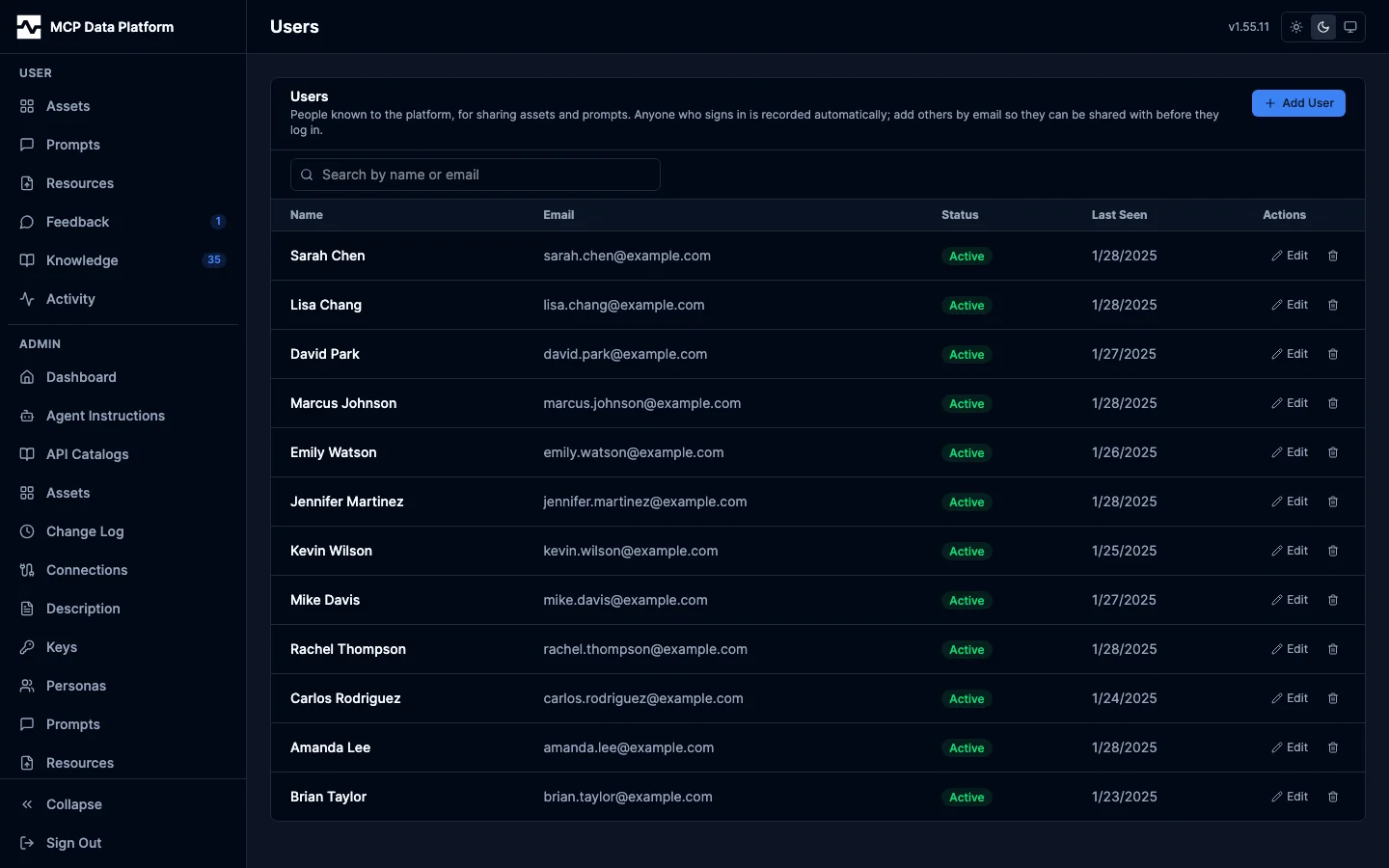
The Users page manages the known-users directory: a record of people (first name, last name, email) used to make sharing easier. It grants no access of its own: it gives the share picker names to resolve and suggest, and it records the roles each person's identity provider last stated, which is what an API key issued against their account carries.
Features:
- User table — Name, email, status badge, and last-seen date
- Status badge — Active (green) for someone seen via a real sign-in, or Invited (amber) for someone an admin pre-added who has not logged in yet
- + Add User — Pre-add a person by email (with optional first and last name) so they are selectable for sharing before they have ever signed in
- Edit — Change a person's first and last name. Admin-entered names take precedence: a later sign-in only fills blank name fields, it never overwrites a name an admin set
- Search — Filter the directory by name or email
- Auto-recording — Anyone who authenticates (OIDC/OAuth) is upserted into the directory automatically with the name and roles from their token claims; API-key and anonymous sessions are not recorded
- Recorded roles — A row holds the roles the identity provider last said that person holds. It grants nothing: the provider decides, and the row remembers what it said, so an API key issued against the account can carry it (API keys)
Requires a database. Without one the directory is disabled and the share dialog falls back to free-typed email only.