Content Types and Viewers
Every asset and managed resource is stored under a media type, and that type decides how the portal renders it. This page covers where the type comes from, which viewer each family gets, and how raw content is served.
Content-type detection
The platform does not take a declared content type on faith. An upstream API
that answers a JSON endpoint with Content-Type: text/plain, a browser that
sends application/octet-stream for an extension it does not recognize, and an
agent that saves a payload under a catch-all type would all otherwise produce an
asset the viewer can only show as raw text.
Detection runs on every write path that accepts outside content:
| Write path | Declared type comes from |
|---|---|
save_asset |
the tool's content_type argument |
manage_asset action=update |
the tool's content_type, or the asset's existing type |
manage_resource action=create |
the tool's content_type, which is required |
manage_resource action=replace_content |
the tool's content_type, or the resource's existing type |
api_export |
the upstream response's Content-Type header |
| Resource upload | the multipart part's Content-Type header |
trino_export sets an exact type from its own formatter and is not sniffed.
Rules
- A specific declaration wins. Detection only runs when the declaration is
absent,
application/octet-stream, ortext/plain. - Except where the filename and the content both contradict it. A resource
upload carries a filename, and a declaration that disagrees with both the
extension and the bytes is wrong about what it labels: a
.csvwhose content parses as CSV is stored astext/csveven when the uploading machine declaredapplication/vnd.ms-excel, which is what Windows sends for.csvwhen Excel is installed. Neither signal counts alone -- a.csvholding a PNG keeps its declaration, because the bytes do not back the name -- and an extension whose family renders as executing markup (.html,.js,.svg) never wins, because a filename is not a declaration. The other write paths carry no filename and are unaffected. - And where nothing else has an answer. When the declaration is generic or
absent and the bytes turn out to be unstructured text, the extension is taken
on its own: a
notes.mduploaded astext/plain,application/octet-streamor nothing at all is stored astext/markdown. Markdown has no content signature, so without this nothing could ever recover it, and the file opened in the plain-text viewer and got no thumbnail. It is the last signal there is, and it is trusted only where it cannot do harm: a mislabeled binary never reaches this rule, because the bytes were already recognized, and a name whose family a browser renders as a document (.html,.js,.svg,.xml) is still refused, for the same reason content may not talk itself into executing. - Binary families come from magic bytes. Images, audio, video, PDF and
archives are recognized from the first 512 bytes, and Parquet from the
PAR1its file begins with. Where the whole payload is in hand, a Parquet file is held to its full signature,PAR1at the end as well as the start; a caller holding only the head of a stream -- the resource upload, which never assembles the file -- has the start alone and trusts it. - Structured text is layered on top. JSON, NDJSON, XML, YAML, CSV and TSV
all look like plain text to a byte sniffer, so each has its own heuristic over
a bounded prefix (8 KB). They are tried before the Parquet magic, so a CSV
whose first header is literally
PAR1is the text it looks like. - Detection reads a prefix, never the whole payload. A streaming export stays streaming: the prefix is replayed ahead of the untouched remainder.
- Aliases are normalized.
text/jsonandapplication/jsonboth store asapplication/json,text/xmlandapplication/xmlasapplication/xml, and so on, so one family means one type string everywhere downstream. - The stored object key follows the detected type, so a bucket listing shows
.jsonrather than.bin.
When detection replaces a declaration, the original is recorded in the asset's
provenance as declared_content_type, so a stored type that disagrees with its
source is explainable after the fact.
Where a declaration is required
Detection is a repair for a declaration that is missing or wrong, not a
substitute for making one. Two families it cannot name are exactly the families
an agent writes: content that renders as executing markup (SVG, HTML, JSX,
JavaScript), which the active-type rule below forbids it from naming, and
unstructured text (Markdown, plain text, SQL, Python, CSS), which nothing in the
bytes distinguishes. Both land on text/plain, and raw content is served under
nosniff, so text/plain is final: an <img> naming an SVG stored that way is
a broken image on every surface, with nothing reporting a problem.
On the two write paths that carry a filename the extension covers the second of
those families -- a notes.md is stored as text/markdown however it was
declared -- but not the first, which is refused there for the same reason it is
refused everywhere else. A door with no filename has neither.
save_asset and manage_resource action=create therefore require
content_type. Creating the file is the one moment the type is known for
certain, because the writer chose the bytes. manage_resource
action=replace_content requires nothing: it keeps the type the resource
already carries unless the caller declares a new one, so refreshing an SVG or a
CSV cannot reclassify the file under every reference to it. A resource whose
stored type is generic (application/octet-stream or text/plain) is still
re-detected on a replacement, which is the way back for a file written before
the declaration was required.
The list of types an agent can choose between is shipped as a built-in
knowledge page, mcp:knowledge_page:platform-content-types-for-stored-files,
whose tables are generated from the same code that decides them. Nothing
rewrites a file already stored under the wrong type; replacing its content with
an explicit content_type corrects it while keeping the id, the mcp:// URI
and the filename.
Accepted types
Detection settles what a payload is. What the platform will store is a separate question, and the answer differs by what the door carries.
Doors that carry content as a string — POST /api/v1/portal/assets (inline
create), save_asset, and manage_asset action=update — accept one list:
text/markdown, text/plain, text/html, text/jsx, text/csv,
text/tab-separated-values, image/svg+xml, application/json,
application/x-ndjson, application/xml, application/yaml,
text/javascript, text/css, text/x-python, application/sql and
application/octet-stream. Aliases normalize first, so declaring text/json or
text/xml works, and membership is exact: text/* is not a wildcard, because
it would admit every text/x-* type a caller cares to invent. A refused write
names the accepted types rather than failing silently.
The list is textual because these doors are. Content reaches them inside a JSON
document, so a binary family has no way through in the first place; the list
costs no capability. application/xhtml+xml is deliberately absent — a browser
renders XHTML natively and runs the script inside it.
A content update may keep whatever type its asset already carries, including one
no door would accept today: an asset written by api_export from an upstream
response, or one that predates the list. Changing the type is a new declaration
and goes through the same check as a create.
The resource upload door carries bytes and keeps a denylist, refusing the
executable MIME types and application/xhtml+xml, alongside a denylist of
executable file extensions. A resource is human-uploaded reference material —
report templates, brand files, CAD exports, sample documents — so the long tail
of formats has to get through, and an allowlist there would refuse the library's
purpose to buy little: every stored byte is already served under the sandbox CSP
and disposition rules below, whatever its type.
api_export is not gated either: it stores the upstream response's own type,
which is neither caller-declared nor carried as a string. trino_export sets its
type from its own formatter.
The active-type rule
Detection may reclassify content into passive families only: JSON, images,
audio, video, PDF, CSV, XML, YAML, plain text. It can never promote content to
text/html, text/jsx, image/svg+xml or JavaScript. Those types render as
executing markup, and they render only when an author declared them
deliberately.
A payload that sniffs as HTML but was declared text/plain is stored and
rendered as plain text. A payload with no declaration at all that sniffs as HTML
becomes text/plain. This keeps a mislabeled upload from turning itself into
script-bearing content.
Existing assets
Assets stored before detection existed still carry whatever generic type they
were saved with. The portal applies the same rules on the client when it opens
one, so an older application/octet-stream asset holding JSON still reaches the
JSON viewer. No data migration is involved, and the client-side rules honor the
same active-type restriction.
Viewers
One shared renderer registry drives every surface: the portal asset viewer, the public and guest viewers, collection items, and the resources detail view. A content type renders identically wherever it is opened.
| Family | Types | Viewer | Editor |
|---|---|---|---|
| JSON | application/json |
Collapsible tree with search across keys and values, match count and jump-to-match, JSONPath breadcrumb with copy-path and copy-value, type-aware values, and raw/formatted/tree views. Virtualized. | CodeMirror with JSON mode and a parse-error gutter |
| JSON Lines | application/x-ndjson |
A Table | Records toggle. Table reads the file as the table an export is: the union of the records' keys as columns, in the order first seen, sortable and searchable, a nested value shown as one-line JSON and read in full in the row dialog. Records is one expandable row per record, each opening into the JSON viewer, for an event log whose records differ in shape. The file opens on Table when every line is an object of scalars or flat values and the records carry most of the columns, and on Records otherwise | CodeMirror |
| Tabular | text/csv, text/tab-separated-values |
Sortable, searchable table; a row opens its record in a dialog | CodeMirror |
| Images | image/png, image/jpeg, image/gif, image/webp, image/avif, ... |
Zoom and pan, checkerboard backing for transparency, dimensions and size readout, fit/actual-size toggle | None |
| SVG | image/svg+xml |
Sanitized inline render | Source editor |
| Audio | audio/mpeg, audio/wav, audio/ogg, audio/mp4, audio/flac |
Native player with seek | None |
| Video | video/mp4, video/webm, video/ogg |
Native player with seek | None |
| Parquet | application/vnd.apache.parquet |
Read by byte range from the content URL, never whole (#1833) -- and the platform answers each of those ranges by reading that range from the store, not the object: a schema panel naming each column's Parquet type, whether it is nullable and the Trino type a registration declares it as (or why a registration refuses it); the file's row count, row groups, size, compression and writer; and the rows of one row group at a time, in the table the CSV viewer draws, with the download beside it | None |
application/pdf |
PDF.js viewer over the content URL — page navigation, zoom, find and text selection — with a download fallback. NOT the browser's plugin: that honoured the document's /OpenAction, so a file exported with "print on open" raised the print dialog at its reader (#1783) |
None | |
| Markup | text/html, text/jsx, text/markdown |
Sandboxed / sanitized renderers; an HTML asset is framed as srcdoc, filling the page under the control row, with Present (fullscreen), Overview (a deck's grid of every slide, asked of the runtime by message) and Export PDF (a download of the document printed by the platform's renderer in its own colors, one page per slide for a deck at each slide's last build step, from GET .../pdf beside the content route, #1983) on that row, which is how a slide deck on the served reveal.js runtime is presented (#1767, #1769) |
Source editor |
| Structured text | application/xml, application/yaml |
CodeMirror, read-only, with folding and a wrap toggle | CodeMirror |
| Code and logs | application/sql, text/x-python, text/javascript, text/plain |
CodeMirror, read-only, with line numbers and a wrap toggle | CodeMirror |
| Excel workbook | application/vnd.openxmlformats-officedocument.spreadsheetml.sheet |
Metadata card naming it an Excel workbook, with its size and a download action; there is no in-page preview of the sheets (#1849) | None |
| Anything else | Metadata card naming the type and size, with a download action | None |
Media types are never edited: the platform stores audio, video and images, it does not transcode them.
The source editor has a Wrap toggle, on from the start when the longest line
is wider than the editor, and Format for HTML, JSON, JSX and JavaScript,
YAML and Markdown (JSON Lines has none: reindenting it would no longer be one
record per line). Format runs Prettier in the browser. Its core and plugins are
chunks fetched on the first click, so they add nothing to the portal bundle or
to the editor's own chunk. The result replaces the buffer as an unsaved edit,
and nothing is stored until Save. HTML is formatted under Prettier's CSS
whitespace rules, so <pre> and <textarea> bodies and touching inline runs
are kept as written. Prettier cannot see a page's own stylesheet, though, so
before the result is accepted, both versions are laid out in an offscreen frame
with scripts disabled and their rendered text compared. When the text differs,
as it does for an element styled white-space: pre, Format refuses and leaves
the buffer as it was. Input that does not parse is refused the same way, with
the parser's message and position.
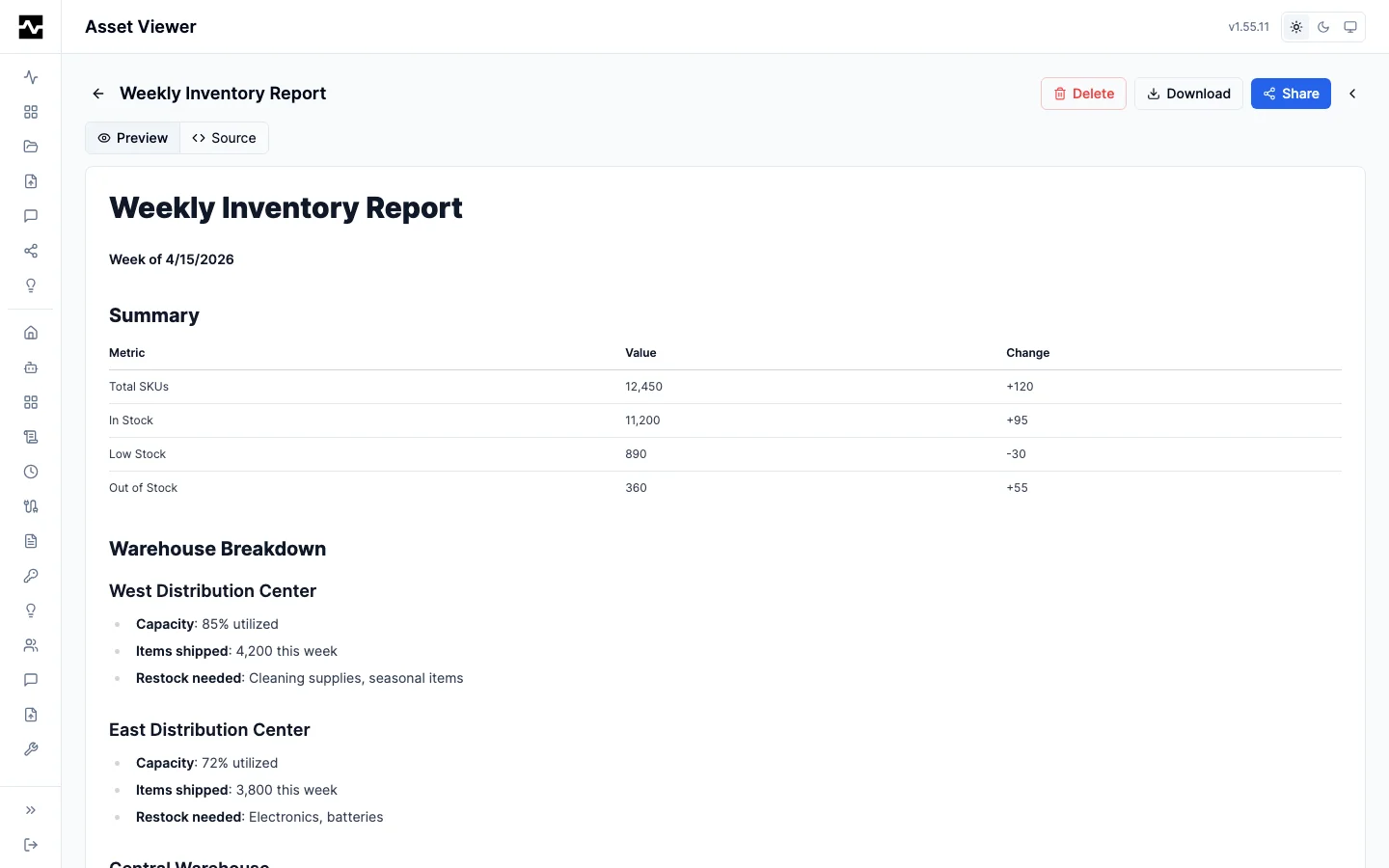
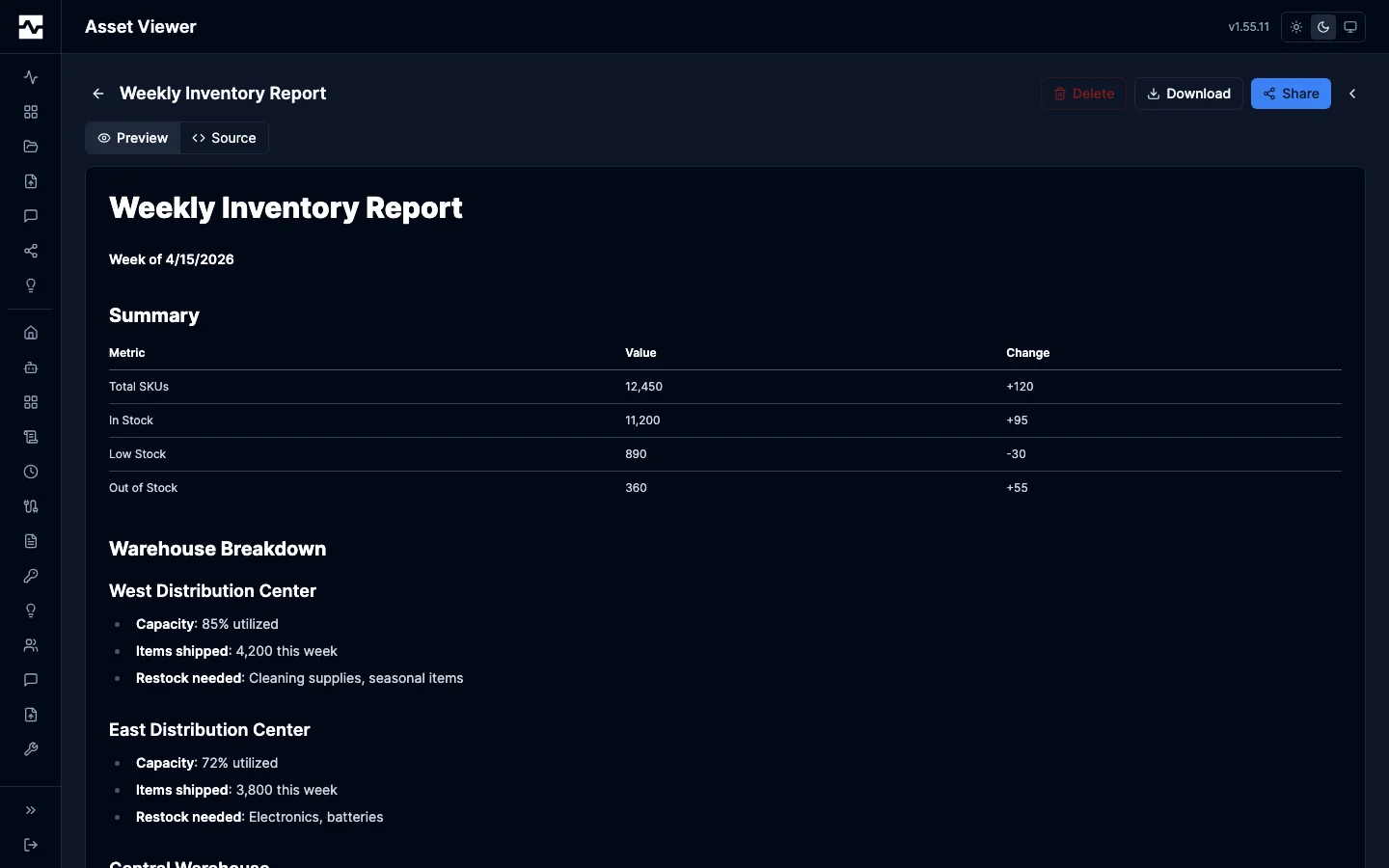
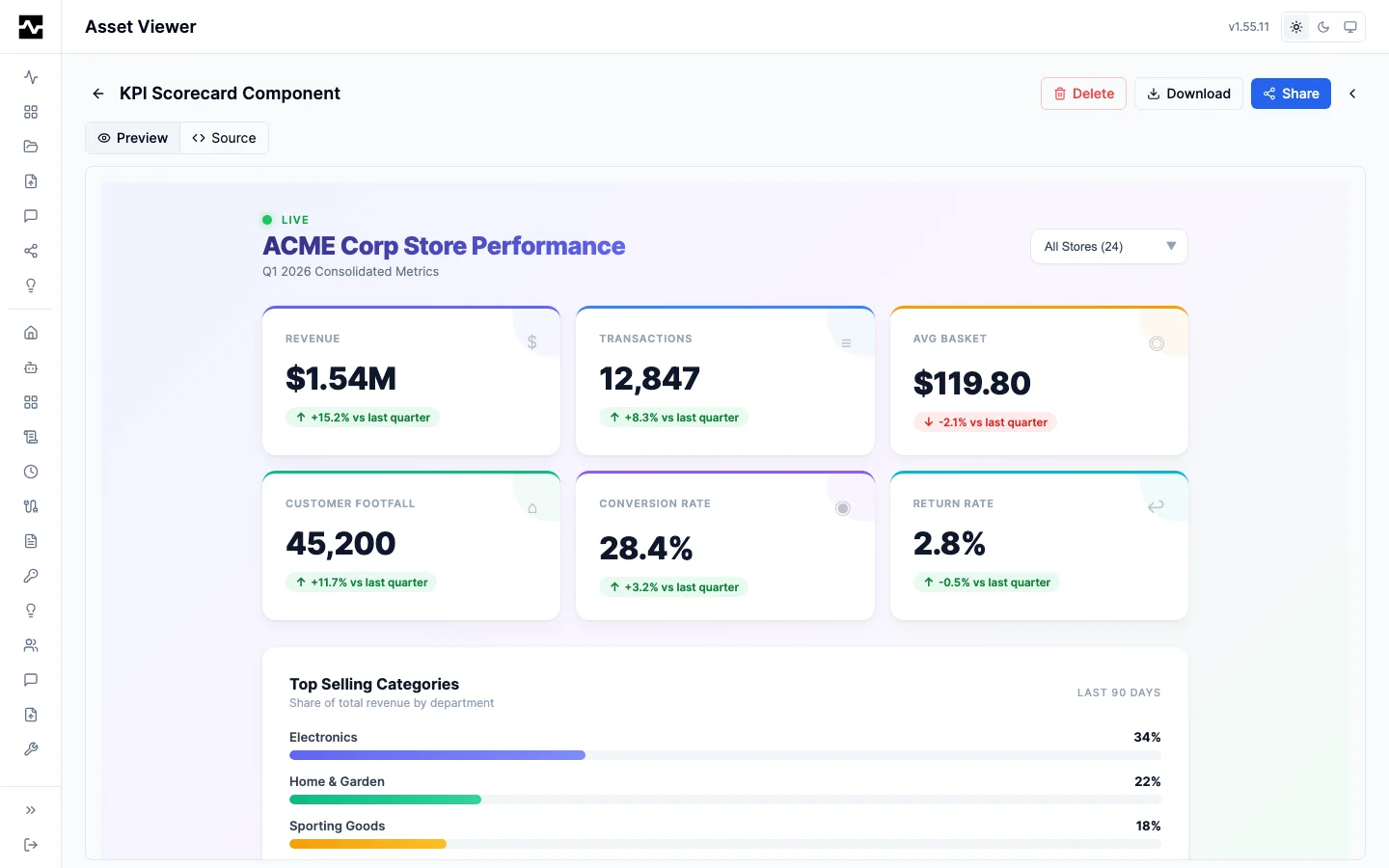
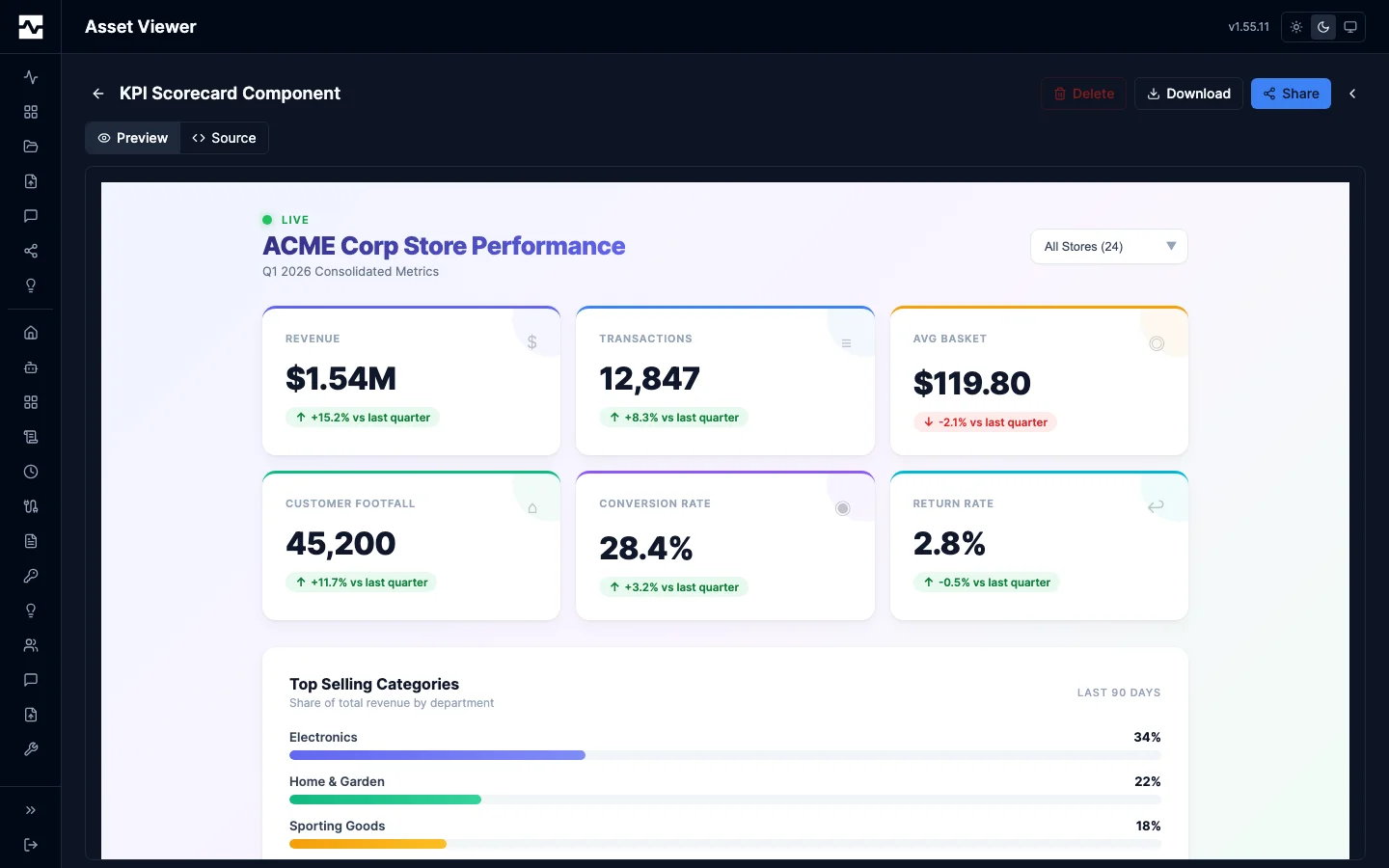
The formats a report is usually written in, as the asset viewer renders them. Markdown, HTML and JSX are one family in the table above -- Markup -- and each gets its own renderer within it. Markdown, with mermaid, GFM tables and highlighted code:
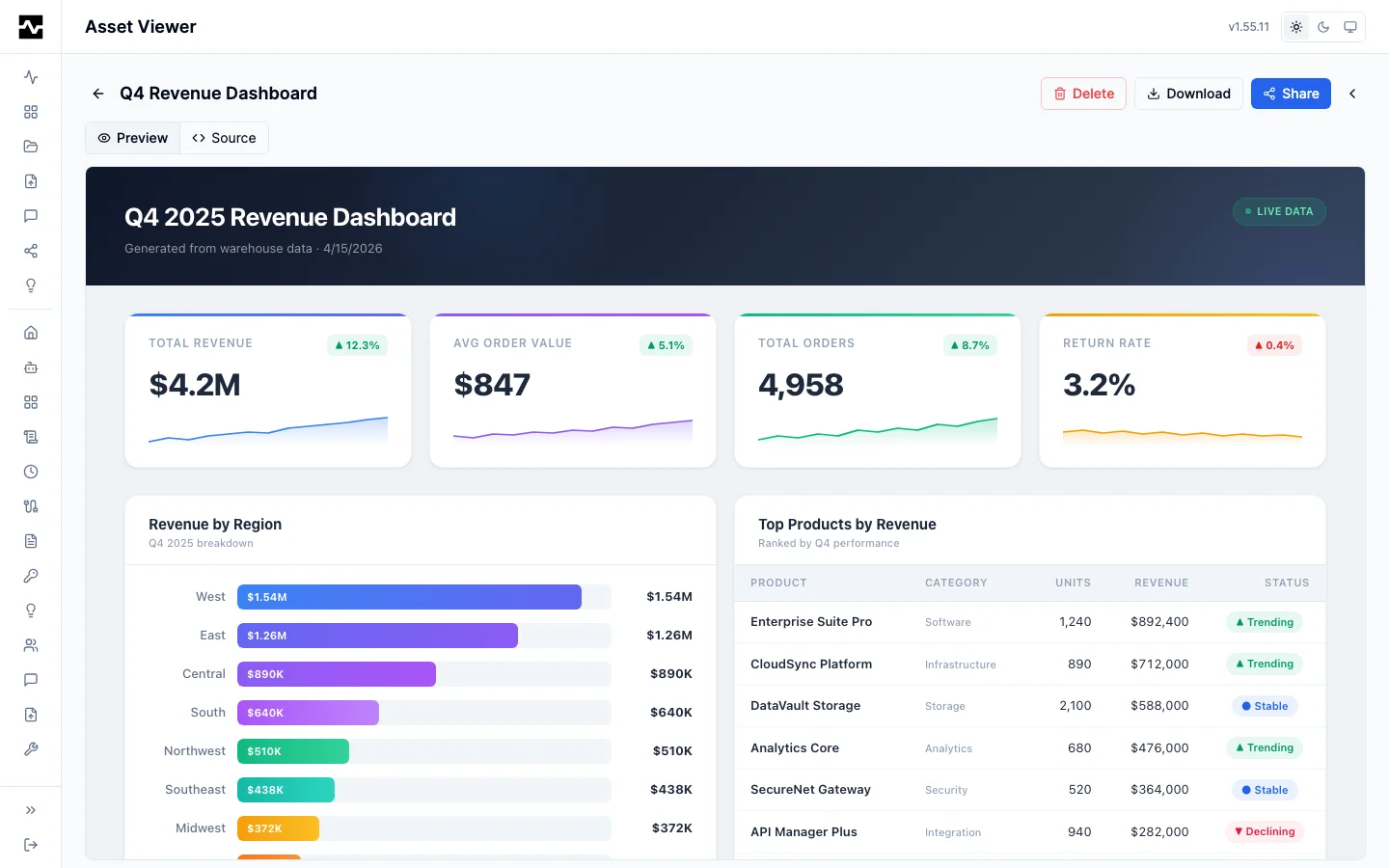
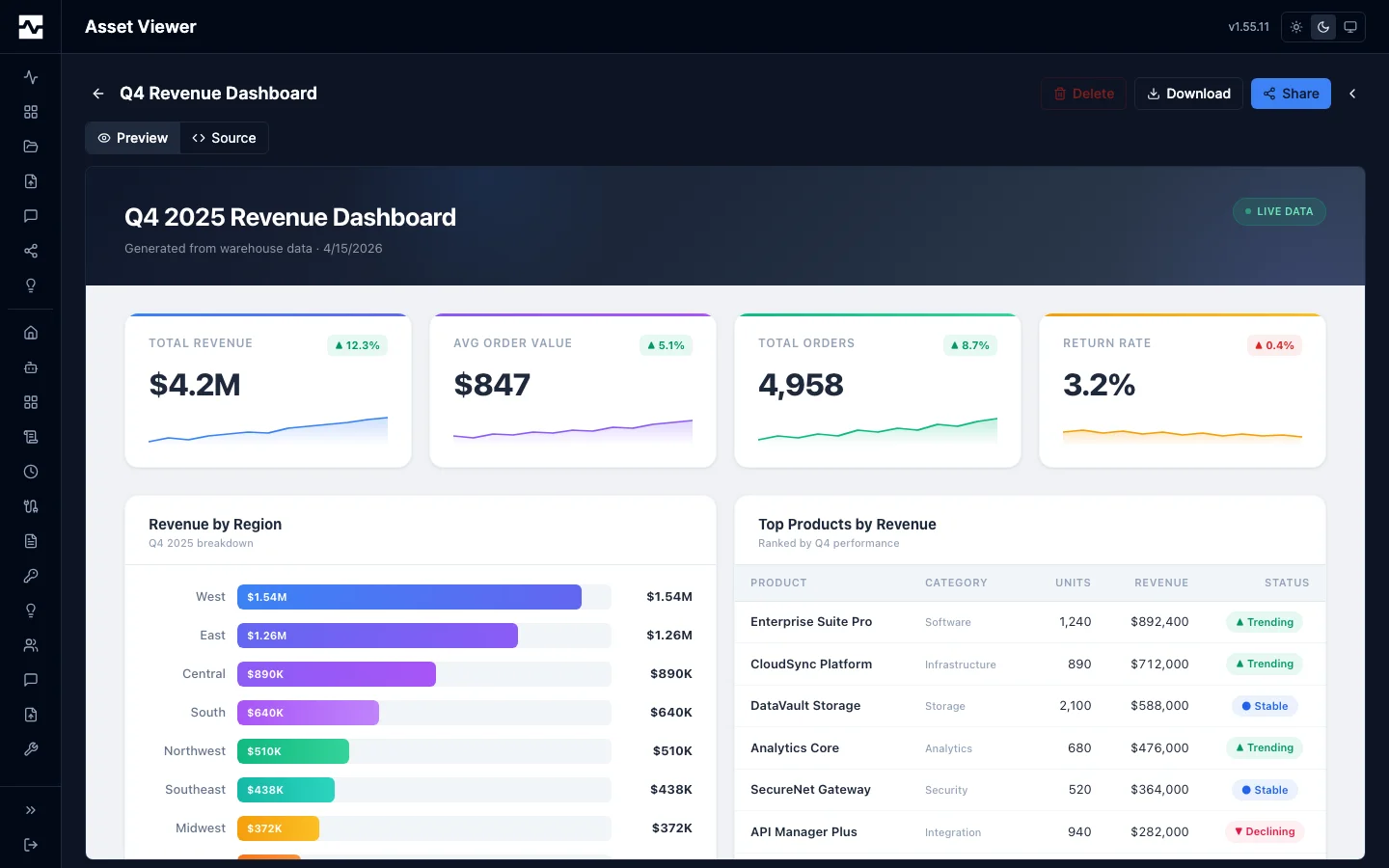
HTML, sandboxed, and a JSX artifact, which runs under a policy of its own
(see The JSX artifact's own policy). The HTML
frame is an srcdoc document rather than a blob: URL, so a root-relative path
in the artifact resolves against the page that framed it; that is what lets a
deck load the slide runtime the platform serves at /portal/vendor/reveal/
(see Presenting a slide deck):
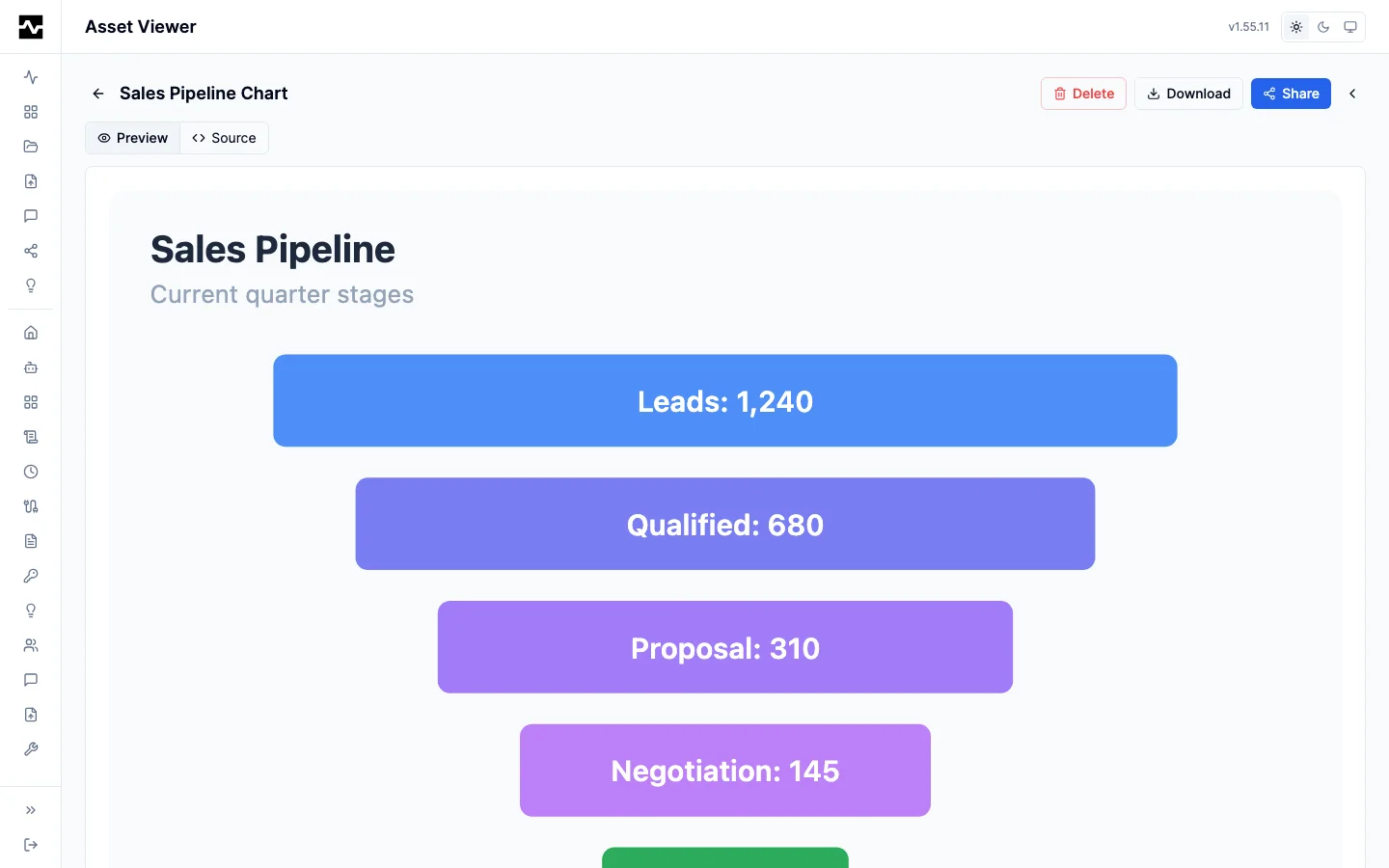
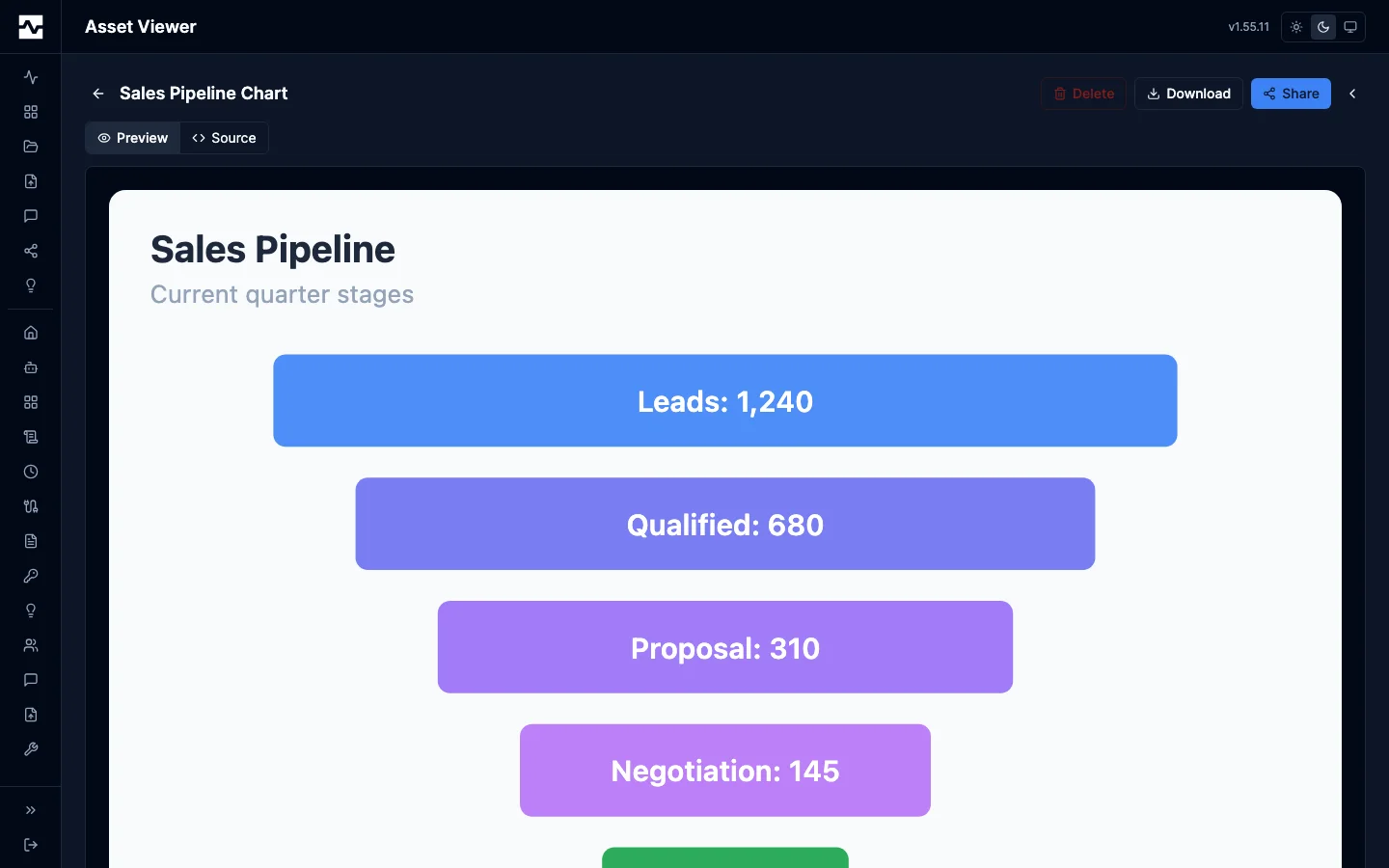
SVG, sanitized and rendered inline rather than framed:
Reading what does not fit a cell
A table cell is truncated, and the row opens the record. A tabular cell is capped so the table can be scanned; clicking a row - or focusing it and pressing Enter or Space - opens that record in a dialog, one field per line, values wrapping at a readable measure, selectable and copyable, with previous and next so reading several records is not close-and-re-aim. It is the row-click every other list in the portal answers to.
This is the pattern for any dense table, not just this one. Truncate in the
table, open the record in a dialog, and never leave something a person needs to
read reachable only through a title tooltip: a tooltip cannot be selected or
copied, does not wrap usefully for a paragraph, does not exist on touch, and
disappears when the pointer moves. The table's job is to find a row; the
dialog's job is to read it.
A field that is absent says so. A CSV record may end before the header does, which is not the same as a field being present and empty, and a table registered over such a file serves null for those columns. The dialog distinguishes the two rather than drawing both as a blank.
The parser's own complaints are shown. A file holding records that do not have the header's fields carries a note under the table saying how many end early and how many carry extra. The viewer used to read the parsed rows and discard the parse errors, so such a file looked complete here while a registration over it named the same records.
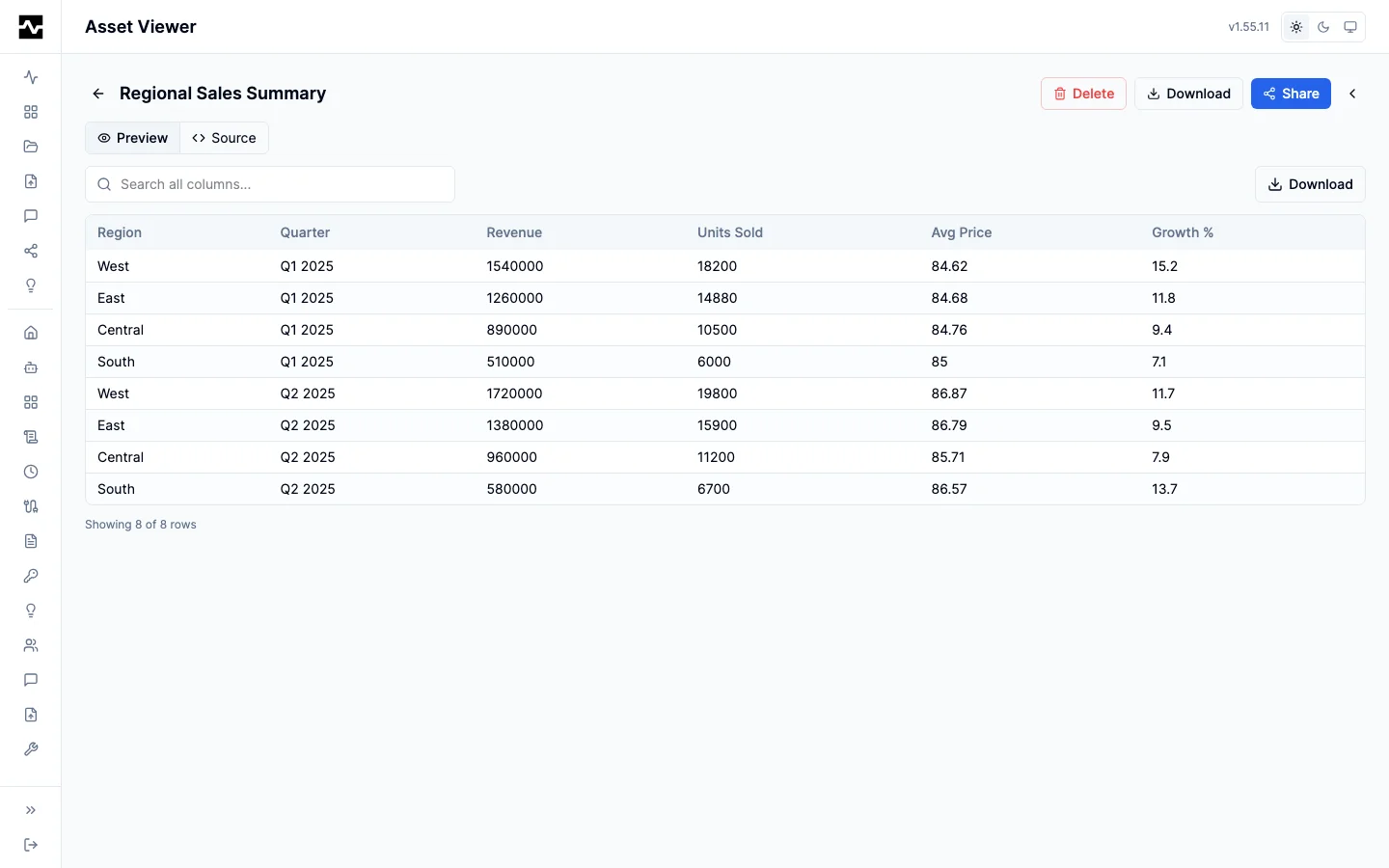
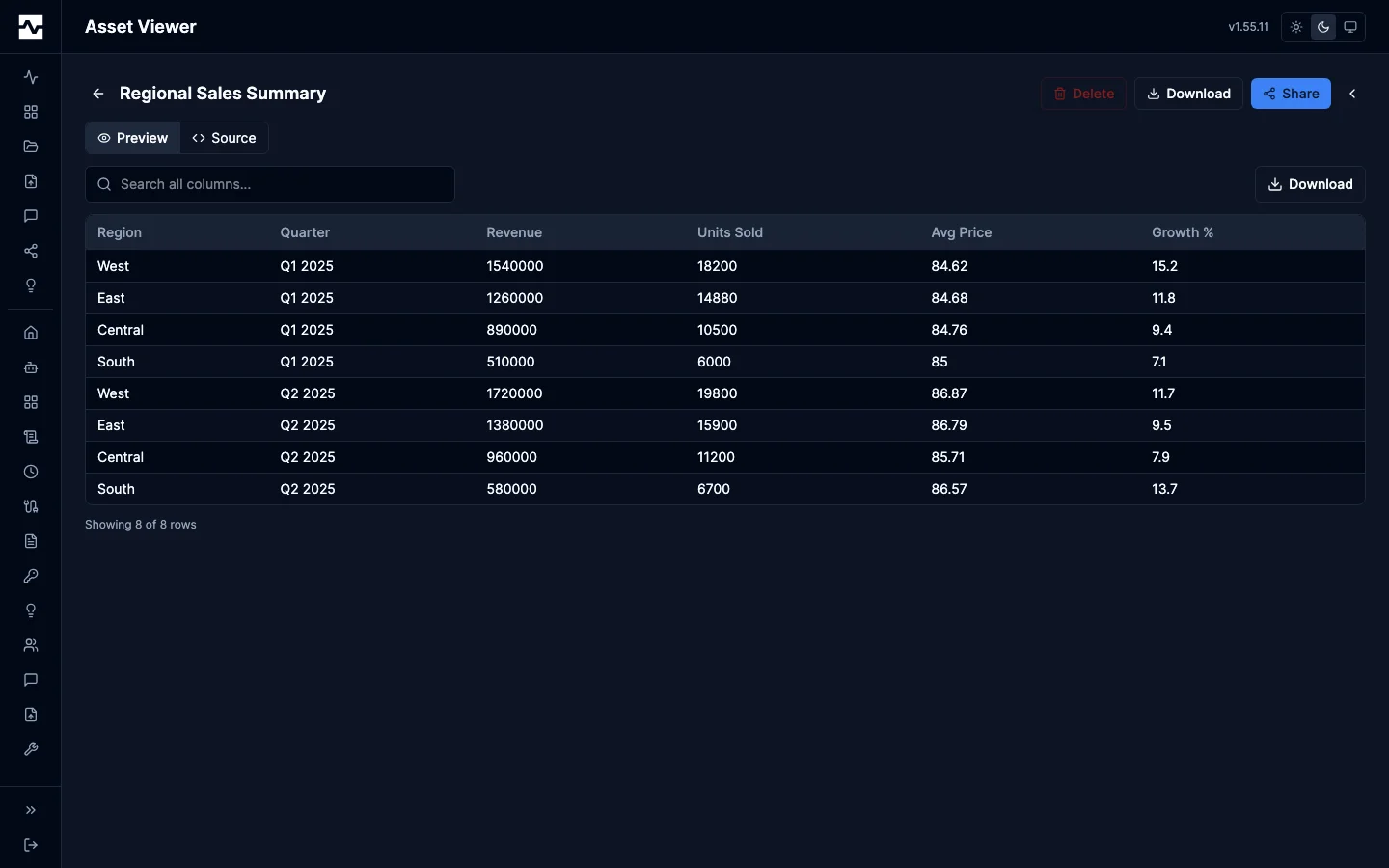
And a CSV, in the sortable, searchable table the tabular family gets:
Size limits
The inline preview limit is per family, not global:
- Media and PDF stream from the content endpoint and have no limit.
- JSON and tabular viewers virtualize, so they hold a much higher limit (32 MB), so a multi-megabyte JSON document opens in the tree rather than being refused.
- Families rendered as one continuous block of text keep a 2 MB cutoff, above which the viewer offers a download.
The asset page, the preview modal and the admin console's asset viewer all read these limits from the one renderer registry, and a file past its family's limit is offered as a download without its content being requested. Before #1874 the content read was gated at a flat 2 MB of its own, so a CSV or NDJSON asset between 2 MB and 32 MB was never fetched and never refused, and the viewer waited on it forever.
A content read that ends without a body, an error status or a dropped connection, shows Could not load this file with the status, a Retry button and the Download link, rather than the loading indicator.
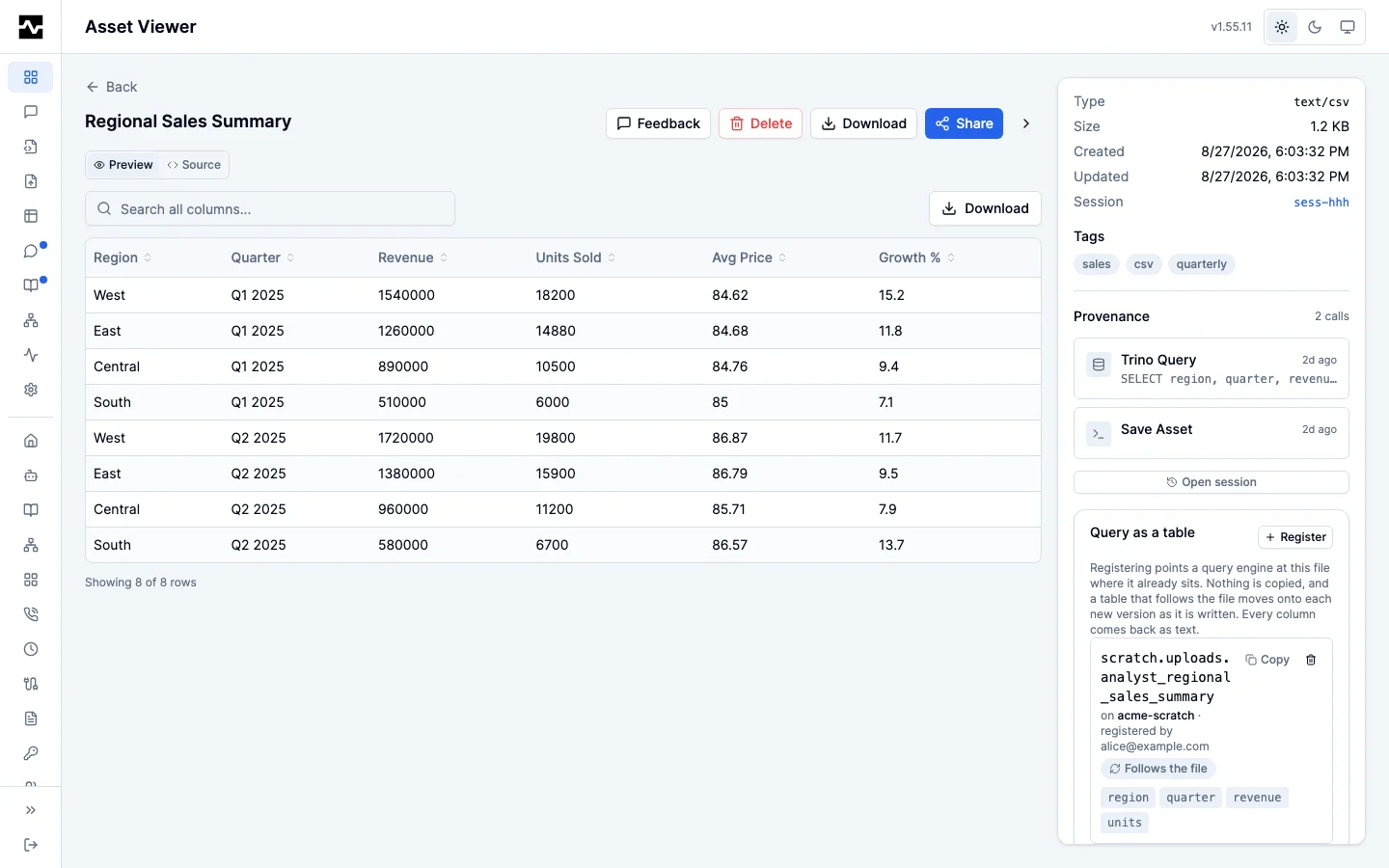
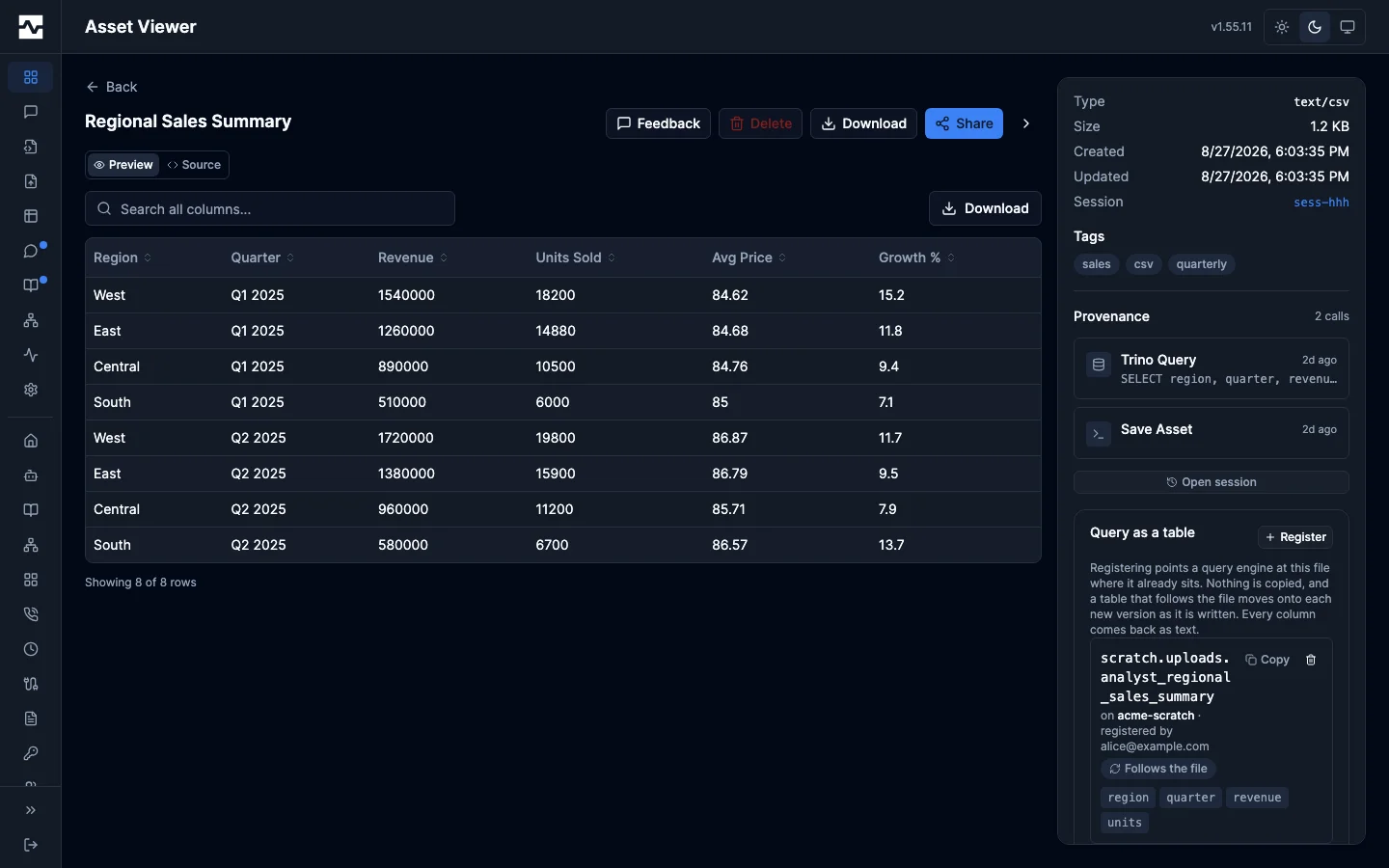
A tabular asset can also be registered as a table and queried, rather than only read — see Registered Tables.
Serving raw content
Every raw-content endpoint (portal assets, asset versions, thumbnails, public
share content, managed resources) writes through one shared code path, so the
guarantees below hold on all of them. The API gateway's raw passthrough route
answers under the same contract: it does not store the bytes it serves, but it
does reproduce an upstream's bytes on the platform's own origin, so the type,
disposition, nosniff and CSP decisions are made in the same place rather than
forwarded from the upstream. Byte-range support and the cache default are the
two items scoped differently there: the passthrough serves no ranges of its own
(it relays the upstream's partial response, Content-Range included, when the
caller asks the upstream for one), and an upstream that states its own
Cache-Control keeps it.
Content-Security-Policy: default-src 'none'; sandbox, on every response regardless of type.default-src 'none'denies the document every fetch it could make and, becausescript-srcfalls back to it, kills inline script, event handler attributes andjavascript:URLs;sandboxwith noallow-tokens puts the document in an opaque origin with scripting off. The header is unconditional on purpose: stored content has no legitimate need for same-origin script here, and a conditional header would make the guarantee depend on the type classification below staying complete.X-Content-Type-Options: nosniff, so a browser cannot decide for itself that atext/plainresponse is really HTML and run it.- A parsed, parameter-free
Content-Type, so a stored value cannot smuggle anything into the header. Content-Disposition: attachmentfor scriptable document types (HTML, XHTML, JSX, SVG, JavaScript, XML and any+xmldialect), which never render inline on the platform's own origin, andinlinefor the passive families a viewer embeds.- Byte-range support, so audio and video elements seek by requesting the range they need instead of downloading the whole object first.
Cache-Control: privateby default, so an endpoint that authorized its caller does not hand the bytes to a shared cache by saying nothing: a response carrying no directive at all is heuristically storable, and a CDN or ingress cache in front of the platform would then answer later requests for the same URL from one authorized fetch. This one is a default rather than an override — a fully public share's thumbnail is genuinely anonymous and setspublic, max-age=3600deliberately. Asset content that asset references are rewritten into is servedprivate, no-cachewith anETagover the served bytes and noLast-Modified, because a references change alters that body without touching the stored object or its time.
The scriptable set is wider than the set of types the sniffer refuses to
promote. XML is safe to name from content, and a viewer shows it as inert text,
but a browser navigating to application/xml builds a document and honors an
<?xml-stylesheet?> processing instruction, so it is served as a download.
nosniff is no help for XHTML or XML: it enforces the declared type, and the
declared type genuinely is a document type.
The PDF viewer deliberately carries no iframe sandbox: Chrome refuses to
instantiate its PDF plugin inside any sandboxed frame, with or without
allow-scripts, so a sandboxed PDF frame shows a broken-plugin icon rather than
the document. The response-level sandbox CSP above is a different mechanism and
does not have that effect — a PDF served under it still renders in Chrome's
viewer through <object>. Containment for PDFs comes from the serving
guarantees above plus the object-src 'self' directive in the public viewer's
CSP.
Binary content is served from these endpoints rather than embedded in the viewer page. The public viewer embeds text content in the page as a JSON string, which cannot carry arbitrary bytes; images, audio, video and PDFs are handed a content URL instead.
The public viewer's Content-Security-Policy carries media-src and object-src
for the audio, video and PDF sources. Active types keep their existing sandboxed
iframe and DOMPurify treatment.
PDF export
An HTML document exports to PDF from a .../pdf route beside the route that
serves its content (#1983):
| PDF route | Prints |
|---|---|
GET /api/v1/portal/assets/{id}/pdf |
the asset |
GET /api/v1/portal/assets/{id}/versions/{version}/pdf |
one version of it |
GET /api/v1/admin/assets/{id}/pdf |
the asset, as an administrator reads it |
GET /api/v1/admin/assets/{id}/versions/{version}/pdf |
one version, as an administrator reads it |
GET /api/v1/resources/{id}/pdf |
a managed resource |
GET /api/v1/resources/{id}/versions/{version}/pdf |
one version of it |
GET /portal/view/{token}/pdf |
a shared asset |
GET /portal/view/{token}/items/{assetId}/pdf |
an asset in a shared collection |
The route reads the document through its content route with the caller's own
request, so it answers exactly who may read the document, and returns that
route's refusal status with its Retry-After, WWW-Authenticate and
Location headers, under a plain-text body of its own. Then it prints the document
in the headless renderer that draws thumbnails, with the document's
backgrounds and at the page size the document's @page rule declares. A deck on
the served slide runtime is printed in the runtime's print view with every
build step of a slide on one page, so the PDF has one page per slide, each at
its last step, in the deck's own colors. A deck that sets view or
pdfSeparateFragments in its own Reveal.initialize options keeps its own
setting. The document loads only its declared references and the served
runtime from the platform, and public URLs through the same egress guard
thumbnails use.
A document that is not HTML is answered 415, and one larger than 32 MiB
413, without the platform holding it. The route answers 503, with the
reason in its body, when no renderer answers, when the document does not finish
laying itself out within 90 seconds, and when the renderer could not print it.
A replica prints two documents at a time and queues the rest; the two share
routes admit six prints a minute per client, burst three, attributed through
portal.rate_limit.trusted_proxies, and answer 429 with Retry-After past
that. The viewer offers Export PDF for the version on screen and not while the
source has unsaved edits. Nothing is printed in the reader's browser.
What the public share page loads
The page carries its own chrome — the theme toggle, the expiry countdown, the modal handlers, the asset's content as JSON — and its stylesheet inline. It does not carry the renderer. The viewer is referenced as a module:
and each family's viewer is a chunk the browser fetches only if the asset it is showing needs it. A markdown document loads the markdown renderer; it does not load CodeMirror, the JSX transformer, the CSV parser or the diagram engine, and a document with no ```mermaid fence does not load the diagram engine either.
The chunks are served from /portal/view/_assets/{file} by the portal handler,
outside both the share access gate and the viewer rate limiter. The gate has
nothing to gate on: no token is in the path, no share is looked up, and the same
bytes are served to every viewer, so gating it would leave every public share
page blank. The limiter is wrong for a different reason — it is sized for share
page loads (60/min, burst 10), and one cold view of a markdown document with a
diagram in it legitimately fetches around thirty chunks at once, which that
bucket would answer 429. Nothing here justifies the bucket either: a request
costs a map lookup and a read from memory, the names are content hashes with
nothing to enumerate, and this matches how the portal's own SPA bundle is
already served. Filenames are content-hashed and served
Cache-Control: public, max-age=31536000, immutable, so the second share
someone opens costs no JavaScript at all.
A chunk that does not arrive — a tab left open across a deploy asks a replica
for a hash it does not have — is caught by an error boundary rather than
blanking the page: <Suspense> does not catch a rejected import(), and
React's own answer to one is to unmount the document. The share page keeps its
metadata and download link and says the preview could not be loaded; the portal
keeps its chrome and offers a reload, which is the fix when the cause is a
deploy that moved the chunk names.
The stylesheet is inline rather than a second request because it is small: it is
compiled against the viewer's own bundle (ui/src/content-viewer.css declares
the emitted chunks as its only Tailwind source), not copied from the portal SPA.
That ordering is why make content-viewer-embed builds the JavaScript before
the stylesheet.
The public viewer's policy
One policy governs two documents, which is what bounds how narrow it can be: the
viewer page, and the untrusted HTML and JSX assets it renders in blob: URL
iframes, which inherit the creating document's policy. The page is served with:
default-src 'none'; script-src 'self' 'unsafe-inline' blob: https:; style-src 'self' 'unsafe-inline' https:;
img-src * data: blob:; media-src 'self' blob: data:; object-src 'self';
font-src * data:; connect-src 'self' https:;
plus frame-src blob: data: 'self' for a single asset, or frame-src 'self'
blob: data: for a collection, whose items open in a same-origin iframe.
script-src 'unsafe-inline'is required by both documents: the page's theme, expiry and modal handlers are inline, and a stored HTML asset's own<script>blocks are the artifact. A per-response nonce would cover the page and blank every HTML asset, since the inherited policy would reject script the server never saw. What isolates an artifact is the frame —sandbox="allow-scripts allow-downloads"withoutallow-same-origin, so artifact script runs in an opaque origin;allow-downloads(#2127) lets a download the reader starts go ahead.script-src 'self'is what lets the page load the viewer bundle from/portal/view/_assets/and fetch the rest of its chunks. On an https deploymenthttps:already covered it;'self'is what makes a plaintext deployment work too. It grants the server's own origin, which is where the page came from, and resolves to nothing inside an artifact frame, whose origin is opaque.script-src https:is required because assets legitimately load third-party script: the JSX renderer resolves react, react-dom, recharts and lucide-react from esm.sh through an import map, and stored HTML artifacts reference CDN libraries directly. Plainhttp:is not permitted — an https page blocks it as mixed content anyway, so allowing it only widened the policy for plaintext deployments.script-src blob:stays becauseworker-srcfalls back throughchild-srcto it, so dropping it would refuse an artifact its own web worker. It widens nothing: a blob URL can only be minted by script that is already running, which'unsafe-inline'has already permitted.'unsafe-eval'is not granted. Sucrase transforms JSX in the parent page and the frame runs the result as a module, so no viewer path evaluates source at runtime. An artifact that callsevalornew Functionis refused.style-src,img-srcandfont-srcstay permissive for artifacts that style themselves inline and pull images and webfonts from arbitrary hosts. All three are passive.style-srcalso names'self', for the reasonscript-srcdoes: the slide runtime served under/portal/vendor/reveal/is stylesheets as well as script, and on a plaintext deploymenthttps:covers neither.connect-srcis there for artifacts. No viewer path issues a request it governs — content URLs are handed to elements, which answer toimg-src,media-srcandobject-srcinstead.
The JSX artifact's own policy
A JSX artifact is not served as a document. The renderer transforms the source with Sucrase in the parent page and builds an HTML document around the result, which the frame loads from a blob: URL — so that document carries a <meta http-equiv="Content-Security-Policy"> of its own, tighter than the page policy it also inherits. It grants 'unsafe-inline' script, the esm.sh import map, and Google Fonts, and nothing else; default-src is 'none' and 'unsafe-eval' is not granted.
That document also carries <meta name="viewport" content="width=device-width, initial-scale=1">, which the artifact itself cannot add: a JSX asset is a component, and this is the only document written around it. Without it a phone browser lays the frame out at a notional desktop width and scales the result down, so a component that reflows correctly is still read at a fraction of its type size. An html asset is its own document and declares its own; the rules for that are on the built-in knowledge page mcp:knowledge_page:platform-documents-that-fit-any-screen.
Three directives carry one platform source beyond that: img-src, font-src and connect-src name the reference route on the origin the viewer is being read from, written with its path (https://host/portal/refs/) rather than as a bare origin. That is what lets a JSX dashboard show a referenced logo, declare a referenced font in an @font-face rule (#2062), and load a referenced CSV or JSON at render time (see asset references); the path keeps the grant to that route, so the frame still cannot reach the portal API, the admin API, or anything else on the host. The origin comes from the viewer's own location and never from the artifact's content: an origin read out of the content would let an artifact name any host it liked and be granted it.
A deployment whose portal.public_base_url names a different host than the one the reader is browsing is the case this does not cover — the rewritten URL is then cross-origin to the page and outside the source. That configuration already splits a share page from its own links, so the reference route follows the page rather than guessing a second host.
The policy is enforced by the browser and by nothing else, so a change to it is
verified by rendering each family under it rather than by reading the header.
make frontend-e2e-public-viewer drives HTML, JSX, markdown, SVG and a
collection item against a live stack and fails on any blocked resource, and
opens a portal asset page served by the binary. make verify-release runs it
against the stack its acceptance step uses (#2206). It is
not part of make verify: it needs the content-viewer bundle built
(make frontend-build, which the binary embeds at compile time), a running
server (make dev) and network egress to esm.sh, which the JSX family resolves
its imports from. The families served from a content URL — image, audio, video,
PDF, the ones media-src and object-src exist for — have no public share in
the dev seed and are covered by the Go tests instead.