Provenance
An asset saved to the portal says which calls produced it. Provenance is what turns a dashboard into a claim someone else can check: the queries behind it, the API responses it drew on, the reason each call was made, and whether each one succeeded.
What is recorded
Every asset write — save_asset, a content update or patch through
manage_asset, trino_export, api_export — takes a capture: the calls
that write was built from. An asset accumulates one capture per write, in
order, so its provenance reads as the history of what fed each of its versions.
A capture holds two things:
- References. The audit event ids of the captured calls. The audit log is the platform's full record of a call — arguments, identity, persona, connection, timing — and the ids are how an asset points at it.
- A snapshot. The same calls as they stood at write time: kind, tool, connection, statement or request line, stated purpose, outcome, duration, and timestamp. Audit rows are retained for a fixed window (90 days by default) and assets are not, so the snapshot is what keeps an old asset able to answer the question after its audit rows have aged out.
Each captured call carries a kind, because assets are built from queries and from API invocations alike:
| Kind | What it is | What the call carries |
|---|---|---|
sql |
A statement run against a query engine | statement, connection |
api |
An HTTP invocation through the API gateway | request, method, path, operation_id, connection |
tool |
Any other data-access call (catalog lookups, object reads, upstream MCP tools) | summary — what the call addressed |
The request on an api call is what it asked for: the path it addressed with
the values it passed substituted in, the query string it sent, and its request
body on the line below. A call addressed by operation_id carries no path of
its own — the template the values went into is in the connection's API catalog
— so the capture resolves it there and records the path the call took. When the
catalog no longer resolves the operation, the request records the operation and
the values it was given, which still tells two calls to it apart. It is bounded:
a large body is cut and marked, and the audit log keeps the full arguments for
as long as the row is retained.
A failed call is captured with outcome: "error" and its error message. A
query that failed is part of how an answer was reached, and hiding it would
make the record of the work untrue.
The purpose on each call is the one sentence the caller stated for it (see Audit Logging). It is why an asset can say not only what ran but what it was for.
How the calls are chosen
By default, a capture holds every data-access call the session made since its
previous capture in that session. Saving a second asset in the same session
therefore records the calls made since the first save, not the whole session
again. The boundaries are the writes themselves: save_asset, any *_export
tool, and a manage_asset content edit.
That default window is the record of what the session did. It is deliberately wide, and being in it is not a claim that a given call produced the asset: a session that read a notification history and looked up a user before saving had both captured, and neither answered the question the asset answers. What distinguishes the two is naming, described below, and the call catalog derives a call's outcome from naming rather than from the window.
Calls the platform serves for its own bookkeeping are never an asset's source: saving an asset, managing memory, searching the catalog. What counts is the toolkit a call was routed to — the query engines, the API gateway, the catalog, object storage, and upstream MCP gateways.
The sources are resolved by reading the audit log, not by accumulating state in the serving process. That is what makes a capture correct in a multi-replica deployment: the calls a session made against one replica are recorded by an asset saved through another.
Naming the sources exactly
An agent that knows which calls produced the content can say so, and should: naming is the only evidence the platform has that a call answered anything. Every data call's result carries its own identifier:
{"call_reference": {"call_id": "8kQ2f1uVQ2S1p0aT4Hn2Zw", "reference": "mcp:call:8kQ2f1uVQ2S1p0aT4Hn2Zw"}}
Passing those ids (bare, or in mcp:call:<id> form) as sources on
save_asset or on a manage_asset content edit replaces the default window
with exactly the calls named:
{
  "name": "Q4 revenue by region",
  "content": "...",
  "content_type": "text/html",
  "sources": ["mcp:call:8kQ2f1uVQ2S1p0aT4Hn2Zw"]
}
A cited id only resolves among the caller's own calls. One person's query can never be recorded as another person's provenance, and an id that names nothing the caller ran is dropped, with the capture reporting that it holds fewer calls than were asked for.
The same id names the call in the call catalog,
where the call is a record in its own right: what it was for, what it
addressed, and what came of it. An asset naming a call is what makes that
record read as satisfied; a call the default window swept up reads ran, and
the asset is not listed as an artifact of it. memory_capture takes the same
ids in its own sources for the answer that never became an asset.
Two things name a call, and only these two:
- A caller's
sourcesargument onsave_asset, amanage_assetcontent edit, ormemory_capture. The whole capture is marked cited, and the portal shows a Cited badge on it. - A capturing call's own record of itself.
trino_exportandapi_exportstream the result of a statement into the asset, so that statement is not a call that happened to be in scope — it is the content. The export names it without being asked to, and the portal marks that one call Source inside a capture that also holds the window around it.
Reading it back
The portal's asset page groups provenance by capture: which version each capture produced, whether the agent named the sources itself, and one card per call showing its kind, tool, connection, stated purpose, duration, and whether it failed. A call named as a source inside a capture the caller did not name wholesale is badged Source, which is how an export's own statement is told apart from the session's work around it.
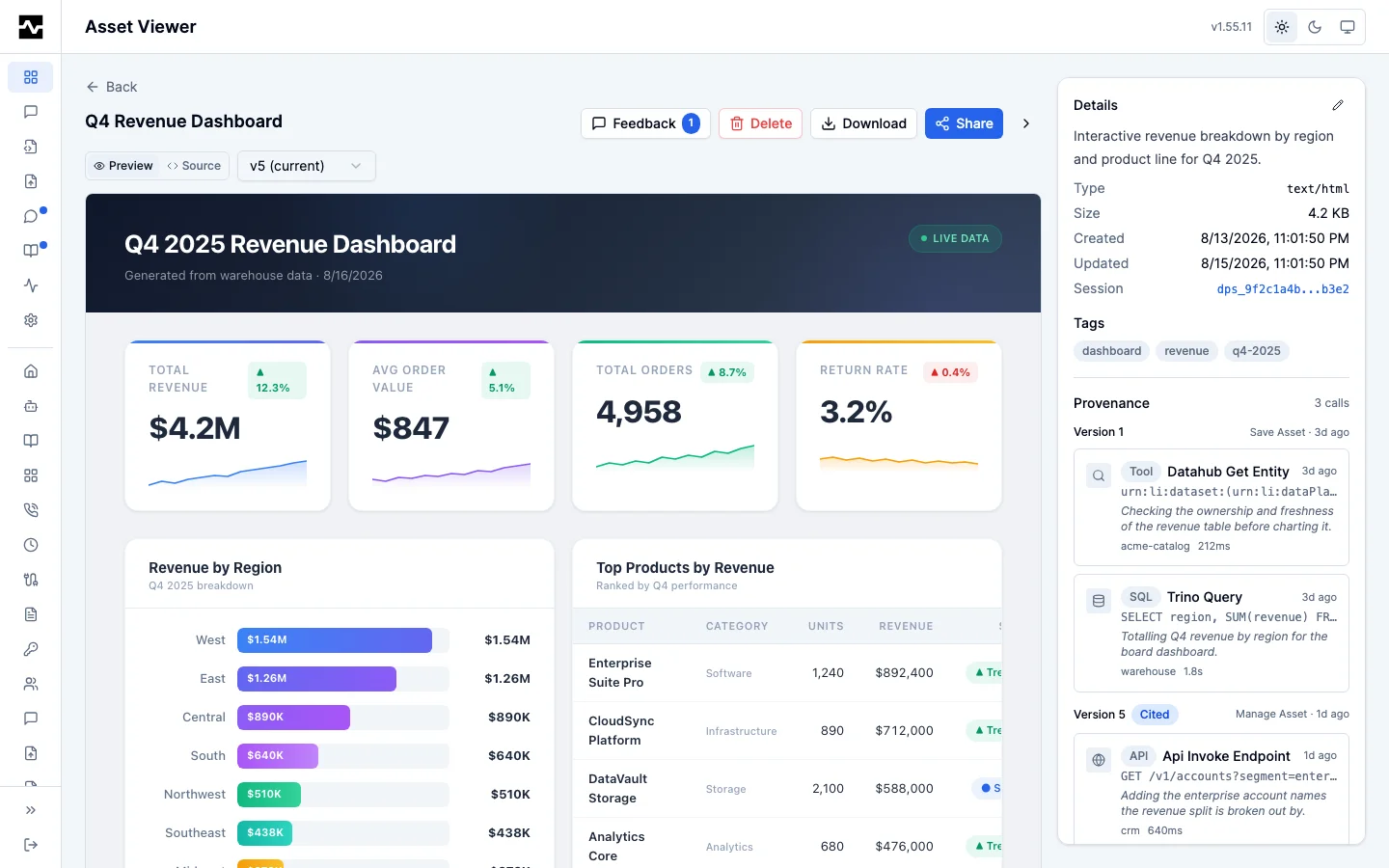
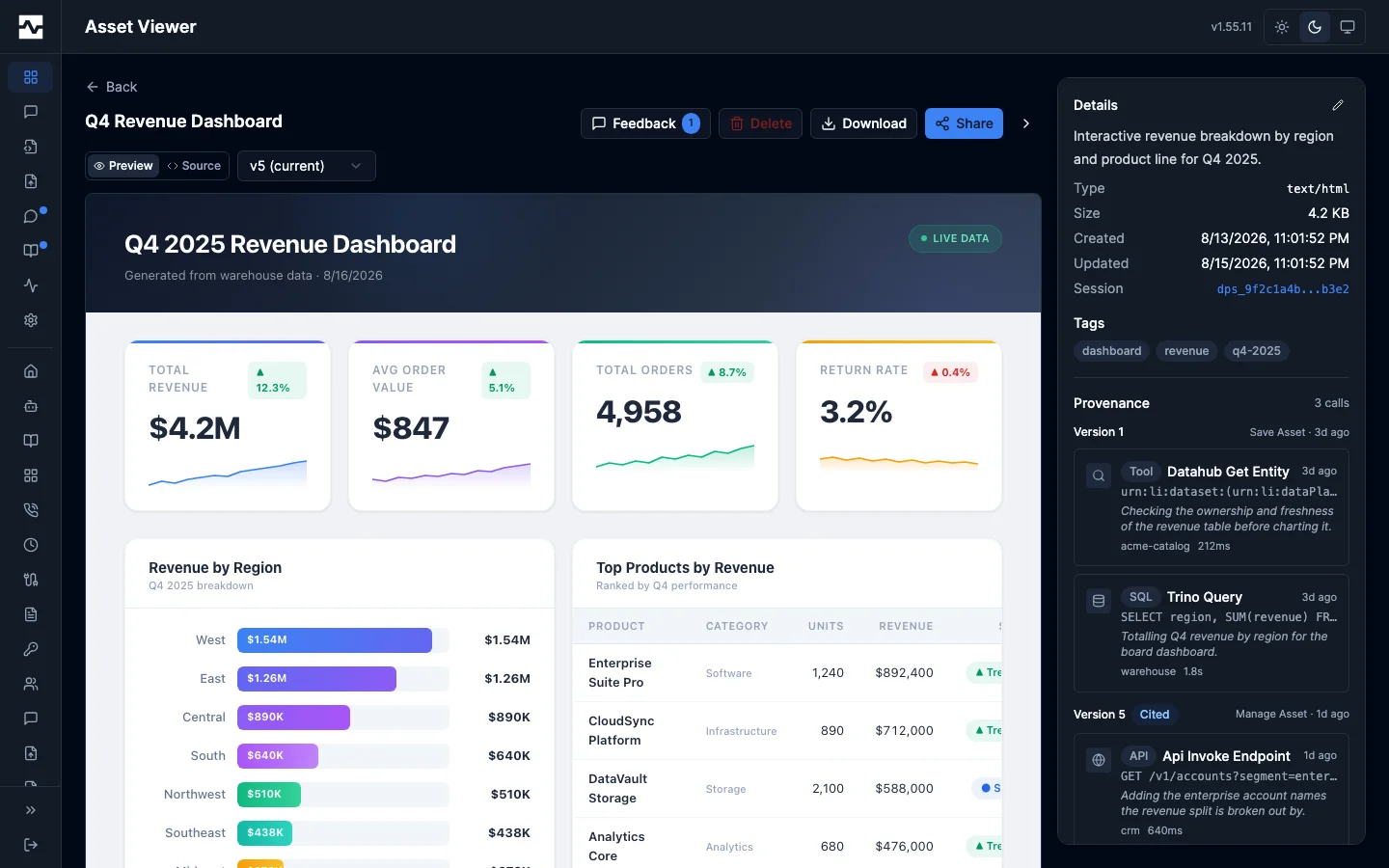
The newest capture is shown expanded. Every earlier one sits behind a disclosure that says how many there are, and each opens on its own. An asset a scheduled script refreshes gets a capture per run, so the panel would otherwise be as long as the asset's whole history. The disclosure counts every capture the asset holds, including the ones the page has not read yet: opening it shows the ones it has and offers a control that loads the next twenty.
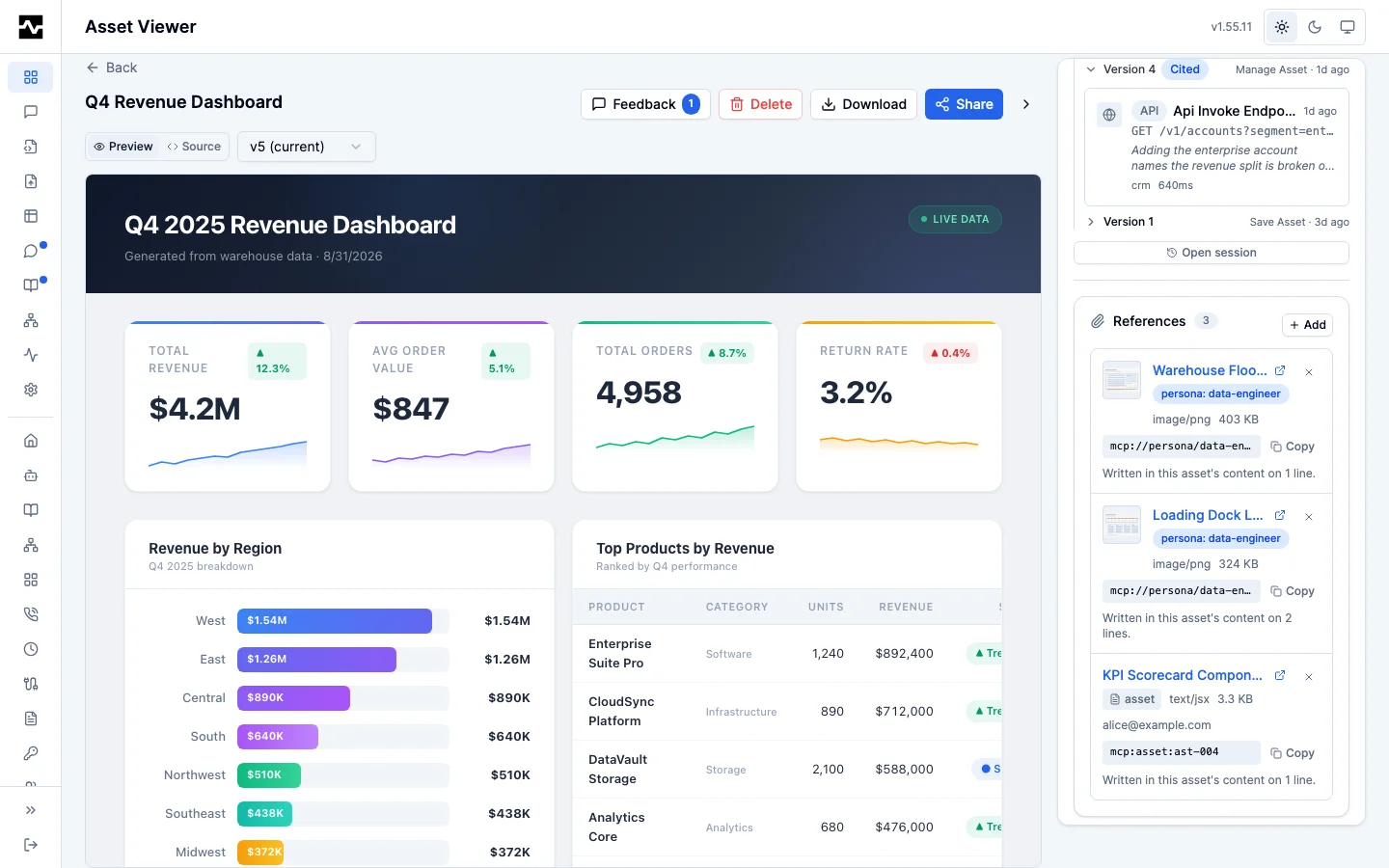
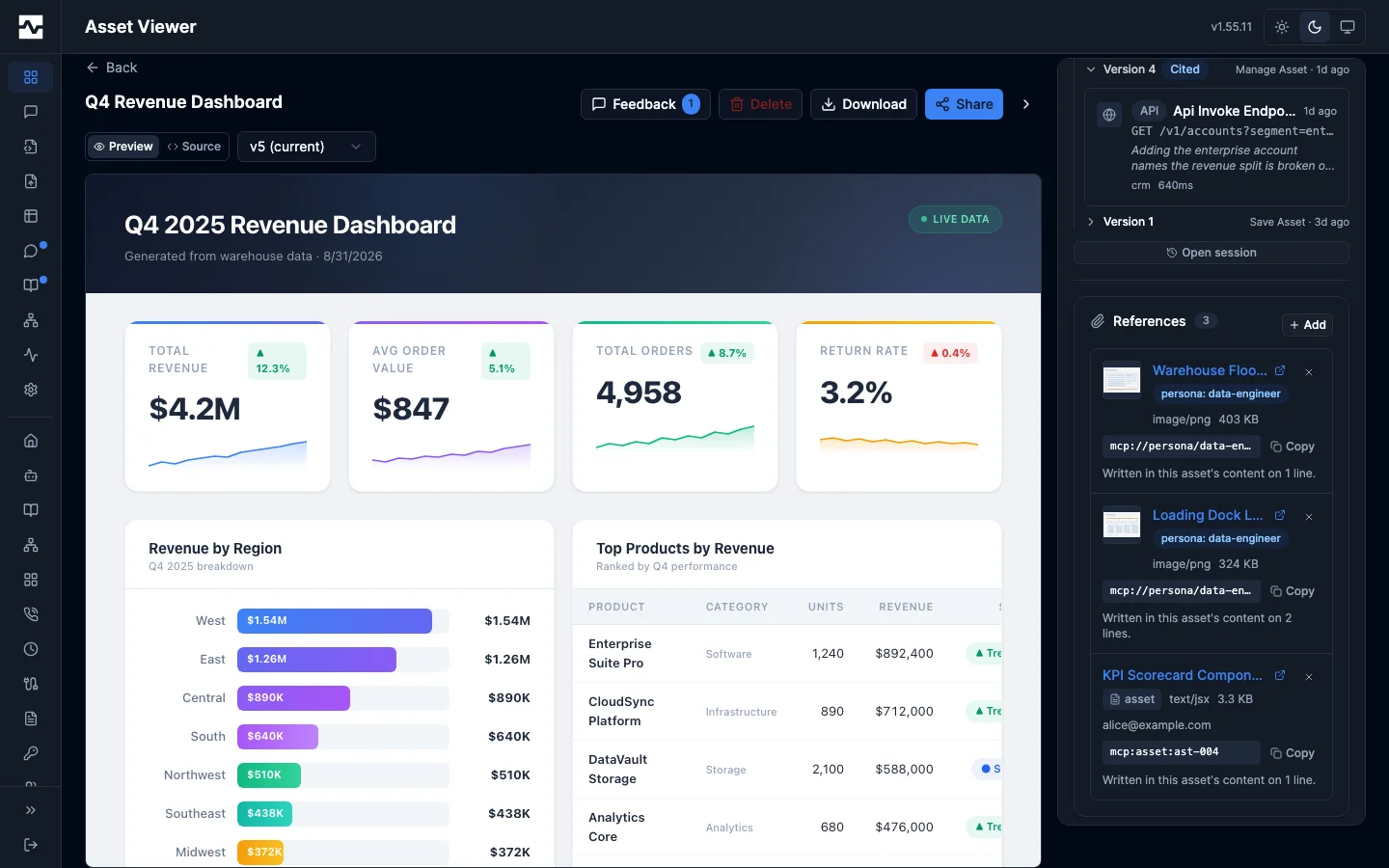
Opening a call shows the full statement or request, its outcome, and its
mcp:call: reference, both copyable.
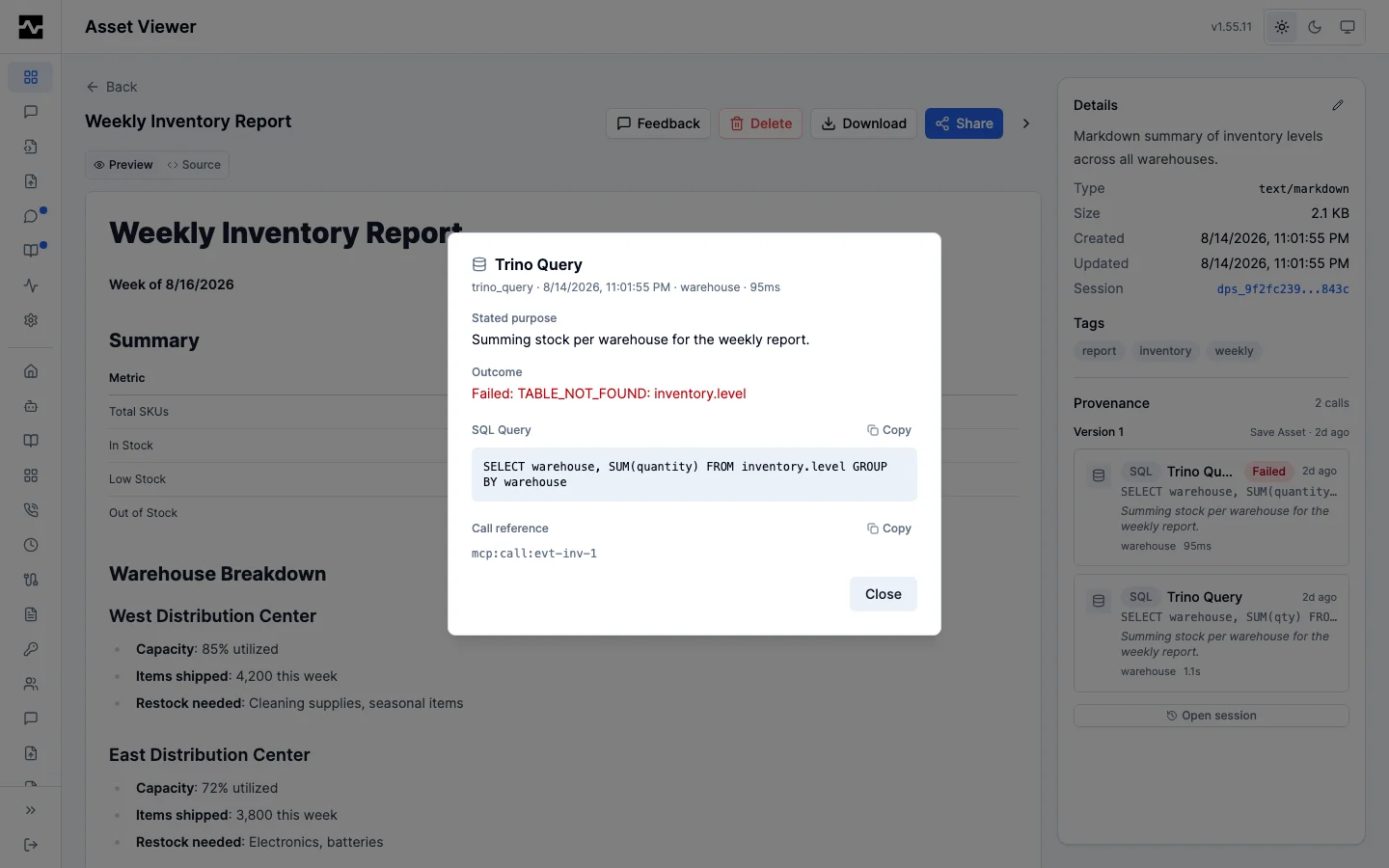
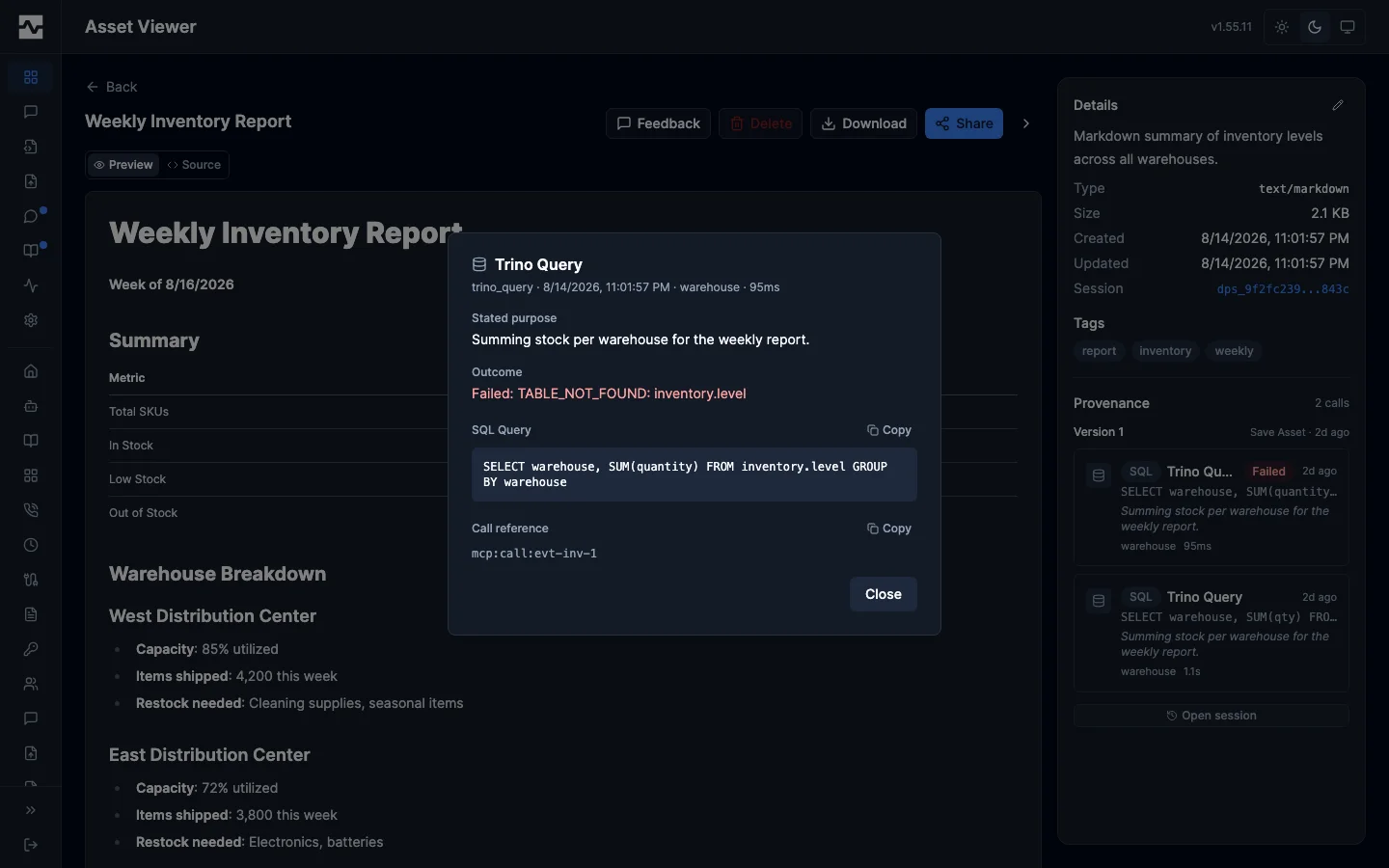
The panel also links to the session the calls belong to, which holds everything that session did — before and after the write.
What each read carries
A capture is appended on every write and nothing removes one while the version it describes is kept, so an asset refreshed on a schedule accumulates them without bound. Reads are shaped around that.
A listing carries a summary, never the captures. manage_asset action=list
and action=search, GET /api/v1/portal/assets, GET /api/v1/admin/assets,
GET /api/v1/portal/assets/search and GET /api/v1/portal/shared-with-me
return provenance_summary on each row and no provenance:
| Field | What it says |
|---|---|
captures |
How many captures the asset holds |
calls |
How many calls those captures record between them |
first_captured_at, last_captured_at |
When the first and last were taken |
last_tool |
The tool that took the newest capture |
last_session_id |
The session it was taken in |
A single asset read carries the newest 20 captures. manage_asset
action=get, GET /api/v1/portal/assets/{id} and GET
/api/v1/admin/assets/{id} return provenance.captures holding the newest
twenty in the order they were written, alongside provenance.captures_total
saying how many the asset holds. An asset with twenty or fewer reads exactly as
it always has, with no captures_total.
The rest are read a page at a time, newest first. manage_asset
action=provenance with asset_id, offset and limit (default 20, maximum
100), and the routes GET /api/v1/portal/assets/{id}/provenance and GET
/api/v1/admin/assets/{id}/provenance with the same two query parameters. A
page carries captures, total, offset and limit; offset counts back
from the newest capture, so offset=20 is the page after the one a get
carries. The page is authorized exactly as the asset is.
What is kept
A capture belongs to the version it produced. When version
retention removes a version, the same transaction removes
its capture, so list_versions and captures_total agree on what the asset
still says about itself. Two captures are kept whatever the cap: the one that
produced version 1, which is where the asset came from, and any capture taken
before the platform recorded which version it produced.
An asset keeping every version (max_versions: 0) keeps every capture. Nothing
prunes there, and the bounded reads above are what keep such an asset readable.
On startup a deployment trims the captures that outlived their versions on
assets written before this rule existed, logging what it removed per asset. It
is a pass rather than a migration because the cap it applies depends on the
deployment's portal.max_versions.
Limits
- A capture records at most 100 calls, and the default window looks back at
most 500 calls for the previous capture. A capture that hit either bound sets
truncated, and the portal says so rather than presenting a partial list as complete. - Capture depends on the audit log. With
audit.enabled: false, with no database, or when a host application supplies its own audit logger (platform.WithAuditLogger, which the platform writes to but cannot read back), an asset records its owner and session but no calls, and data calls are handed nocall_reference. - With
audit.log_parameters: falseor a redacted argument (audit.redact_keys), a captured call still records its tool, connection, purpose, outcome, and timing — but not the statement or request, which are argument values the audit policy withheld. A redacted value renders as the redaction rather than as what it was. - Assets written before provenance was recorded by reference carry a flat list of tool calls with their raw arguments. The portal renders both shapes; the older one is never written any more.