Scratch Tables
A registered CSV is queryable by everyone who has its connection, and until this section existed the only way to find out what a deployment had registered was to open every asset and every resource in turn. Scratch Tables is the list: every registration you may see, whichever kind of file it was built over.
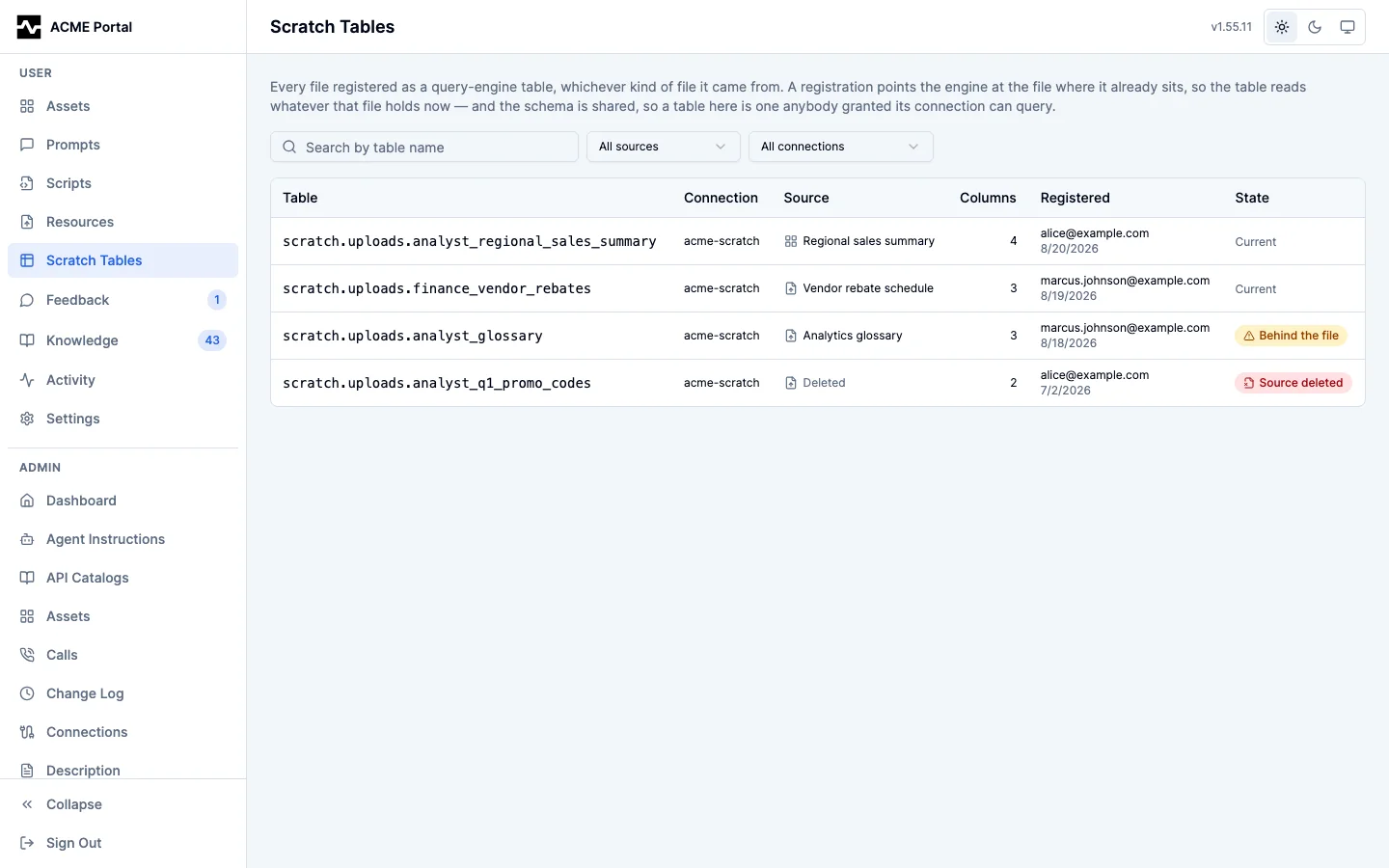
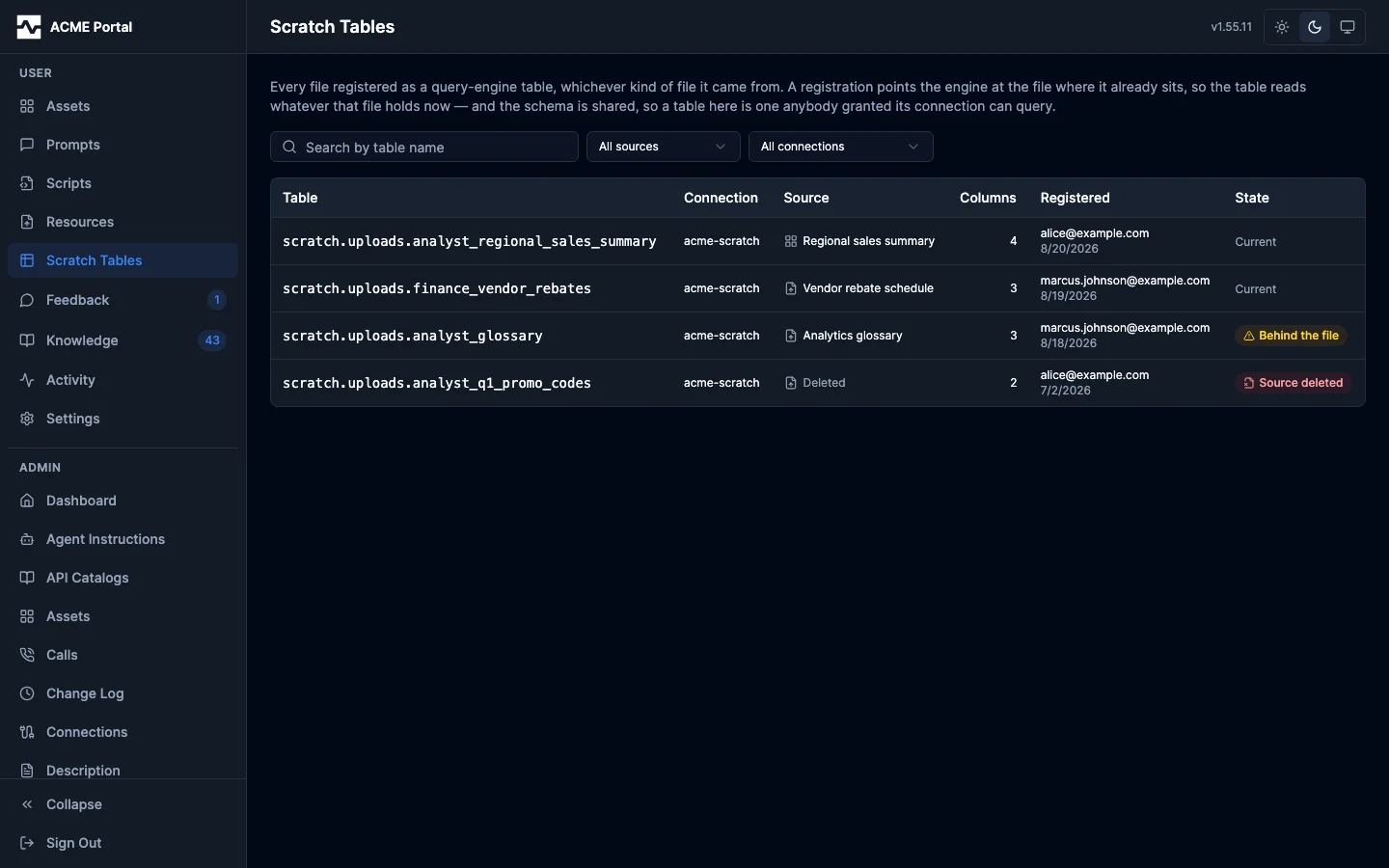
Each row is what you need to use the table and to trust it: the qualified name to write in a FROM clause, the connection it lives on, the file behind it, how many columns it has, and who registered it. Search narrows by table name; the two facets narrow by connection and by the kind of file a table came from.
What you see follows the connection, which is the same boundary the query engine applies — the registrations on connections your persona is granted, and every one of them if you are an administrator. It is wider than the connection list the register form offers, because that one narrows to connections that can hold a new table; a table already registered on a connection that has since been made read-only stays in front of the person who registered it.
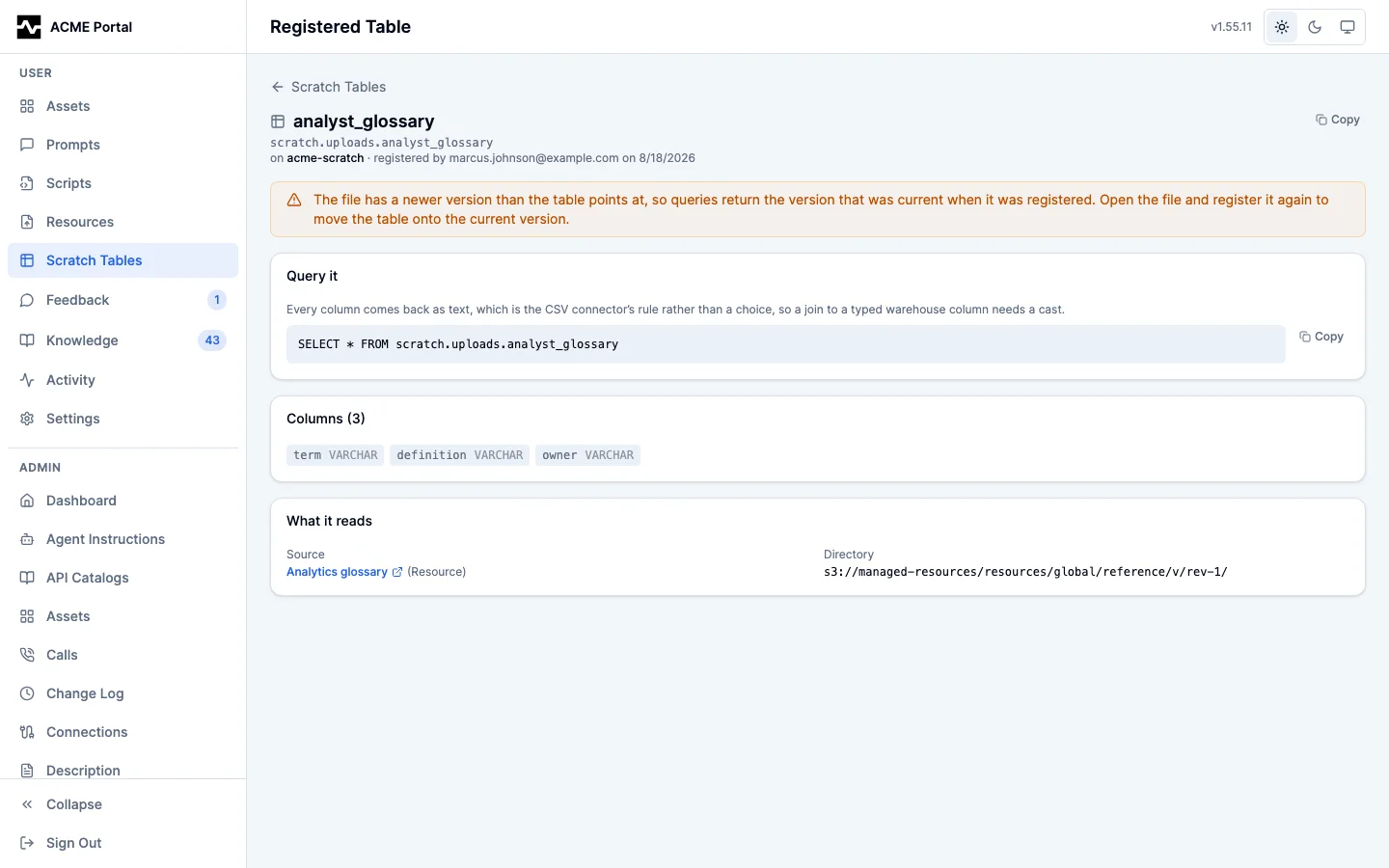
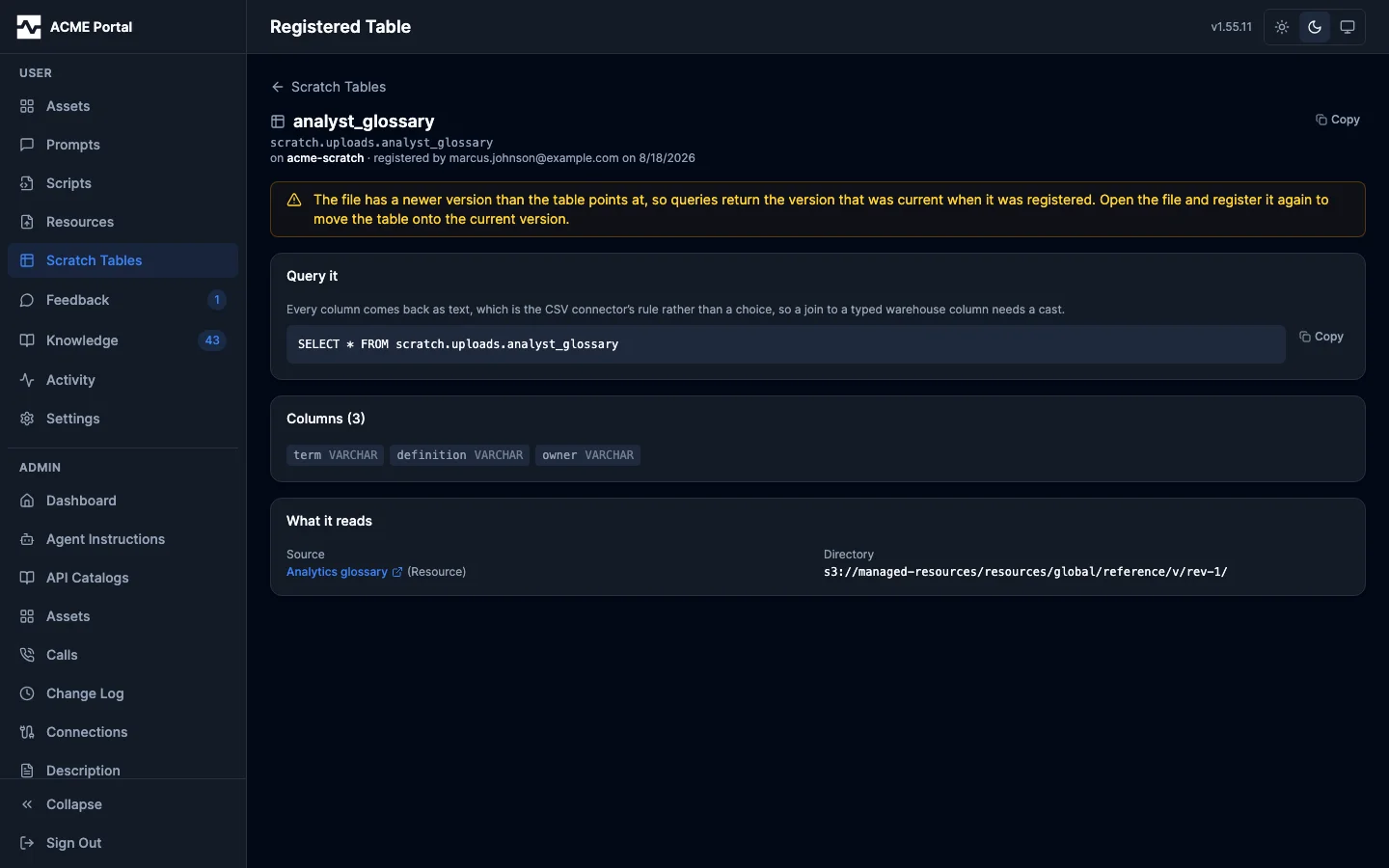
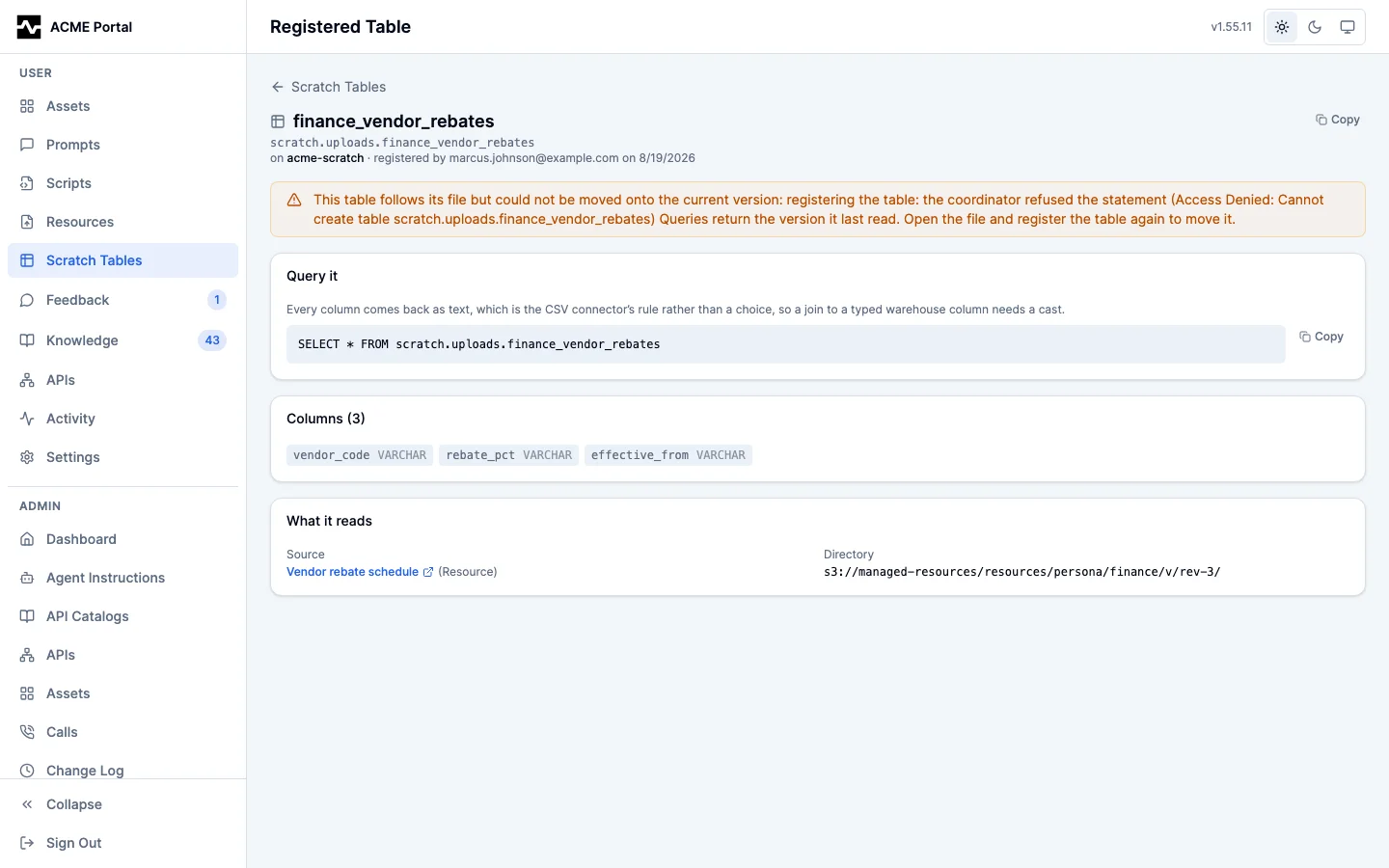
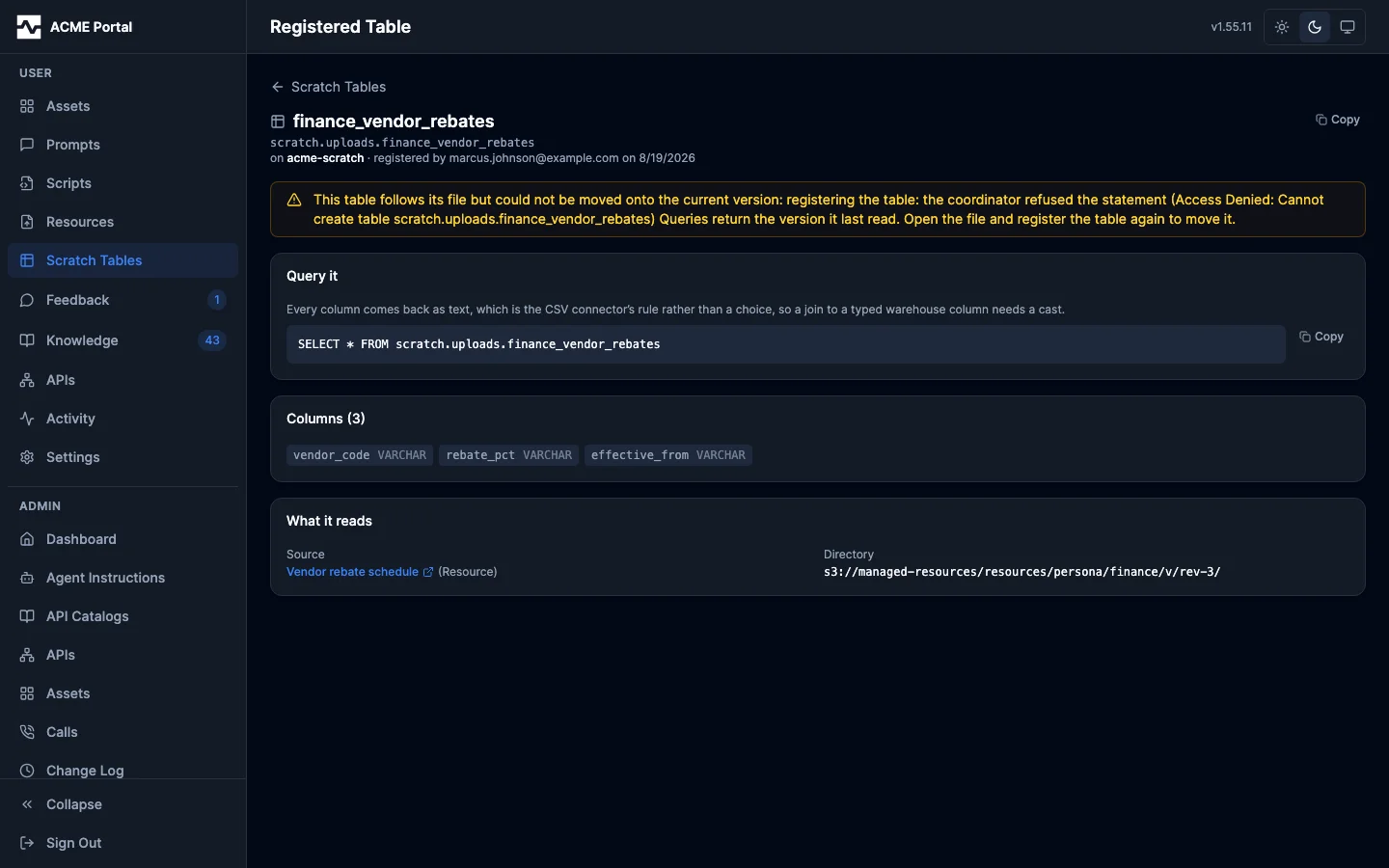
The state column says which rule each table is under. Follows the file is the ordinary registration: each new version written over the file moves the table onto it. Pinned is a registration made with the Follow the file box unticked, which stays on the version it was registered over. Two exceptions are called out. Behind the file means the file has a newer version than the table points at — a pinned table by design, or a following one whose last follow could not move it, with the reason shown — so queries return the version the table last read; open the file and register it again to move the table onto the current one. Source deleted means the file is no longer on the platform, so the table reads a directory whose contents are gone.
Opening a row opens that registration on its own page: the sample statement with the cast a join needs, the columns with their types, the file it came from, and the directory it reads. A following table that was registered asking for its file to be corrected says so there: a new version a query engine cannot read is saved corrected, as the file's next version, and the table moves onto the corrected version. See Correcting the file as it follows.
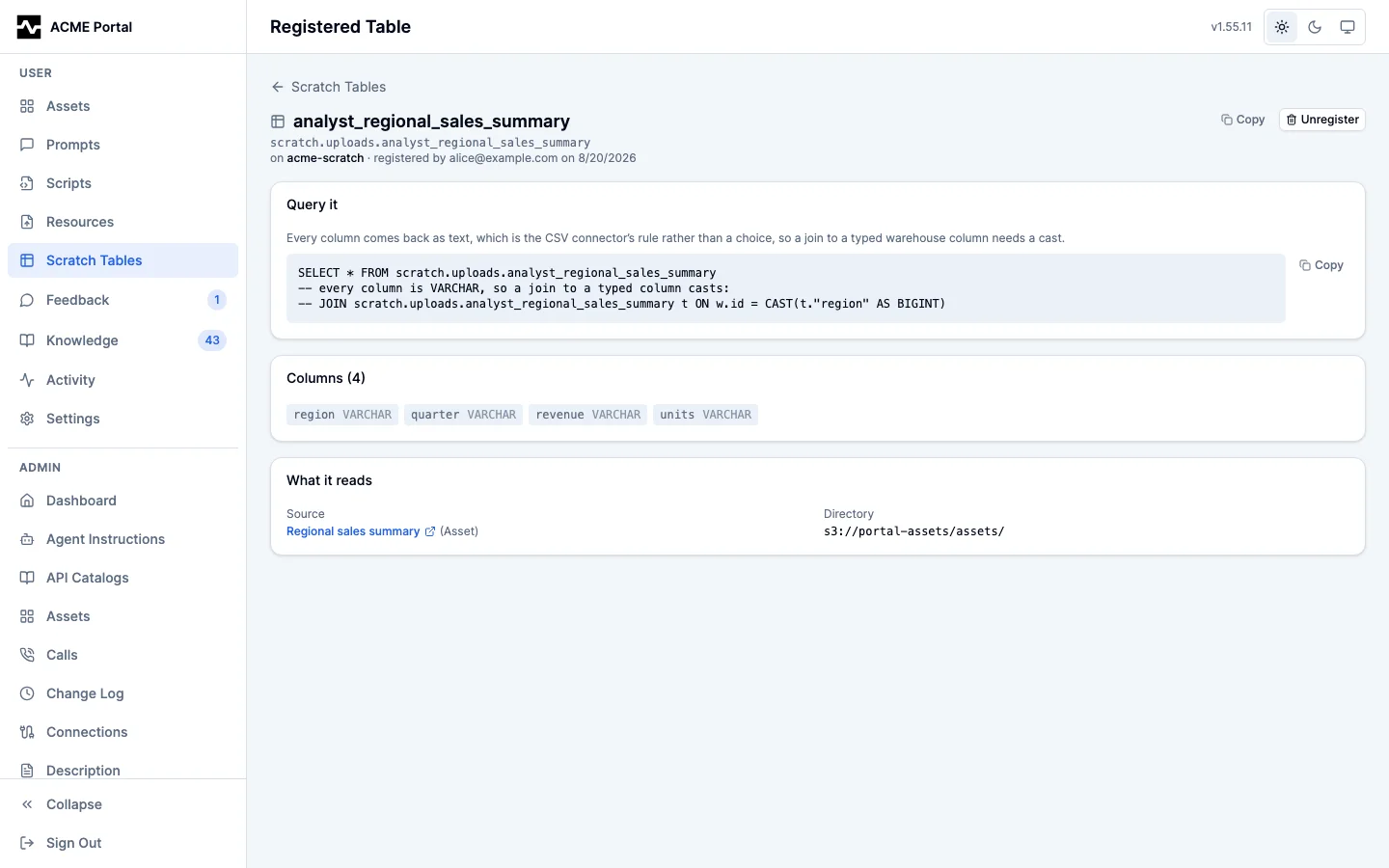
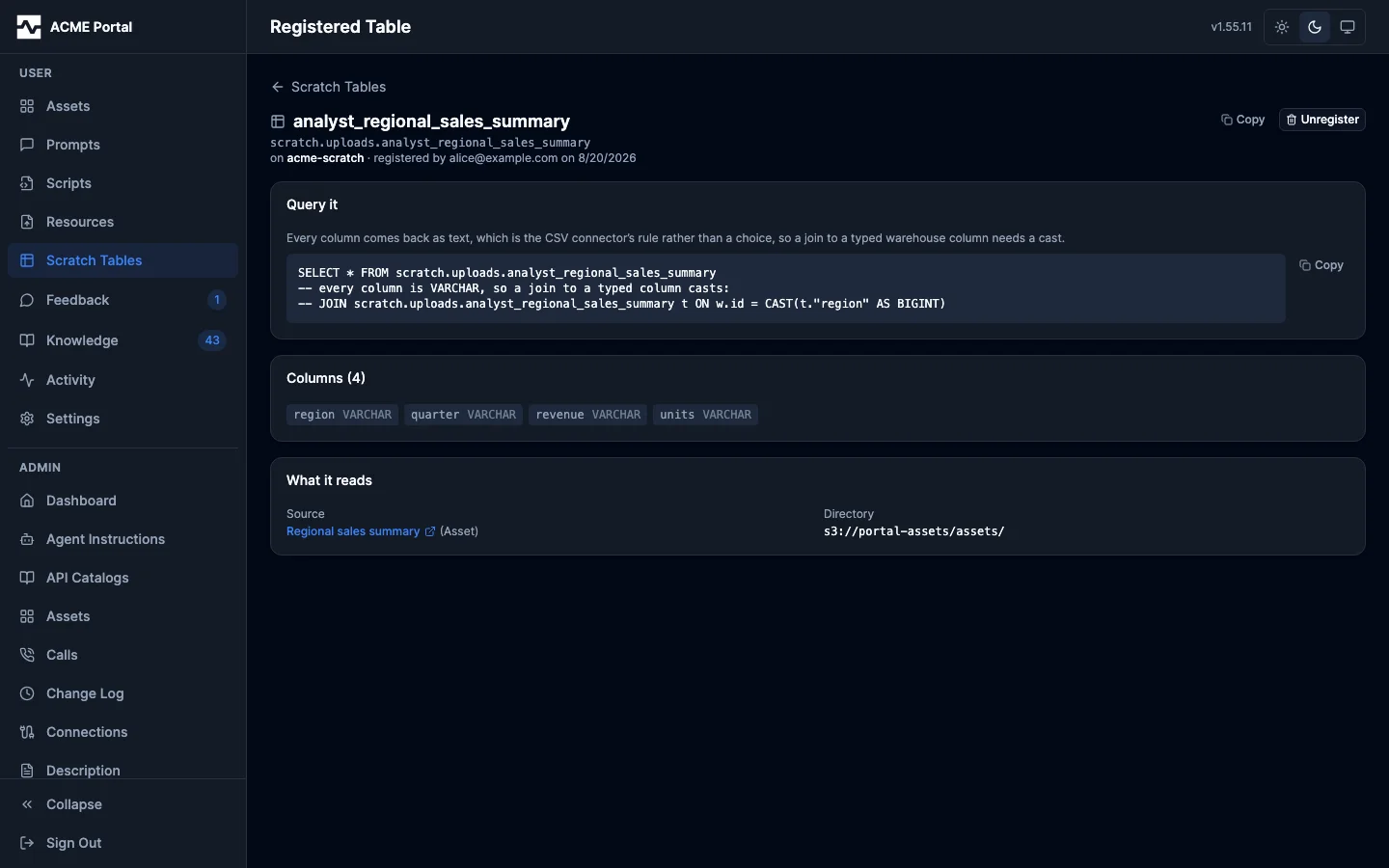
Unregister is there on the tables you may drop — the same rule the file's own panel applies: authority over the file, and having registered the table yourself or being an administrator. Dropping a table leaves the file itself untouched. Registering stays on the file's own page, because it needs the file: the platform reads the header row to learn the columns.
See Registered Tables.